











Popular Ambience Sound Effects Library

Preview these ready-to-use ambience beds, then copy a prompt to regenerate versions with different distance, stereo width, and room tone for your scene.

How to Generate Your Own
Ambience Sound Effects

Cannot find the perfect ambience sound effect you need? Generate custom AI ambience audio effortlessly. Describe the style, such as short clean cue, cinematic hit, subtle background layer, branded UI alert, and Media.io AI builds tailored ambience sound effects instantly. No audio editing experience needed. Turn your concept into a royalty-free, high-quality downloadable WAV ambience clip in under 60 seconds.

1

Describe your ambience

Type or paste a prompt for the scene: location, mood, distance, and any details like room tone, wind, or crowd walla.

2

Choose length and takes

Set duration to 5s, 10s, or 20s, then pick how many variations you want so you can audition different beds quickly.

3

Generate and preview

Click Generate, listen to each result, and keep the version with the cleanest loop, best stereo width, and least distracting texture.

4

Download WAV and use

Download your chosen WAV and drop it into videos, audio drama scenes, apps, games, podcasts, or commercial projects.

What Can You Use These Ambience Sound Effects For?

Creators in every field are using our royalty-free audio to set the perfect mood.

Editor adding interior room tone ambience under dialogue

Dialogue room tone

Fill gaps between lines with matching interior tone so edits do not sound choppy or over-gated.

Establishing shot supported by outdoor ambience bed

Outdoor establishing shots

Set location instantly with forest, beach, or city beds that hold steady while the camera moves.

Cafe ambience with crowd murmur and light utensil texture

Retail and cafe

Create believable public spaces using low-intelligibility walla and gentle clinks without stealing focus.

Dark ambience bed with subtle low-end rumble for tension

Horror tension beds

Use thin, uneasy air tone, distant rumbles, and sparse detail to keep the scene alive without a music cue.

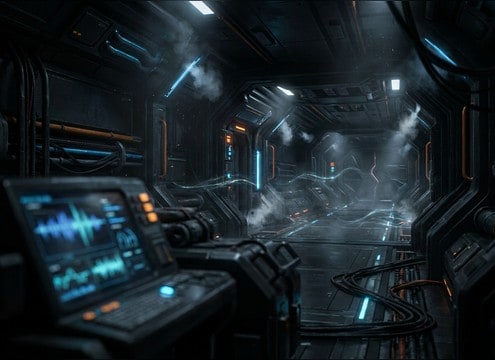
Spaceship interior ambience with steady mechanical hum

Sci-fi ship interiors

Build a constant mechanical hum with controlled low-end and minimal transients for cockpit and corridor shots.

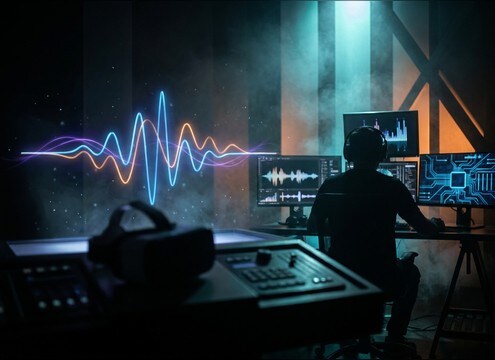
VR environment using loopable wide stereo ambience

VR world presence

Loop stable ambiences with wide stereo that stay comfortable during long headset sessions.

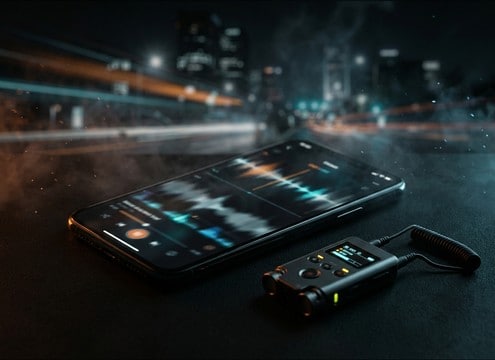
Mobile app scene with subtle background ambience under voice

Phone and app

Add subtle air, wind, or city beds behind UI narration to avoid dead-silent screens.

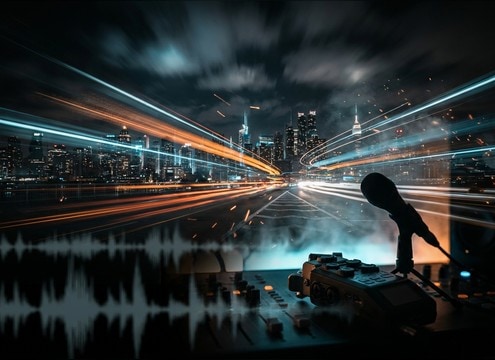
Time-lapse video supported by consistent ambience loop

Time-lapse atmosphere

Support fast visuals with a consistent bed, then regenerate variants that feel brighter, darker, or more distant.

Why Choose Media.io for Ambience Sound Generator?

See exactly why creators, developers and studios choose our AI audio generator over all others.

Prompt controls for generating ambience beds

Ambience Sound Generator prompts

Steer location, distance, and texture with plain English prompts, then regenerate until the bed matches your scene cut.

Waveform showing a steady loopable ambience bed

Loop-friendly results

Get ambience that holds a steady noise floor and avoids sudden spikes, making it easier to loop without audible seams.

Multiple generated ambience variations ready to preview

Scene-fit variations fast

Create multiple takes in one go to audition different stereo width, density, and brightness before you commit.

Audio preview player for ambience clips

Preview before download

Listen first so you can confirm tail smoothness, masking strength, and overall tone before saving the file.

WAV download option for ambience sound effects

WAV for easy editing

Download WAV so you can trim, fade, loop, and EQ ambience beds cleanly in any DAW or editor.

Commercial project timeline with ambience bed underneath

Royalty-free for projects

Use downloaded ambience in client work, publishing, and monetized content with confidence while keeping production moving.

How to Pick and Prompt Ambience That Loops Cleanly

Ambience lives in the background, so small choices matter: where the listener is, how busy the texture feels, and whether the bed can loop without bumps. Use the library to audition, then prompt the AI for variations that match your room tone, outdoor space, or public location while keeping transients and speech intelligibility under control.

Start with the scene and perspective

Name the place and where the mic feels positioned. A close interior room tone reads very different from a distant city wash, even at the same volume.

  • Specify indoor or outdoor, plus the size of the space (small room, hallway, open street).
  • Add distance words like close, mid-distance, or far to shape reflections and detail.
  • Call out what to avoid, such as clear words in crowd walla or sharp honks.

Optimize for looping and edit points

Ambience often needs to run longer than a single clip. Pick beds with stable texture and smooth tails, then create a few takes to find the cleanest loop candidate.

  • Prefer steady noise floors over rhythmic or pulsing patterns that reveal loops.
  • Listen for sudden transients (clinks, chirps, bumps) that will pop at the loop seam.
  • Generate multiple variations and choose the one with the most consistent density.

Control texture layers without masking dialogue

A good ambience supports the scene but leaves space for speech and key foley. Keep the midrange calm and avoid harsh highs unless the shot demands it.

  • Ask for soft transients and gentle highs when the bed sits under talking.
  • Use stereo width intentionally: wide for location, narrower for focus and mono safety.
  • If low-end rumble fights dialogue, prompt for controlled low-end or lighter bass.

Common pitfalls to avoid

Ambience fails when it becomes noticeable. Watch for repeating events, unnatural tonal whines, or movement that does not match the camera.

  • Avoid overly distinct foreground events unless the shot shows them.
  • Avoid strong tonal ringing that sounds like electrical hum or a synth note.
  • Avoid dramatic volume swells that distract during quiet dialogue beats.

Frequently Asked Questions About
Ambience Sound Effects

Everything you need to know before downloading or generating your first sound.

Can I download these ambience sound effects for commercial use?

Yes. The clips on this page are provided as royalty-free downloads, so you can use them in client videos, monetized content, apps, and games.

Should ambience be stereo or mono for dialogue scenes?

Stereo works well for establishing space, but mono or narrower stereo can sit under dialogue more cleanly and stay compatible when summed. If your mix collapses to mono, choose a bed with stable phase and minimal wide movement.

How do I make an ambience clip loop without clicks?

Pick a bed with a steady texture, then trim at a point with similar waveform energy and add short fades at the loop boundary. If a transient keeps popping, regenerate a variation with fewer sharp events or a smoother tail.

What duration should I choose: 5s, 10s, or 20s?

Use 5s for quick fills and cutaways, 10s for short establishing shots, and 20s when you need a longer bed with fewer repeating moments. For looping, longer clips usually hide repetition better.

Are these ambience sound effects free to download?

Yes. You can preview and download the AI-generated ambience sound effects as WAV files and use them in personal or commercial projects.

Can I copy the prompt used for each sound?

Yes. Open any sound row to view the prompt, copy it, adjust the wording and generate a custom variation that better matches your scene.

Related Free Sound
Effect Categories

Explore other AI-generated sound libraries from Media.io

sound

Rain Sound Effects

10+ free sounds
sound

Thunder Sound Effects

10+ free sounds
sound

Farts Sound Effects

10+ free sounds
sound

Car Crash Sounds

10+ free sounds
sound

Explosion Sound Effects

10+ free sounds
sound

Gunshot Sound Effects

10+ free sounds
sound

Pistol Sound Effects

10+ free sounds
sound

AI Horror Sound Effects

10+ free sounds
sound

AI Forest Sound Effects

10+ free sounds
sound

AI Dog Whistle Sound

10+ free sounds
sound

AI Ding Sound

10+ free sounds
sound

Phone Ring Sound

10+ free sounds
media.io

AI Video Generator star

Easily generate videos from text or images

Generate
