











Popular Sea Waves Sound Effects Library

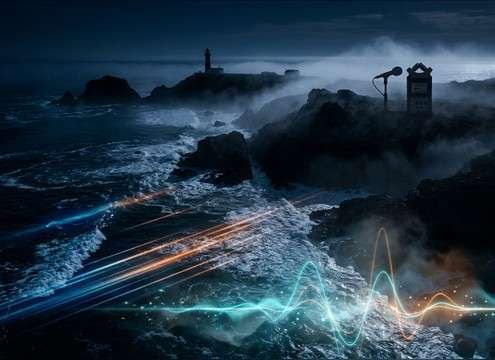
These are scene-ready wave beds and impacts you can drop into coastal visuals, seaside narration, or relaxation loops. Each prompt is written to control perspective (close vs distant), texture (foam vs pebbles), and tail/decay so the surf matches your edit without fighting other audio.

How to Generate Your Own
Sea Waves Sound Effects

Can't find what you're looking for? Easily create custom AI sounds. Simply describe your needs, and our AI will craft the perfect sound effect for you — no audio production skills required. Go from a blank idea to a downloadable WAV in under a minute.

1

Describe your wave scene

Type a prompt for the surf you need—shoreline lapping, distant wash, rocky breakers, under-pier slaps—plus any notes like "no birds" or "loopable bed."

2

Choose duration and takes

Pick 5s, 10s, or 20s, then set how many variations to generate so you can audition different intensities and textures quickly.

3

Generate and preview

Click Generate, listen to each result, and keep the version with the best stereo width, attack/decay, and consistency for your scene.

4

Download WAV and use

Export the chosen clip as a WAV file and drop it into your timeline for videos, apps, games, podcasts, or client work.

What Can You Use These Sea Waves Sound Effects For?

Creators in every field are using our royalty-free audio to set the perfect mood.

Sea wave ambience under a beach establishing shot

Beach establishing shots

Match aerial coastline visuals with wide stereo surf and a stable noise floor that doesn't pulse between cuts.

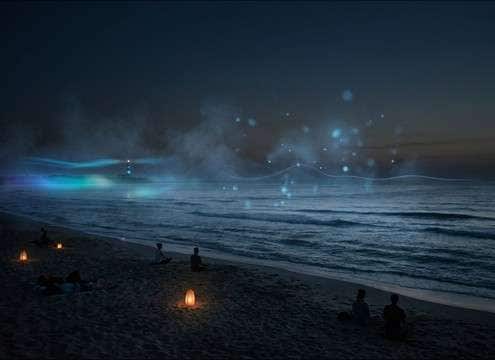
Loopable calm ocean waves for meditation audio

Meditation and sleep

Choose calmer swells with smooth decay and minimal peaks to avoid sudden transients that wake listeners.

Distant surf bed supporting an audio drama scene

Audio drama seaside

Set distance correctly—close foam for intimate moments or distant wash to leave space for dialogue and footsteps.

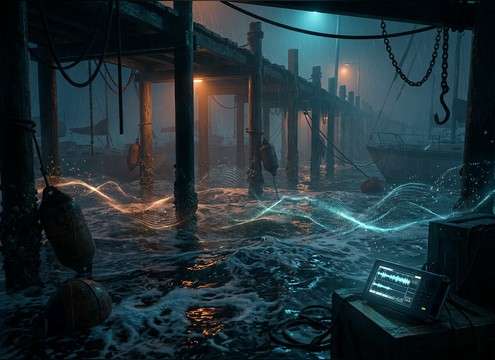
Pier-side wave slaps for a marina scene

Sailing and marina

Use under-pier or harbor-adjacent wave textures that feel contained, with less open-ocean low-end rumble.

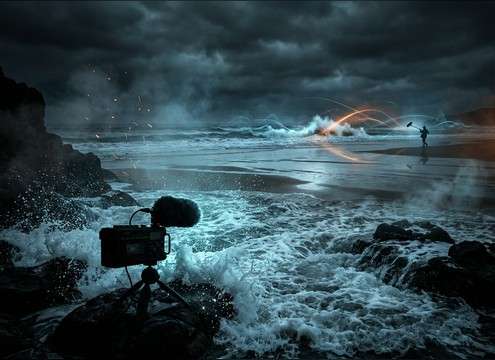
Natural shoreline surf ambience for documentary footage

Nature documentary B-roll

Swap inconsistent production audio with clean surf beds that keep stereo width and ambience consistent across shots.

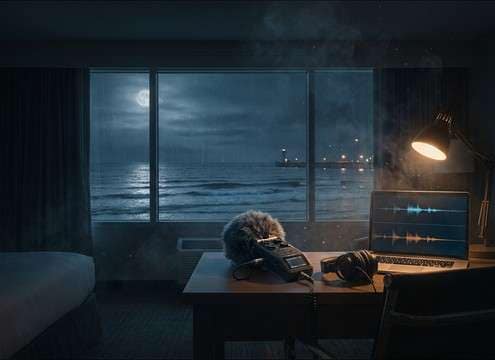
Subtle distant ocean waves behind indoor ambience

Coastal hotel room

Pick softer, more distant surf with reduced transients so it sits behind room tone and interior Foley.

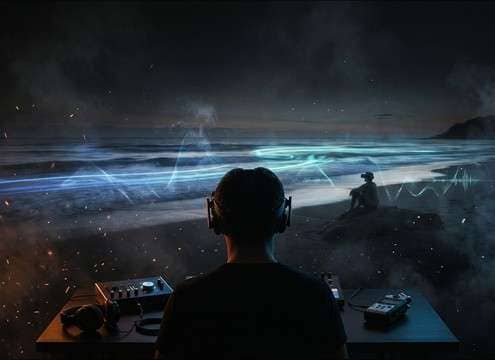
Spatial-feeling sea waves for a VR beach environment

VR beach relaxation

Regenerate variations by perspective so head turns still feel believable—close detail up front, wider wash behind.

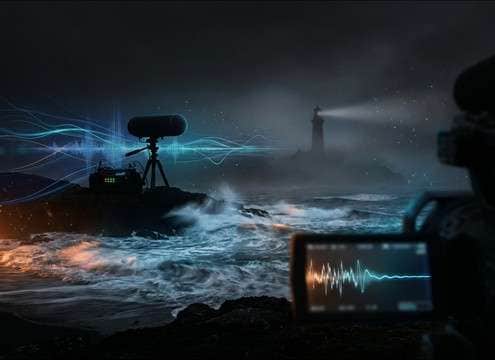
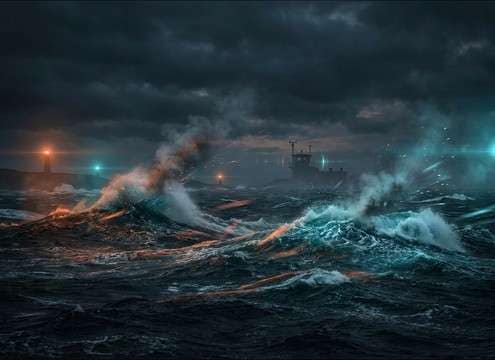
Choppy sea wave bed for a surf condition report

Weather and surf

Use punchier breakers or choppy swell beds to signal sea state without adding distracting wildlife or music.

Why Choose Media.io for Sea Waves Generator?

See exactly why creators, developers and studios choose our AI audio generator over all others.

Prompt settings to control wave distance and perspective

Prompt control for distance

Specify close-mic foam detail or far-off surf beds so the wave perspective matches the camera and dialogue space.

Loopable sea wave ambience waveform

Loop-friendly variations

Generate steadier wave beds with smooth attack and consistent level for seamless background loops.

Different shoreline textures like rocks, sand, and pebbles

Texture targeting

Call out rocky impacts, pebbly wash, or soft sand hiss to get the right grit and transient sharpness.

Multiple generated sea wave variations ready to preview

Batch regeneration

Create multiple takes at once to audition different intensities, stereo widths, and decay lengths without starting over.

Downloading a WAV sound effect for timeline editing

WAV export for editing

Download WAV files that are easy to trim, crossfade, and layer under dialogue or music in your editor.

Previewing sea wave sound effects before download

Preview-first workflow

Listen before you commit so you can pick the cleanest noise floor and the least distracting peaks for your scene.

How to Prompt Sea Waves That Fit Your Cut

Sea waves are often used as a continuous bed, so the "right" clip is usually the one with the best consistency and perspective. When browsing or prompting, decide whether you need a loopable ambience, a few larger washes for emphasis, or a textured shoreline (rocks, sand, pebbles). Use distance and intensity words to control transient sharpness and tail/decay, and explicitly exclude extras like birds or boats when you want clean surf.

Start with the shoreline type

Different coastlines change the texture more than people expect. Sand reads as smooth hiss, pebbles add gritty crunch, and rocks create punchy impacts with longer decay. Naming the shoreline helps the generator avoid "generic ocean" results.

  • Use material words: sand, pebbles, rocks, sea cave, under a pier
  • Ask for "foam hiss" if you want airy detail instead of splashy transients
  • If you need impacts, request "occasional larger breaker" rather than constant hits

Control distance, width, and intensity

Wave beds can either fill the whole mix or sit quietly behind narration. Distance language usually softens the attack and reduces low-end. Stereo width can make a scene feel open, but too wide can distract when summed or when dialogue is centered.

  • Close/near: more detail, sharper attack; distant: softer transients, steadier bed
  • Request "wide stereo wash" for open beaches, or "medium stereo" for tighter scenes
  • Use intensity terms: gentle, calm, choppy, stormy swell (and exclude wind if needed)

Make it loop-ready on purpose

If the surf is for an ambience loop, you want consistent level and a smooth envelope. Too much variation makes loop points obvious. Prompt for stability and avoid one-off spikes unless they're planned accents.

  • Include "loopable" and "consistent level" to reduce sudden peaks
  • Ask for "smooth attack and decay" to help crossfades disappear
  • Choose longer durations when you need more natural movement before looping

Avoid common wave-bed problems

The fastest way to ruin a sea bed is letting unrelated sounds slip in, or generating waves that feel like random splashes rather than a shoreline. Tell the prompt what not to include, and keep the scene description focused.

  • Exclude distractions: "no seagulls, no people, no boat engines"
  • Avoid overly specific camera actions unless you really need them (it can cause unnatural shifts)
  • If the noise floor feels "grainy," regenerate with "clean ambience, low noise floor"

Frequently Asked Questions About
Sea Waves Sound Effects

Everything you need to know before downloading or generating your first sound.

How do I choose between close waves and distant surf?

Pick close waves when you want audible foam detail and stronger transients (good for shoreline close-ups). Choose distant surf when you need a steadier bed with softened attack that leaves more space for dialogue and Foley.

Can I make a seamless loop from a sea waves clip?

Yes—start with a steadier "bed" (consistent level, smooth decay), then create a short crossfade at the loop point. If the clip has big spikes, regenerate a calmer variation or trim between similar wave cycles.

What's the best duration to generate: 5, 10, or 20 seconds?

Use 5 seconds for quick cutaways or single washes, 10 seconds for most ambience beds, and 20 seconds when you need more natural variation before looping or when your scene holds longer without a cut.

Can I download WAV and use these sea waves commercially?

You can preview and download WAV files from the page; whether commercial use is allowed depends on the license details shown at the time of download in Media.io. Check that usage info for your specific clip and project needs.

Are these sea waves sound effects free to download?

Yes. You can preview and download the AI-generated sea waves sound effects as WAV files and use them in personal or commercial projects.

Can I copy the prompt used for each sound?

Yes. Open any sound row to view the prompt, copy it, adjust the wording and generate a custom variation that better matches your scene.

Related Free Sound
Effect Categories

Explore other AI-generated sound libraries from Media.io

sound

Rain Sound Effects

10+ free sounds
sound

Thunder Sound Effects

10+ free sounds
sound

Farts Sound Effects

10+ free sounds
sound

Car Crash Sounds

10+ free sounds
sound

Explosion Sound Effects

10+ free sounds
sound

Gunshot Sound Effects

10+ free sounds
sound

Pistol Sound Effects

10+ free sounds
sound

AI Horror Sound Effects

10+ free sounds
sound

AI Forest Sound Effects

10+ free sounds
sound

AI Dog Whistle Sound

10+ free sounds
sound

AI Ding Sound

10+ free sounds
sound

Phone Ring Sound

10+ free sounds
media.io

AI Video Generator star

Easily generate videos from text or images

Generate
