











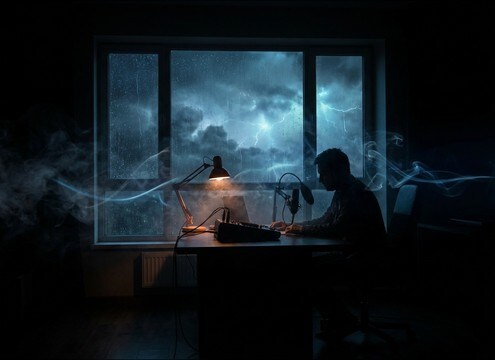
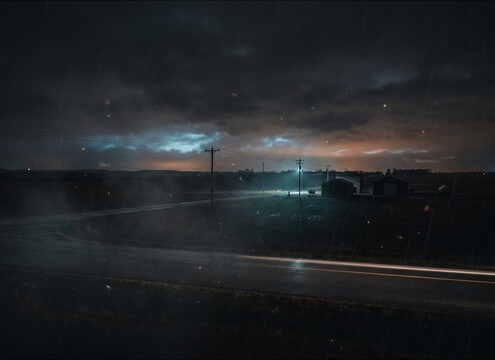
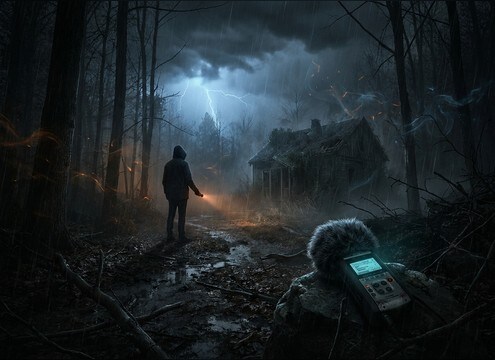
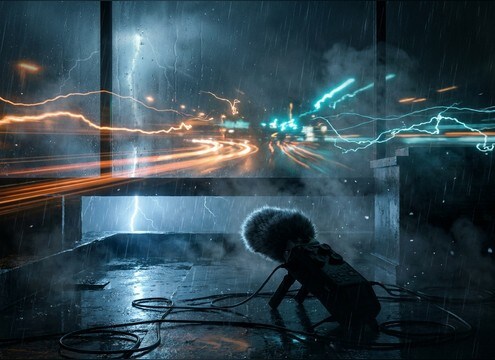

Popular Light-Thunder Sound Effects Library

Pick a ready-made clip when you just need a gentle roll, or copy the prompt to generate new takes with different distance, rumble strength, and tail length.

How to Generate Your Own
Light-Thunder Sound Effects

Cannot find the perfect light-thunder sound effect you need? Generate custom AI light-thunder audio effortlessly. Describe the style, such as short clean cue, cinematic hit, subtle background layer, branded UI alert, and Media.io AI builds tailored light-thunder sound effects instantly. No audio editing experience needed. Turn your concept into a royalty-free, high-quality downloadable WAV light-thunder clip in under 60 seconds.

1

Describe the thunder

Type or paste a prompt for the exact light thunder you need, such as distant rolls, muffled rumbles behind rain, or a small crack with short decay.

2

Pick length and takes

Choose 5s, 10s, or 20s, then set how many variations you want so you can compare intensity and distance quickly.

3

Generate and preview

Click Generate, listen to each result, and keep the version with the cleanest transient, right rumble level, and most natural tail.

4

Download WAV and use

Download a WAV file and drop it into video timelines, audio drama scenes, weather apps, game ambience beds, or commercial projects.

What Can You Use These Light-Thunder Sound Effects For?

Creators in every field are using our royalty-free audio to set the perfect mood.

Light thunder under dialog in an indoor scene

Dialog scenes in

Use low-masking light rumbles to sell weather outside a room while keeping speech intelligible and avoiding harsh peaks.

Distant light thunder for a night exterior establishing shot

Night exterior establishing

Add a distant roll with a long, gentle decay to imply a storm on the horizon without turning the moment into an action beat.

Soft light thunder ambience for a suspense buildup

Calm tension in

Pick a thin, airy roll with soft transients so the ambience feels uneasy, not explosive, and leaves room for footsteps and foley.

Light thunder hit used as a montage transition

Rain montage transitions

Drop in short rolls between shots to punctuate the cut; choose quick fades so the tail does not overlap the next scene too much.

Subtle light thunder used as weather app feedback sound

Mobile weather UI

Use a very short, gentle thunder tick with reduced low-end so it reads on phone speakers without distortion or boom.

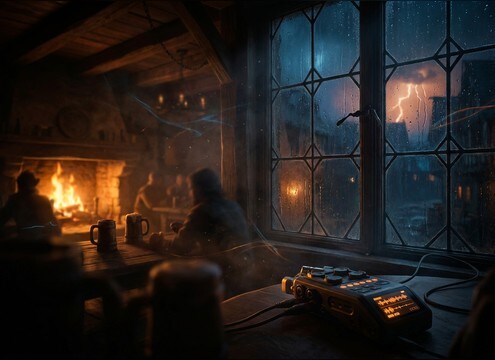
Muffled light thunder outside a tavern window ambience

Fantasy tavern window

Layer a muffled roll behind rain to make the storm feel outside the walls, with room tone that matches a warm interior.

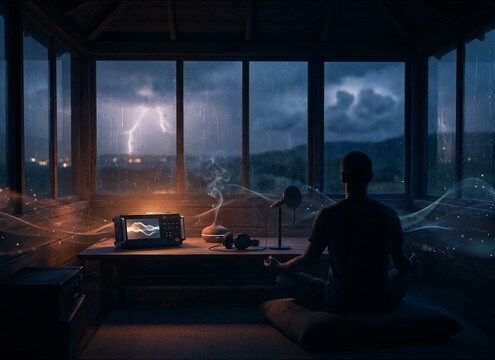
Loopable light thunder ambience for sleep soundscape

Meditation and sleep

Choose loop-friendly, even rumbles that avoid sharp cracks; keep stereo wide but gentle to prevent fatigue over long playbacks.

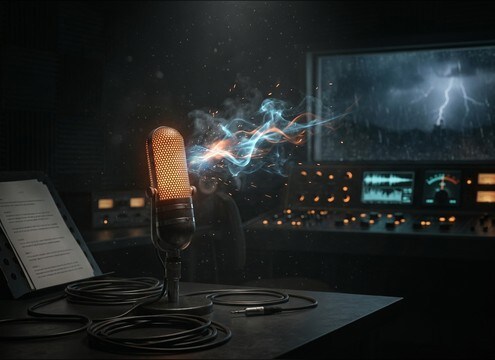
Light thunder accent in an audio drama moment

Radio drama scene

Use a small distant crack followed by a short tail to mark a beat in the story without overpowering narration and music beds.

Why Choose Media.io for Light-Thunder Sound Generator?

See exactly why creators, developers and studios choose our AI audio generator over all others.

Prompt controls for light thunder distance and decay

Light Thunder Sound Generator control

Prompt for distance, rumble strength, and tail length so the thunder sits behind rain, dialog, or music without taking over the mix.

Preview list of generated light thunder variations

Preview-first, pick the cleanest take

Audition multiple results and choose the version with the smoothest transient and most natural decay for your specific scene.

Intensity slider concept for light thunder variations

Scene-matched intensity in seconds

Regenerate until you get the right level of gentleness, from airy horizon rolls to slightly brighter small cracks.

Waveform of light thunder with controlled low end

Mix-ready tonal balance

Create thunder with controlled low-end and reduced harshness so it layers well with rain beds, wind, and room tone.

Timeline showing 5s 10s and 20s thunder clips

Short durations for tight edits

Work with 5s, 10s, and 20s options to fit cut points, transitions, or ambience beds without extra trimming.

Download WAV button for light thunder sound effects

Download WAV for real projects

Export a WAV file you can drop into NLEs, DAWs, and app builds for consistent results across devices and platforms.

How to choose and prompt light thunder that stays gentle

Light thunder is about restraint: softer transients, controlled low-end, and a tail that reads as distance rather than impact. When browsing clips, listen for how quickly the rumble blooms and how long it hangs. When generating, specify distance, environment, and whether you want a tiny crack or pure roll so the sound supports the scene instead of stealing focus.

Pick distance and perspective first

Most light thunder reads as distant. If it sounds too close, the crack becomes a sharp transient and the low-end jumps forward. Decide whether the storm is outside a window, across a valley, or barely audible on the horizon, then choose or prompt accordingly.

  • Use words like distant, far-off, or horizon roll
  • Ask for reduced crack and softened transient
  • Request a gentle fade-out tail for distance

Control rumble and tail for the cut

The rumble is the body, but the tail is what makes thunder feel real. For dialog scenes, keep the low-end controlled and the tail shorter. For establishing shots, a longer smooth decay sells space without sounding like a hard hit.

  • Prompt for controlled low-end rumble, not heavy boom
  • Specify short tail for tight edits or long tail for atmosphere
  • Avoid sudden peaks that will trigger limiters

Match the environment layer

Thunder changes character depending on what sits around it. Behind rain it becomes muffled and rounded; in open air it can feel wider and clearer. If your scene already has rain or wind, keep the thunder simpler so textures do not fight each other.

  • Ask for muffled thunder behind steady rain when needed
  • Request subtle stereo width, not exaggerated wide effects
  • Keep noise floor clean if you will add your own ambience

What to avoid with light thunder

Light thunder should not read as an explosion. Harsh cracks, overhyped sub, or synthetic wobble can break realism fast. If a clip feels too aggressive, regenerate with gentler language and tighter dynamics.

  • Avoid sharp lightning cracks if you only need rumble
  • Avoid heavy sub drops that mask music and dialog
  • Avoid metallic or distorted textures unless stylized

Frequently Asked Questions About
Light-Thunder Sound Effects

Everything you need to know before downloading or generating your first sound.

How do I make light thunder sound distant instead of close?

Choose or generate a roll with a softened transient, reduced crack, and a smoother, longer decay. In prompts, add terms like far-off, horizon, muffled, and controlled low-end, and avoid words like punchy, sharp, or impact.

Which duration should I pick for light thunder, 5s, 10s, or 20s?

Use 5s for quick cut punctuation or a single gentle roll, 10s for a transition or layered rolling feel, and 20s when you want a loopable storm bed that can sit under a scene without frequent repeats.

Can I download these and use them commercially for free?

Media.io lets you preview and download royalty-free light thunder clips and generated results for use in commercial projects. Review the license terms shown in the product for your plan and intended distribution.

How can I stop thunder from masking dialog?

Pick versions with lower masking strength: softer attack, less sub-heavy rumble, and no sharp crack. If you are editing, trim the loudest transient and keep the tail smoother so speech remains clear.

Are these light-thunder sound effects free to download?

Yes. You can preview and download the AI-generated light-thunder sound effects as WAV files and use them in personal or commercial projects.

Can I copy the prompt used for each sound?

Yes. Open any sound row to view the prompt, copy it, adjust the wording and generate a custom variation that better matches your scene.

Related Free Sound
Effect Categories

Explore other AI-generated sound libraries from Media.io

sound

Rain Sound Effects

10+ free sounds
sound

Thunder Sound Effects

10+ free sounds
sound

Farts Sound Effects

10+ free sounds
sound

Car Crash Sounds

10+ free sounds
sound

Explosion Sound Effects

10+ free sounds
sound

Gunshot Sound Effects

10+ free sounds
sound

Pistol Sound Effects

10+ free sounds
sound

AI Horror Sound Effects

10+ free sounds
sound

AI Forest Sound Effects

10+ free sounds
sound

AI Dog Whistle Sound

10+ free sounds
sound

AI Ding Sound

10+ free sounds
sound

Phone Ring Sound

10+ free sounds
media.io

AI Video Generator star

Easily generate videos from text or images

Generate
