














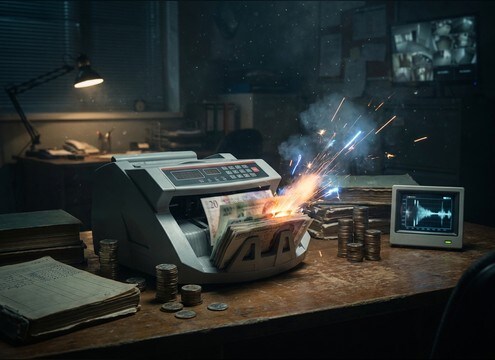
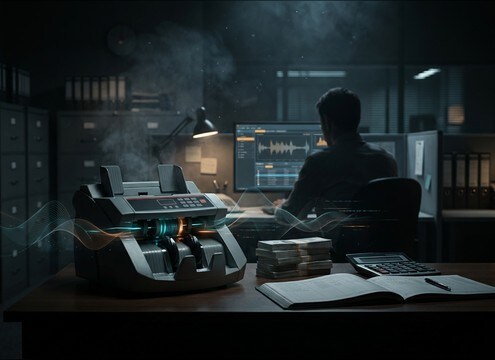
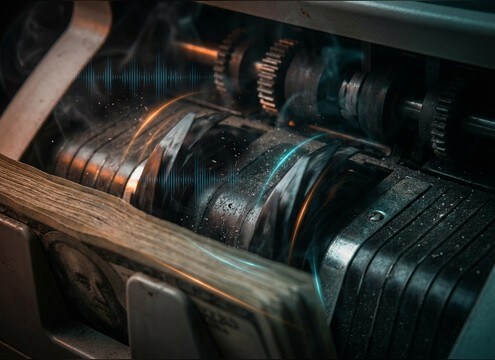


Money counters are easy to spot when the rhythm is wrong or the motor layer is missing. Use the library when you need a fast drop-in, and use AI prompts when you must match a specific cut: a short start-stop for a close-up, a loopable steady run for montage, or a muffled background counter behind dialogue. These tips help you request the right speed, texture, and space without overcomplicating it.
Dial in speed and rhythm
The perceived realism comes from consistent feed timing. Ask for fast bursts for montage, slower ticks for close-ups, or continuous runs when you need something loop-friendly.
- Use words like fast burst, steady run, or slow count
- Request even timing if you plan to loop
- Avoid overly random click spacing unless it is a jam
Specify click sharpness vs masking
Counting clicks can get piercing, especially under voice. Decide whether you need crisp transients for on-screen focus or softer clicks that sit behind narration.
- Ask for crisp transients for close-up inserts
- Ask for softened high end to sit under dialogue
- Request controlled peaks to prevent clipping in edits
Add motor, casing, and paper texture
A believable counter is not only clicks. A subtle motor hum, light casing buzz, and paper-feed texture make the sound feel like a real machine rather than a generic tick loop.
- Include low motor hum for realism and continuity
- Add subtle plastic tray rattle for a cheaper desktop unit
- Keep buzz subtle so it does not turn into harsh noise
Choose a space: close, office, or lobby
Room tone and reflections place the machine in the scene. Close-mic sounds are dry and detailed, while distant takes have softer transients and longer room tails.
- Ask for close-mic, dry, minimal room tone for clean sync
- Ask for small office reflections for behind-the-desk scenes
- Ask for distant, muffled clicks with room tail for background beds




