














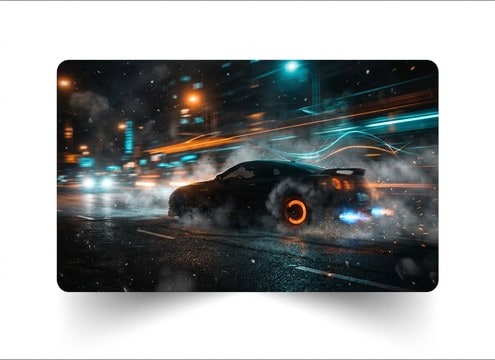

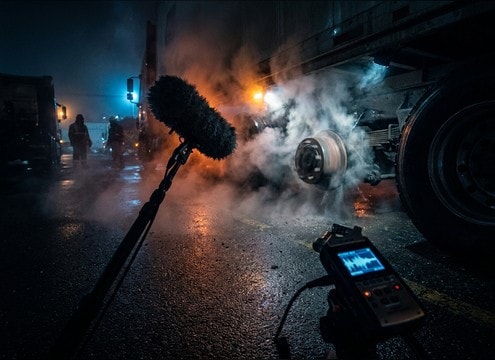


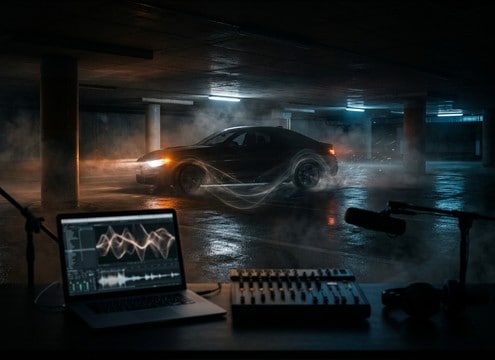



Brake audio reads as believable when the transient and decay match what the wheels are doing. When you preview clips or write a prompt, decide whether the scene needs a sharp squeal spike, a gritty continuous skid, rhythmic ABS chatter, or a clean air brake release. Then match distance and space so the sound does not feel pasted on top of the picture.
Choose the braking behavior first
A fast squeal is not the same as a lockup skid, and ABS has its own pulsing signature. Naming the behavior up front helps you avoid vague results and makes regeneration more consistent.
- Squeal: high pitch, fast attack, short tail
- Skid: sustained friction, gritty texture, audible end-stop
- ABS: rhythmic pulsing, mechanical tick texture, controlled decay
Match surface and speed cues
Surface changes the tone and the noise floor. Speed changes how aggressive the transient feels and whether the pitch rises, falls, or holds steady over time.
- Dry asphalt: bright bite, stronger squeal harmonics
- Wet road: softer transients, smoother friction noise
- Gravel: debris crunch mixed into the skid tail
Set perspective with distance and space
Brake sounds often feel wrong because they are too close, too wide, or too clean for the scene. Decide where the listener is and whether you need reflections.
- Close perspective: narrow stereo, minimal room tone, crisp transient
- Street distance: reduced highs, more ambience, longer decay
- Indoor garage: audible reflections, slightly boxy tail
Avoid common brake SFX mismatches
Small mistakes stand out fast: an endless tail, no end-stop, or an air release on a passenger car. Use quick checks before downloading or regenerating.
- Do not use air brake releases for small cars unless the scene shows a truck or bus
- Avoid tails that run past the visual stop unless you need stylized sound
- Watch masking: heavy low-end rumble can hide the brake transient




