











Popular Jumpscare Sound Effects Library

These are quick, scene-ready stingers with different attack shapes and tails. Copy a prompt to generate alternate takes that better match your cut timing, intensity, and room size.

How to Generate Your Own
Jumpscare Sound Effects

Cannot find the perfect jumpscare sound effect you need? Generate custom AI jumpscare audio effortlessly. Describe the style, such as short clean cue, cinematic hit, subtle background layer, branded UI alert, and Media.io AI builds tailored jumpscare sound effects instantly. No audio editing experience needed. Turn your concept into a royalty-free, high-quality downloadable WAV jumpscare clip in under 60 seconds.

1

Write your scare prompt

Type or paste a prompt describing the jumpscare moment, like a knife stab, violin shriek, bass hit, or reverse swell into a sting.

2

Choose length and takes

Set the duration (5s, 10s, or 20s) and select how many variations you want so you can audition different intensities quickly.

3

Generate and preview

Click Generate, listen to each result, and pick the version with the cleanest transient and the right tail length for your cut.

4

Download WAV and use

Download the WAV file and drop it into your timeline for videos, horror games, apps, audio drama, streams, or commercial projects.

What Can You Use These Jumpscare Sound Effects For?

Creators in every field are using our royalty-free audio to set the perfect mood.

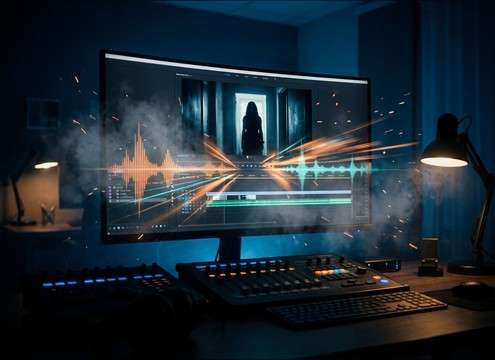
Editor placing a jumpscare stinger on a horror short film timeline

Horror short film

Place a tight sting exactly on the reveal frame, then choose a shorter tail to avoid stepping on dialogue that follows.

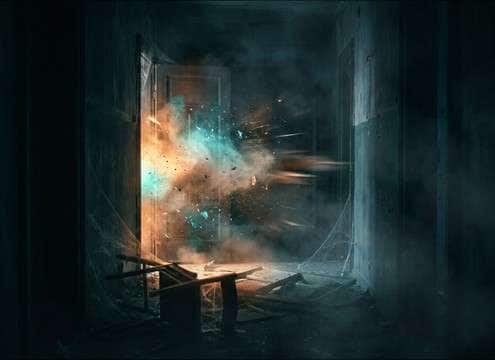
Haunted house video with timed jumpscare sound cue

Haunted house walkthrough

Use a door slam or bass hit when a prop triggers, with a roomy version for corridors and a drier hit for small rooms.

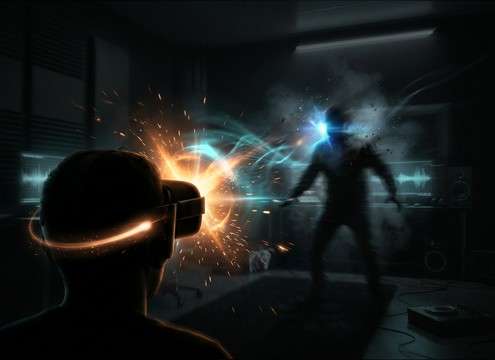
VR horror scene using positional jumpscare sound

VR scare triggers

Generate close and distant variants so the sting matches whether the threat appears behind the player or across the room.

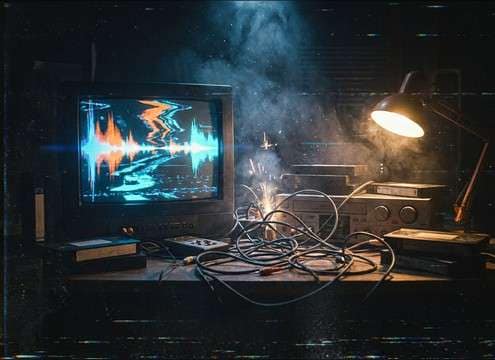
VHS style horror edit with glitch jumpscare sound

Analog horror

Pick glitch stabs with crunchy texture and brief hiss, then keep the transient sharp so it reads through tape filters.

Audio drama waveform showing a whisper then jumpscare hit

Interactive fiction

Use a whisper snap before a sudden impact to create a clear contrast in intimacy and loudness without long ambience buildup.

Mobile horror game jump moment with punchy bass hit SFX

Mobile horror game

Choose mono-friendly bass hits and shorter decays so the scare stays punchy on phone speakers and small earbuds.

Trailer end tag with tension build and stinger hit

Trailer stingers

Generate a 10s build-and-hit for the final card, adjusting stereo width so it feels theatrical without washing out VO.

Live stream alert panel with a short jumpscare stinger

Streamer scare alerts

Make a quick 5s sting that cuts through music, then regenerate softer takes for night streams to avoid harsh peaks.

Why Choose Media.io for Jumpscare Sound Generator?

See exactly why creators, developers and studios choose our AI audio generator over all others.

Prompt settings controlling rise time and hit timing for a jumpscare

Prompt control for timing

Media.io Jumpscare Sound Generator lets you describe exactly when the hit lands, how fast the rise is, and whether the tail cuts hard or fades naturally.

Multiple generated jumpscare variations arranged by intensity

Regenerate intensity variations

Create multiple scare levels from the same idea, from a subtle snap to a full-volume sting, so you can match different scenes without starting over.

Waveform showing sharp transient and short decay in a jumpscare sound

Attack and tail shaping

Quickly get stingers with sharp transients, clipped decays, or short room reflections that sit right after the cut without muddy overlap.

Comparison of dry versus room reflections for a jumpscare hit

Scene-specific space choices

Generate dry, close-mic hits or slightly roomy versions so the scare feels like it belongs in a bathroom, hallway, or open space.

Sound effect library cards with preview and copy prompt actions

Preview-first library workflow

Start with downloadable presets to move fast, then copy the prompt to create a custom take that matches your cut, pacing, and tone.

WAV export download icon for a jumpscare sound effect

Export-ready WAV downloads

Download WAV and drop it straight into your editor or engine, keeping the transient detail and low-end punch intact.

How to Pick or Prompt a Jumpscare That Actually Hits

A good jumpscare is mostly about contrast and timing: the transient needs to read instantly, the tail should not bury the next line, and the tone should match the threat (metal, creature, digital, or sub hit). Use the tips below to choose a library clip fast or write a prompt that generates the right kind of sting for your exact moment.

Match the hit to the on-screen trigger

Choose the core sound based on what causes the scare. A door slam feels physical, a violin shriek feels psychological, and a glitch stab fits analog horror or found-footage tech scenes.

  • For physical reveals: prompt impact words like slam, thud, crack, metal hit
  • For uncanny reveals: use shriek, scrape, squeal, harsh harmonics
  • For digital reveals: use glitch, crunch, bitcrush, stutter, stereo flicker

Control transient speed and peak feel

If the transient is too soft, the scare arrives late. If it is too spiky, it can sound cheap or clip in your mix. Ask for a fast attack, but specify cleanliness and control.

  • Use phrases like ultra-fast attack, sharp transient, clean peak
  • Ask for controlled low-end if you want punch without rumble
  • Avoid prompts that imply long musical notes or slow swells when you need a snap

Keep the tail from stepping on dialogue

Most jumpscares work best with a short decay. A long reverb tail can smear the next beat unless the scene is meant to ring out. Prompt tail length and room size explicitly.

  • For tight edits: short tail, quick decay, gated or clipped finish
  • For corridor scares: small room reflections, not a long hall reverb wash
  • If music resumes immediately: request minimal ambience and low noise floor

Choose 5s vs 10s vs 20s on purpose

Duration changes how the audience experiences tension. Short clips are for instant hits, while longer clips let you build dread into the final sting.

  • 5s: pure stingers, slams, bass hits, and instant shrieks
  • 10s: short rise then hit, useful for end cards or reveal beats
  • 20s: sustained tension bed ending in a sting for longer setups

Frequently Asked Questions About
Jumpscare Sound Effects

Everything you need to know before downloading or generating your first sound.

Can I download these jumpscare sound effects for commercial use?

Yes, you can preview and download the sounds as royalty-free audio for typical commercial projects. If you have a specific licensing requirement for a client platform, check the current Media.io license notes on the download screen for your plan.

Do you provide WAV downloads, and are they editor-ready?

You can download WAV files so the transient detail and low-end impact stay clean when you drop the stinger into an NLE, DAW, or game engine.

Which duration should I choose for a jumpscare, 5s, 10s, or 20s?

Use 5s for instant hits and short stingers, 10s when you need a quick build before the hit, and 20s for a longer tension rise that ends in a sting.

How do I make a jumpscare less harsh but still scary?

Regenerate with prompts like softer high end, less screech, controlled transient, and shorter tail. A sub hit or door slam can feel intense without the piercing top-end of a shriek.

Are these jumpscare sound effects free to download?

Yes. You can preview and download the AI-generated jumpscare sound effects as WAV files and use them in personal or commercial projects.

Can I copy the prompt used for each sound?

Yes. Open any sound row to view the prompt, copy it, adjust the wording and generate a custom variation that better matches your scene.

Related Free Sound
Effect Categories

Explore other AI-generated sound libraries from Media.io

sound

Rain Sound Effects

10+ free sounds
sound

Thunder Sound Effects

10+ free sounds
sound

Farts Sound Effects

10+ free sounds
sound

Car Crash Sounds

10+ free sounds
sound

Explosion Sound Effects

10+ free sounds
sound

Gunshot Sound Effects

10+ free sounds
sound

Pistol Sound Effects

10+ free sounds
sound

AI Horror Sound Effects

10+ free sounds
sound

AI Forest Sound Effects

10+ free sounds
sound

AI Dog Whistle Sound

10+ free sounds
sound

AI Ding Sound

10+ free sounds
sound

Phone Ring Sound

10+ free sounds
media.io

AI Video Generator star

Easily generate videos from text or images

Generate
