












Popular Car Driving Sound Effects Library

These prompts are built to produce driving audio that cuts cleanly: consistent RPM beds, controllable wind and tire noise, and perspective cues like cabin muffling or doppler movement. Copy one as-is for quick results, or swap road type, speed, and distance to match your shot.

How to Generate Your Own
Car Driving Sound Effects

Can't find what you're looking for? Easily create custom AI sounds. Simply describe your needs, and our AI will craft the perfect sound effect for you — no audio production skills required. Go from a blank idea to a downloadable WAV in under a minute.

1

Describe the drive

Type or paste a prompt for the scene (interior/exterior, speed, road surface, pass-by, garage echo) and the vibe you want.

2

Pick time and takes

Choose a duration (5s, 10s, or 20s) and set how many variations you want so you can compare different engine notes and road textures.

3

Generate and preview

Click Generate, listen to each result, and keep the one with the right transient, stereo movement, and tail for your cut.

4

Download WAV to use

Export the selected sound as a WAV file and drop it into videos, driving scenes, apps, podcasts, or commercial projects.

What Can You Use These Car Driving Sound Effects For?

Creators in every field are using our royalty-free audio to set the perfect mood.

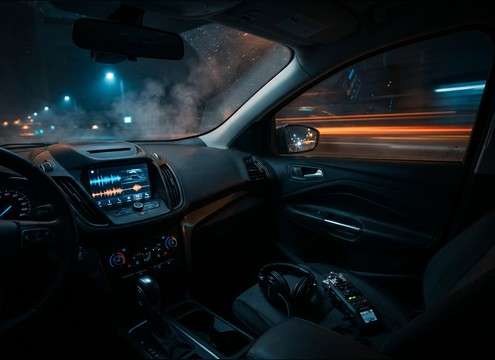
Interior dashboard POV with subtle engine and road noise

On-screen dashboard shots

Match cabin-muffled tone to POV driving clips, keeping wind controlled so dialogue or GPS VO stays intelligible.

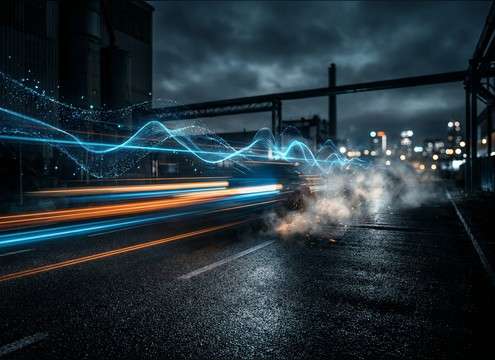
Chase car tracking shot with exterior driving sound bed

Exterior follow car

Add stable rolling audio for tracking shots where production sound is thin, with enough tire hiss to sell speed.

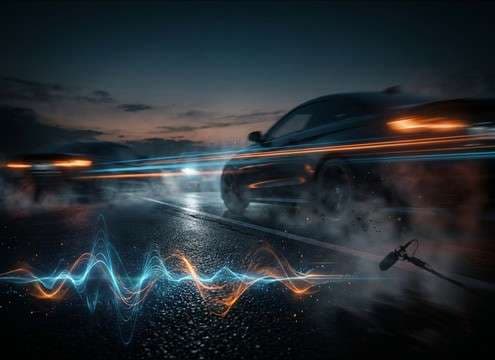
Car passing camera with doppler movement and trailing whoosh

Pass-by transitions

Use doppler whooshes to bridge cuts as a car crosses frame, then let the tail fall away to reveal the next scene.

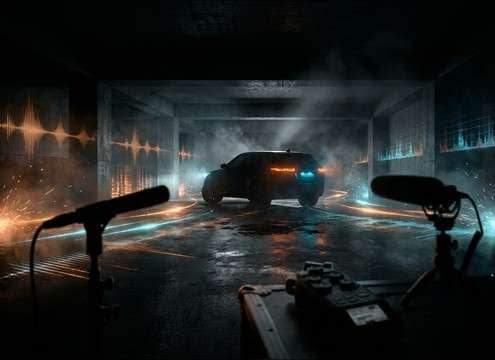
Car entering a parking garage with echoing engine reflections

Parking garage entrances

Bring in concrete reflections and short echoes when a vehicle enters enclosed spaces—great for tension or stealth beats.

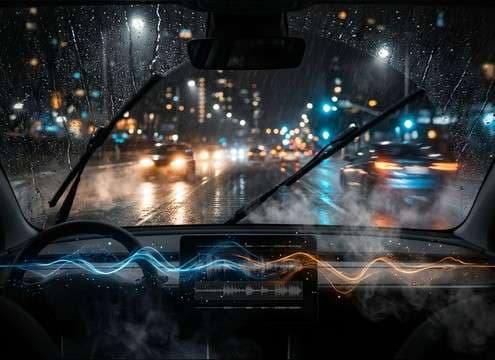
Driving in rain with wet tire spray and controlled wind

Rainy commute scenes

Layer wet-road spray texture under wipers and rain beds so the drive feels slick without overpowering the mix.

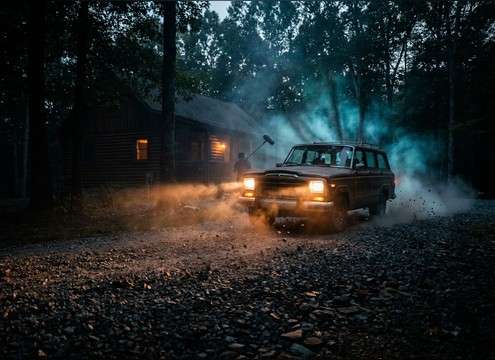
Car turning onto a gravel driveway with crunchy tire debris

Gravel driveway arrivals

Sell rural locations with crunchy stone transients and dustier tire detail when a car pulls up to a house or cabin.

Route animation supported by a steady highway driving ambience

Map/route animations

Create a neutral highway bed to support travel graphics; loopable tone helps avoid distracting peaks over music.

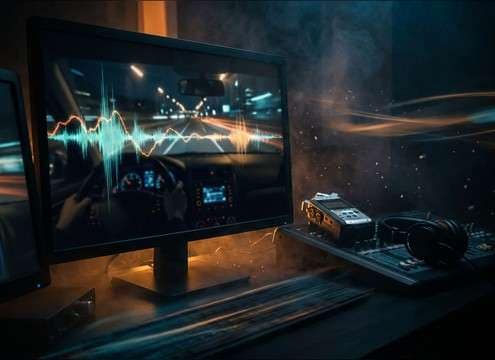
Driving simulator replay screen with controlled engine ambience

Driving sim UI

Generate consistent engine beds for menus, replays, or garage screens where you want motion implied but not chaotic.

Why Choose Media.io for Car Driving Generator?

See exactly why creators, developers and studios choose our AI audio generator over all others.

Toggle between interior and exterior car driving sound perspective

Perspective control

Prompt interior muffling, exterior openness, or roadside distance to get the right amount of room tone and detail.

Different road textures changing tire noise and grit

Road-surface texture

Dial in wet asphalt hiss, gravel crunch, or smooth highway roll so the tires tell the story as much as the engine.

Stereo pan and doppler shift for a car pass-by sound

Doppler and motion

Create pass-bys with convincing approach/leave curves and stereo movement for wide shots and transitions.

Reduced transient peaks for dialogue-friendly driving audio

Mix-friendly dynamics

Generate versions with softer transients or reduced peaks to sit under dialogue, narration, or UI beeps.

Multiple generated variations of the same driving prompt

Fast variation sets

Produce multiple takes quickly to compare engine tone, wind amount, and tail length without re-recording.

WAV download workflow for car driving sound effects

WAV workflow

Preview, pick, and export WAV so the sound drops straight into your timeline with minimal conversion steps.

How to Choose or Prompt Car Driving Sounds That Match the Shot

Driving audio is all about perspective and consistency: the same car can sound tight and muffled from inside, or wide and airy outside. Use the sections below to pick the right library clip fast, or to write prompts that generate the exact speed, surface, and space you need without fighting the edit.

Start with camera perspective (interior vs exterior)

Decide what the microphone "hears." Interior takes emphasize low-end cabin rumble and reduce wind. Exterior takes reveal more tire hiss, air movement, and stereo width. If your shot is roadside or tracking, prioritize spatial movement and a believable tail as the car leaves frame.

  • Use "interior cabin, muffled, narrow stereo" for dashboard/POV shots
  • Use "exterior, open air, wider stereo, more wind" for follow shots
  • Add "distant roadside" when you need less detail and more ambience

Specify speed and throttle behavior

Editors notice when RPM behavior doesn't match motion. A steady cruise works for long shots and graphics, while throttle blips sell city crawling. For pull-aways, you want a clear onset: tire roll begins, engine rises, then stabilizes.

  • For steady shots: "constant speed, stable engine note, minimal peaks"
  • For city movement: "stop-and-go, light throttle blips, gentle decel"
  • For departures: "idle into acceleration, rising RPM, smooth settle"

Choose the road surface to set the texture bed

Often the road noise is the giveaway. Wet asphalt adds bright spray hiss; gravel adds crunchy micro-transients; smooth highway adds an even broadband bed that loops well. Pick one primary texture so your sound doesn't get gritty and noisy in the wrong scene.

  • Wet scenes: "wet asphalt, tire spray hiss, slightly brighter top-end"
  • Rural driveways: "gravel crunch, small stone debris, dry exterior"
  • Travel montages: "highway tire hiss, loopable, consistent noise floor"

Match the environment tail (open air vs enclosed echo)

Reflections tell the viewer where the car is. A parking garage or underpass introduces early reflections and short reverb tails; open roads should feel drier. If the tail is too long, it can smear fast cuts—generate a tighter version or choose a cleaner clip.

  • Enclosed spaces: "garage reflections, short echo tail, concrete bounce"
  • Open spaces: "dry outdoor, minimal reflections, clean decay"
  • Avoid: overly long reverb that masks dialogue or makes cuts obvious

Frequently Asked Questions About
Car Driving Sound Effects

Everything you need to know before downloading or generating your first sound.

What's the best car driving sound for an interior POV shot?

Choose (or prompt) an interior perspective: muffled high end, stronger low-end cabin rumble, and reduced wind. A narrower stereo image also feels more like a mic inside the car rather than roadside.

How do I make a believable car pass-by with doppler?

Look for a clip with a clear approach peak and a trailing whoosh tail, plus audible pitch shift as it crosses frame. If generating, include "doppler pass-by" and specify direction (left-to-right or right-to-left) and distance from the camera.

Can I download these sounds for free and use them commercially?

You can preview and download the available car driving clips, and you can also generate new variations. For commercial use, check the license terms shown in the download/export flow for your specific file and plan before publishing.

Should I pick 5s, 10s, or 20s for driving audio?

Use 5 seconds for quick cutaways, gear-change moments, or pass-by hits; 10 seconds for pull-aways or short scene bridges; and 20 seconds when you need a stable driving bed you can loop or extend under travel visuals.

Are these car driving sound effects free to download?

Yes. You can preview and download the AI-generated car driving sound effects as WAV files and use them in personal or commercial projects.

Can I copy the prompt used for each sound?

Yes. Open any sound row to view the prompt, copy it, adjust the wording and generate a custom variation that better matches your scene.

Related Free Sound
Effect Categories

Explore other AI-generated sound libraries from Media.io

sound

Rain Sound Effects

10+ free sounds
sound

Thunder Sound Effects

10+ free sounds
sound

Farts Sound Effects

10+ free sounds
sound

Car Crash Sounds

10+ free sounds
sound

Explosion Sound Effects

10+ free sounds
sound

Gunshot Sound Effects

10+ free sounds
sound

Pistol Sound Effects

10+ free sounds
sound

AI Horror Sound Effects

10+ free sounds
sound

AI Forest Sound Effects

10+ free sounds
sound

AI Dog Whistle Sound

10+ free sounds
sound

AI Ding Sound

10+ free sounds
sound

Phone Ring Sound

10+ free sounds
media.io

AI Video Generator star

Easily generate videos from text or images

Generate
