












Popular Car-Horn Sound Effects Library

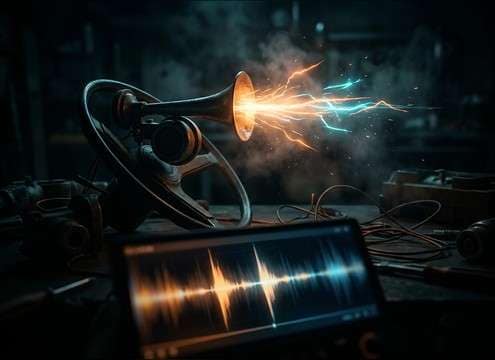
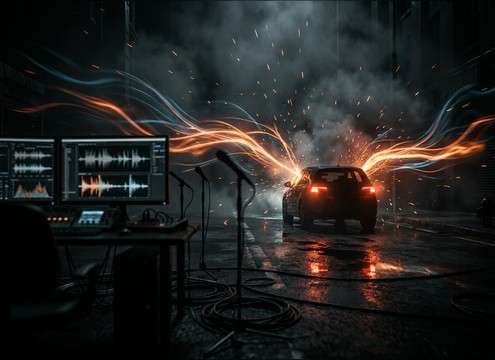
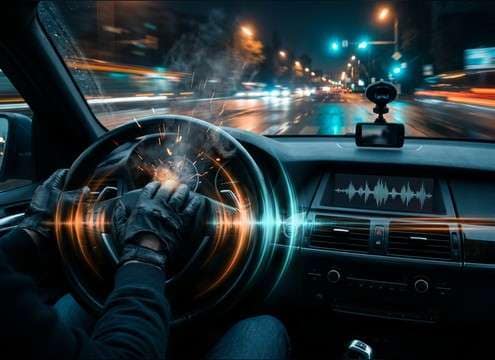
Pick a ready-to-use horn, or copy a prompt to generate a new take with the right intensity, distance, and space. These favorites cover short beeps, long honks, and scene cues that cut through traffic beds without harshness.

How to Generate Your Own
Car-Horn Sound Effects

Cannot find the perfect car-horn sound effect you need? Generate custom AI car-horn audio effortlessly. Describe the style, such as short clean cue, cinematic hit, subtle background layer, branded UI alert, and Media.io AI builds tailored car-horn sound effects instantly. No audio editing experience needed. Turn your concept into a royalty-free, high-quality downloadable WAV car-horn clip in under 60 seconds.

1

Describe the horn

Type a prompt for the exact horn you need, like a short polite beep, an angry blast, or a distant honk in traffic, and add notes about space (street, tunnel, garage).

2

Pick length and takes

Choose 5s, 10s, or 20s and set how many variations you want, so you can audition different tones and distances without rewriting everything.

3

Generate and preview

Click Generate, listen to each result, and keep the one with the best attack, tail, and loudness for your cut.

4

Download WAV and use

Download the selected file as a WAV and drop it into videos, driving scenes, comedy beats, apps, podcasts, or commercial projects.

What Can You Use These Car-Horn Sound Effects For?

Creators in every field are using our royalty-free audio to set the perfect mood.

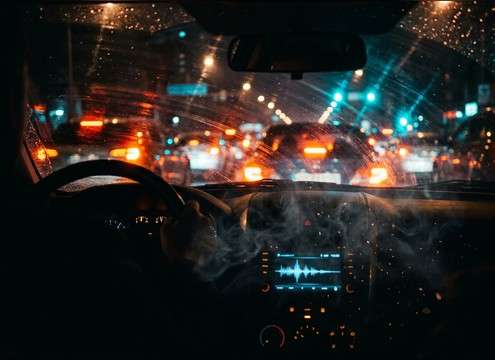
Car horn accent for a red light traffic scene

Traffic tension cutaways

Add a quick horn accent to sell impatience at a red light without overpowering dialogue or engine beds.

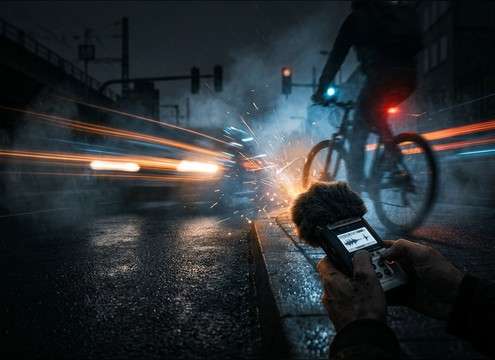
Sharp car horn beep for a near-miss moment

Near-miss reactions

Use a sharp close beep with a short tail for a bike-lane near-miss or a parking lot close call.

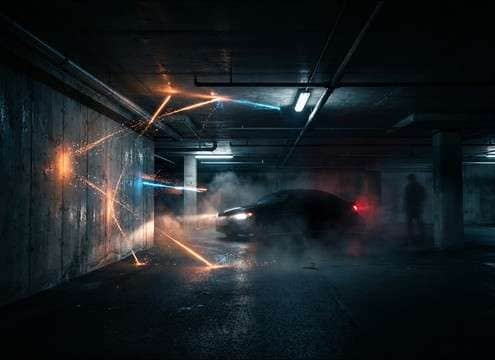
Car horn with echo in a parking garage

Parking garage realism

Pick a horn with strong early reflections so it feels like concrete walls are throwing the sound back at camera.

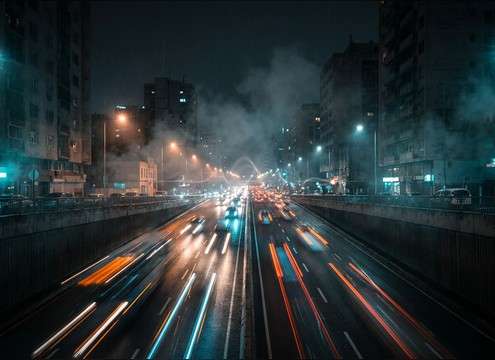
Distant car horn in a city establishing shot

Urban establishing shots

Layer a distant honk behind road noise to suggest a busy street without drawing focus from the visuals.

Two-tap car horn for a comedy beat

Comedy punctuation

A short, clean double-tap can land a punchline like a visual rimshot, especially in quick edits.

Aggressive car horn blast for road rage

Road rage escalation

Swap from a polite beep to an aggressive blast to show the mood turning, with stronger midrange bite.

Car horn cue synced to driving instruction footage

Driver feedback cues

For driving tutorials or dashcam reenactments, use consistent horn timing that matches on-screen steering and braking.

Car horn SFX for NPC traffic event in a driving game

Game NPC traffic

Trigger short horn barks at intersections or blocked lanes; choose a tight transient so it reads through music.

Why Choose Media.io for Car-Horn Sound Generator?

See exactly why creators, developers and studios choose our AI audio generator over all others.

Prompt settings to control car horn tone and intensity

Prompt control for horn tone

Steer the sound toward polite beeps, long honks, or heavier truck blasts by describing pitch, aggression, and texture in plain language.

Controls for distance perspective and room reflections

Distance and space matching

Dial in close, mid, or distant perspective and specify locations like street canyons or parking garages to shape reflections and decay.

Waveform showing a clean car horn transient and short tail

Clean transients for editing

Get horn hits with a defined attack and controlled tail, making it easier to cut tightly to picture and avoid muddy overlap with engines.

Regenerating multiple alternate car horn takes

Regenerate alternate takes fast

Keep the same idea but request new timing, intensity, or ambience so you can audition options that fit a specific shot length.

Downloading a WAV car horn sound effect

Download-ready WAV workflow

Preview in browser, pick the best result, and export a WAV that drops into your timeline without extra conversion steps.

Media.io car horn sound generator for download and customization

Why Choose Media.io for Car-Horn Sound Generator

Start from a library clip when you are in a hurry, then use AI prompts to customize the same scene cue until the horn feels believable in your mix.

How to Prompt Car Horns That Match the Scene

Car horns read as story beats: polite reminder, warning, panic, or anger. To get a usable result fast, write prompts that specify the horn type, timing pattern, and where the listener is (inside the car, curbside, across the street, or inside a garage). Then adjust attack and tail so the horn either punches through the mix or sits behind ambience as a background cue.

Choose the horn behavior (beep vs honk)

Start with the action you need on screen. A single beep feels like a tap, while a sustained honk signals escalation. If your cut is tight, ask for a faster release and shorter decay to avoid stepping on dialogue.

  • Use words like single beep, double tap, sustained honk, or repeated bursts
  • Ask for polite, urgent, or angry to guide intensity and edge
  • Specify clean or gritty if you want distortion character

Set perspective and environment

Distance and location change everything. A far horn should lose high-end and feel narrower, while a garage horn should have early reflections and a longer tail. Describe the listener position to avoid a horn that feels disconnected from the camera.

  • Close curbside: sharp transient, minimal room tone
  • Across street: softened attack, slight ambience bed
  • Parking garage: strong reflections, longer echo tail

Control rhythm so it syncs to picture

Horns often need to hit precise frames. Ask for exact spacing and count, not just a general mood. For comedic moments, keep the pattern simple; for traffic layers, keep events spaced so they do not blur together.

  • Call out timing like two taps with a short gap
  • Request one clear peak for each horn hit
  • For layers, ask for staggered timing and controlled dynamics

Avoid common horn SFX pitfalls

Bad horn clips are often too harsh, too distorted, or have unrelated background audio. Keep prompts strict about what should not be present, and request a balanced loudness that does not clip.

  • Exclude sirens, crashes, voices, and heavy music bleed
  • Ask for no clipping and no harsh ringing resonances
  • If the horn feels cartoonish, request realistic mechanical tone

Frequently Asked Questions About
Car-Horn Sound Effects

Everything you need to know before downloading or generating your first sound.

Can I download these car horn sounds as WAV files?

Yes. After you preview a result, you can download it as a WAV so it is easy to edit, trim, fade, and place precisely on your timeline.

How do I pick close vs distant car-horn sound effects?

Close horns have a sharper transient and clearer pitch, with less ambience. Distant horns usually have softer attack, less high-end, and more environmental bed. Match the choice to your camera position and how prominent the horn should be in the mix.

What prompt details make a parking garage horn sound believable?

Mention the location and reflections: parking garage, concrete walls, early reflections, and a longer echo tail. If the result gets too washy, ask for a shorter decay and clearer direct sound.

Are these sound effects OK for commercial use and client work?

Media.io provides royalty-free downloads for use in business, client, and monetized projects. If you have a specific licensing requirement, check the terms shown in your workspace before publishing.

Are these car-horn sound effects free to download?

Yes. You can preview and download the AI-generated car-horn sound effects as WAV files and use them in personal or commercial projects.

Can I copy the prompt used for each sound?

Yes. Open any sound row to view the prompt, copy it, adjust the wording and generate a custom variation that better matches your scene.

Related Free Sound
Effect Categories

Explore other AI-generated sound libraries from Media.io

sound

Rain Sound Effects

10+ free sounds
sound

Thunder Sound Effects

10+ free sounds
sound

Farts Sound Effects

10+ free sounds
sound

Car Crash Sounds

10+ free sounds
sound

Explosion Sound Effects

10+ free sounds
sound

Gunshot Sound Effects

10+ free sounds
sound

Pistol Sound Effects

10+ free sounds
sound

AI Horror Sound Effects

10+ free sounds
sound

AI Forest Sound Effects

10+ free sounds
sound

AI Dog Whistle Sound

10+ free sounds
sound

AI Ding Sound

10+ free sounds
sound

Phone Ring Sound

10+ free sounds
media.io

AI Video Generator star

Easily generate videos from text or images

Generate
