














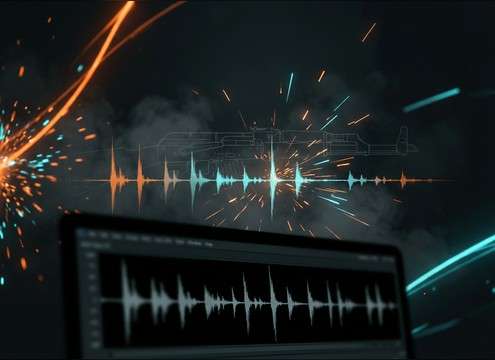


AK47-style gunfire reads differently depending on cadence, distance, and how much mechanical action you let through. Use the tips below to choose the right library clip or write a prompt that generates a version with the attack, tail, and space your edit needs.
Specify shot pattern and cadence
Editors usually need either a single report for a clean cut, or a burst that matches visible recoil and muzzle flashes. Cadence wording helps the generator avoid unrealistically even machine-gun spacing.
- Use terms like single shot, 3-round burst, short volley, or sporadic shots
- Call out timing feel: tight cadence, uneven cadence, or staccato burst
- Ask for a clean end: short tail, fast fade, or no lingering ring
Control distance, space, and tail length
Distance changes the transient and high-end bite, while the environment controls reflections. If your scene is indoors, the slap and decay must match the apparent room size.
- Close: hard transient, minimal room tone, compact decay
- Mid or distant: softened crack, more air tail, less high-end
- Indoor: early reflections and audible room decay, not a dry snap
Add mechanical detail when it is visible
If the character is reloading, handling the rifle, or experiencing a misfire, the mechanical layer sells realism and helps continuity between shots.
- Prompt bolt clack, magazine rattle, and hand handling for reload beats
- Ask for minimal ambience so you can place it in any scene
- Keep cloth and gear rustle subtle so it does not mask dialogue
Common mistakes to avoid
Gunfire that is too bright, too long, or overly wide can feel fake and fight your mix. A few prompt constraints prevent unusable outputs.
- Avoid clipped peaks: request clean dynamics and no distortion
- Avoid endless reverb: request controlled tail or short decay
- Avoid mismatch: do not combine distant perspective with loud close transients




