
















Spaceship audio usually fails when the perspective and motion do not match the camera. Use the library for fast starting points, then adjust your prompt to control thrust character, Doppler movement, and tail behavior. The goal is an edit-friendly transient for timing, plus a decay that supports the scene without masking dialogue or music.
Match propulsion to the craft
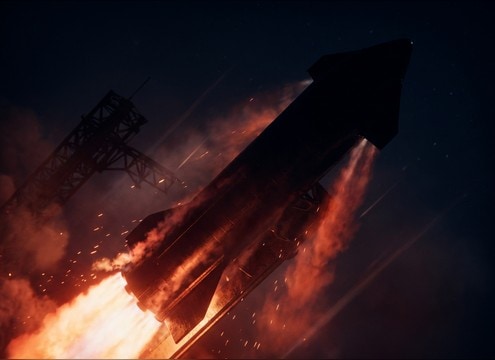
Describe what powers the ship so the texture feels intentional. A chemical rocket reads as punchy and noisy, while ion or futuristic drives feel smoother with stable pitch and less grit.
- Use words like ignition, plume, turbine, ion, plasma, or grav
- Call out texture: gritty, clean, metallic, airy, or buzzing
- Ask for controlled low-end if the scene already has music hits
Set perspective and motion cues
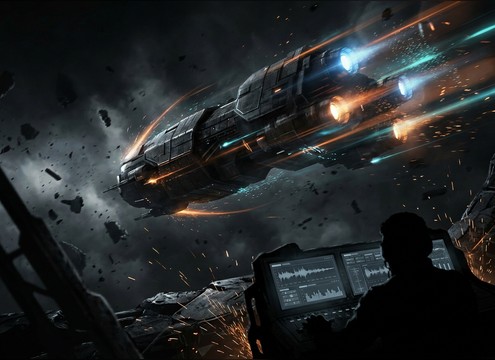
Flybys need Doppler and stereo travel, while distant passes should soften the attack and reduce bass. If the ship is on-screen but far away, keep the transient gentle and let the tail carry the scale.
- Close: sharp transient, wider stereo, stronger Doppler
- Distant: softened attack, narrower stereo, longer airy decay
- For fast edits, request a clean stop or short tail
Choose tails that cut cleanly
Long decays can sell size, but they can also smear cuts. When you need a crisp edit point, prompt for a tidy decay or a fade that ends without clicks.
- Ask for short controlled decay on quick cuts and montages
- Ask for longer tail only when the camera lingers on the ship
- Avoid harsh distortion if the SFX must sit under dialogue
Make loops that do not drift
For gameplay or continuous flight, your engine bed should have stable pitch and no obvious one-shot hits. Request a loopable ending so crossfades stay invisible.
- Use terms like loop-friendly, steady, constant, and stable pitch
- Avoid random clanks, sparks, or big whooshes in the loop
- Choose 20 seconds when you need a longer bed to hide repeats




