














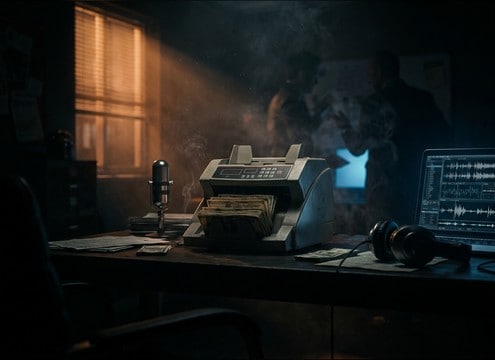
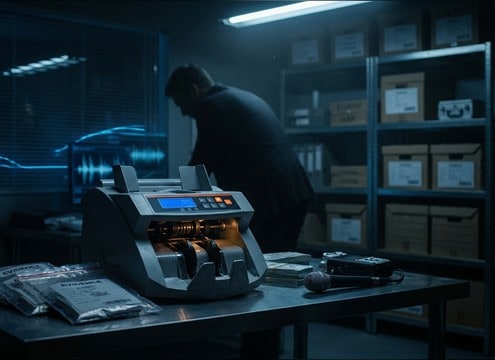
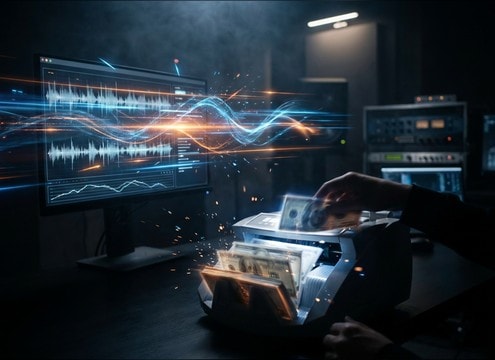


Cash counters read as real when the rhythm is consistent, the transient bill slaps are believable, and the motor bed does not fight your dialogue. Use prompts that specify cadence, start and stop behavior, and where the machine sits in the space. Then pick a duration that matches the edit: short bursts for quick cuts, longer runs for montage beds.
Specify cadence and feed behavior
Tell the generator how fast the machine runs and whether it is steady or irregular. A believable money counter usually has a consistent slap pattern, while drama scenes benefit from a ramp-up, a stutter, or a hard stop click that lands on picture.
- Use words like slow, medium, high-speed burst, or steady run
- Call out ramp-up, continuous, stutter, jam, or stop click
- Ask for crisp transients if you need clear sync to hand movement
Control mechanical texture and noise floor
Cash counters are a blend of bill slap, plastic or metal clicks, and a motor whirr. If the whirr is too loud it will mask speech; if it is too clean the sound may feel fake. Prompt for a balanced noise floor that matches your scene.
- Add motor whirr level: faint, moderate, or prominent
- Request light electrical hum only if your scene supports it
- If you need clarity, ask for minimal hiss and a clean stop tail
Choose perspective and room tone on purpose
A close counter feels tactile and sharp, while a distant backroom counter becomes a softer texture with more room decay. Prompting distance and space prevents a mismatch between the visual framing and the audio reflections.
- Close-mic for sharp attack and short decay
- Across the room for softened clicks and longer tail
- Office room tone for realism, dry for tight cuts and VO
Make clips edit-friendly
Editors often need clean in and out points and repeatable texture. Ask for stable rhythm when you want a loop, or a distinct stop click when you want a strong cut point. Keep stereo width appropriate for the mix.
- Request loop-friendly, consistent rhythm for background beds
- Ask for a clear stop click to end on a cut
- Use narrow stereo for dialogue scenes, wider stereo for montage




