











Popular Engine Sound Effects Library

Pick a ready-to-use clip for quick edits, or copy the prompt to regenerate new takes with different RPM curves, distance, and room reflections.

How to Generate Your Own
Engine Sound Effects

Cannot find the perfect engine sound effect you need? Generate custom AI engine audio effortlessly. Describe the style, such as short clean cue, cinematic hit, subtle background layer, branded UI alert, and Media.io AI builds tailored engine sound effects instantly. No audio editing experience needed. Turn your concept into a royalty-free, high-quality downloadable WAV engine clip in under 60 seconds.

1

Describe the engine

Type or paste a prompt describing the vehicle feel (idle, start, rev, drive-by), plus details like RPM rise, distance, and whether it is indoors or outdoors.

2

Pick duration and takes

Choose 5s, 10s, or 20s and set how many variations you want, so you can compare different tones and tails side by side.

3

Generate and preview

Click Generate, listen to each result, and keep the one with the best transient, low-end weight, and decay for your scene.

4

Download WAV and use

Download the WAV file and drop it into your timeline for videos, racing games, mobile apps, audio drama scenes, or other commercial projects.

What Can You Use These Engine Sound Effects For?

Creators in every field are using our royalty-free audio to set the perfect mood.

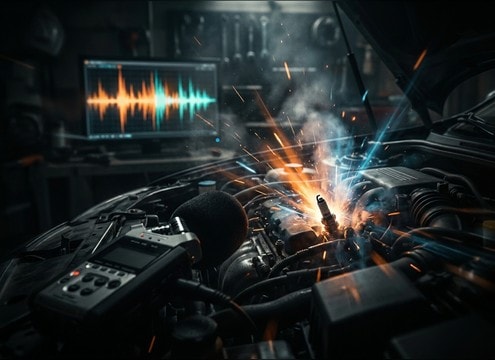
Engine start sound synced to a key turn in a video edit

Car start on

Swap weak production audio with a clean ignition and starter transient that matches the cut to the key turn.

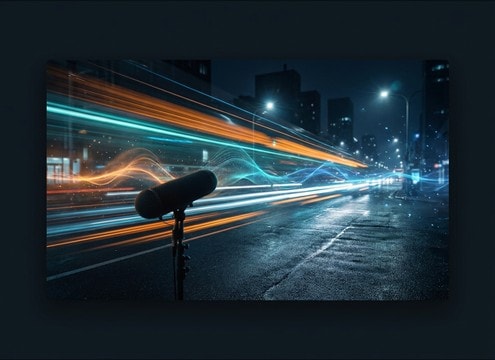
Drive-by engine audio matched to a car passing the camera

Street pass-by shot

Add believable doppler and stereo motion for vehicles crossing frame, from close whoosh to distant fade.

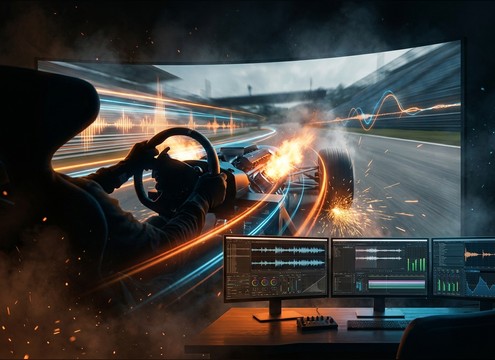
Racing game engine rev sound effects for acceleration events

Racing game acceleration

Trigger rev sweeps, upshift drops, and short blips as responsive SFX layers for throttle input.

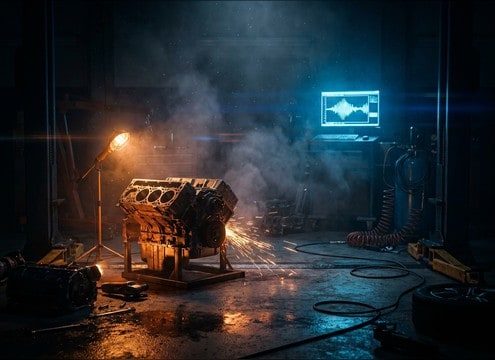
Garage scene with engine idle and rev sound effects

Garage repair montage

Use idles with room reflections to sell an indoor bay, then cut to clean revs for quick before and after beats.

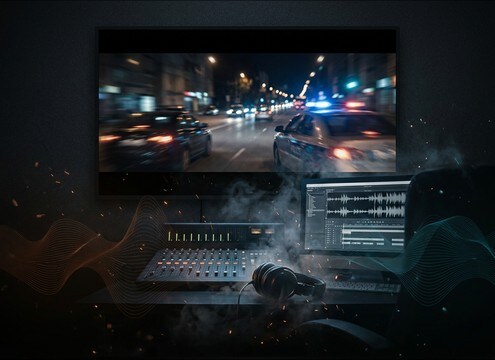
Car chase sequence with engine bed under dialogue

Chase scene under

Choose controlled low-end and a stable noise floor so engines stay present without masking speech.

Small engine sound effects for a motorcycle or ATV scene

Motorcycle or ATV

Generate higher-pitched variants with snappier attacks when you need a smaller engine vibe without sourcing new recordings.

Animated car character with expressive engine sound effects

Animation vehicle acting

Match exaggerated throttle blips and comedic start fails to character timing and on-screen motion.

VR driving simulator using loopable engine ambience audio

VR driving sim

Loop a steady cruising bed and layer short throttle cues for head-tracked movement without obvious seams.

Why Choose Media.io for Engine Sound Generator?

See exactly why creators, developers and studios choose our AI audio generator over all others.

Text prompt controls for RPM sweep and throttle behavior

Prompt control for RPM and feel

Dial in idle wobble, smooth rev sweeps, or harsh throttle snaps by describing timing and intensity in plain text.

Multiple generated engine takes shown for quick comparison

Engine Sound Generator variations

Regenerate multiple takes to quickly compare tone, transient sharpness, and tail length without re-recording.

Controls for close versus distant engine perspective

Scene distance and space

Ask for close-mic detail, street distance, or indoor garage reflections to fit what the camera sees.

Audio preview player for engine sound effects

Preview first, commit later

Audition clips in-browser before downloading so you only export the version that matches your edit.

WAV download option for generated engine audio

Download-ready WAV workflow

Export WAV files that are easy to trim, loop, and place under dialogue or action beats.

Duration choices for engine sound generation

Quick durations for real edits

Generate 5s stingers, 10s moments, or 20s loopable beds to cover common start, pass-by, and chase needs.

How to Prompt Engine Sounds That Match the Shot

Engine audio sells speed, weight, and distance, but the wrong RPM curve or space can break the illusion. Use prompts that specify what the camera is doing (static, tracking, interior), how the RPM changes over time, and whether you need a loopable bed or a one-shot event like a start, blip, or pass-by. The details below help you get cleaner transients, believable low-end, and usable tails with fewer regenerations.

Choose the event, not just the vehicle

Start by naming the action you need: ignition, idle bed, throttle blip, sustained rev, shift drop, or pass-by. Event language helps control attack and decay, which is more important than brand names in most edits.

  • For ignition: ask for a sharp start transient plus a short settle into idle
  • For throttle: specify a quick rise and a controlled release to avoid boomy tails
  • For shifts: request a rev drop with a small mechanical tick or clutch click

Lock in RPM movement and timing

Most engine cues fail because the RPM change does not match the picture. Describe the shape: linear sweep, stepped climbs, or pulsing surges, and tell it when the peak happens so the transient lines up with the cut.

  • Use timing cues like "peaks at 2 seconds" or "two blips" for tighter sync
  • Ask for steady intensity if you need an underlay that will not distract
  • Request "no abrupt ending" when you plan to cut or loop

Set perspective: close, distant, interior, or garage

Perspective determines stereo width, high-end detail, and the amount of room tone. A close pass needs crisp transients and strong doppler, while a distant pass benefits from softer highs and a longer fade tail.

  • Close: wide stereo, clear midrange bite, short tail after the pass
  • Distant: narrower stereo, more air, smoother attack, longer decay
  • Indoor: add garage reflections or tunnel slap for believable space

Avoid common artifacts in engine SFX

To keep clips mix-ready, prevent harsh clipping, unstable warble, or noisy backgrounds that fight dialogue. A good prompt can reduce issues before you download and edit.

  • Ask for "no clipping" and "clean transient" to avoid crunchy peaks
  • Request a "stable noise floor" when you need a loopable bed
  • Avoid overly specific brand terms if they cause inconsistent texture across takes

Frequently Asked Questions About
Engine Sound Effects

Everything you need to know before downloading or generating your first sound.

Can I download engine sound effects for commercial use?

Yes. You can preview and download royalty-free engine clips from this page, and you can also generate custom variations. Always review the license notes shown in the product at download time to confirm the best fit for your project.

Do the downloads come as WAV files?

After you generate or pick a sound, you can download a WAV file. WAV is ideal for editing because it preserves transients, low-end, and tail detail when you trim or layer it in your timeline.

How do I choose between idle, rev, and drive-by for my scene?

Match the cue to what the camera implies. Use idle for parked or stopped shots, rev blips for quick gestures and cut points, and drive-by for motion across frame with doppler. If you need continuity under dialogue, generate a steady bed with a stable noise floor and minimal peaks.

How can I make an engine sound loop cleanly?

Generate a steady section with consistent RPM and ask for a loop-friendly clip with no abrupt start or end. Then trim to a zero-crossing, add a short crossfade, and keep the tail controlled so the loop does not swell each repeat.

Are these engine sound effects free to download?

Yes. You can preview and download the AI-generated engine sound effects as WAV files and use them in personal or commercial projects.

Can I copy the prompt used for each sound?

Yes. Open any sound row to view the prompt, copy it, adjust the wording and generate a custom variation that better matches your scene.

Related Free Sound
Effect Categories

Explore other AI-generated sound libraries from Media.io

sound

Rain Sound Effects

10+ free sounds
sound

Thunder Sound Effects

10+ free sounds
sound

Farts Sound Effects

10+ free sounds
sound

Car Crash Sounds

10+ free sounds
sound

Explosion Sound Effects

10+ free sounds
sound

Gunshot Sound Effects

10+ free sounds
sound

Pistol Sound Effects

10+ free sounds
sound

AI Horror Sound Effects

10+ free sounds
sound

AI Forest Sound Effects

10+ free sounds
sound

AI Dog Whistle Sound

10+ free sounds
sound

AI Ding Sound

10+ free sounds
sound

Phone Ring Sound

10+ free sounds
media.io

AI Video Generator star

Easily generate videos from text or images

Generate
