

















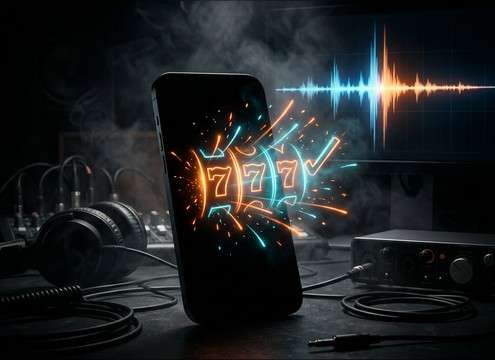


Slot sounds live or die on timing: a tight click for the input, a continuous whir for the spin, a clear stop for the reveal, and a musical win that does not linger too long. Use the library when you need something immediate, or generate custom versions when you must match a specific reel speed, coin density, or casino room tone.
Break the moment into actions
Most slot sequences are a chain of micro-events. Choosing separate assets for each action makes the animation feel responsive and avoids one long sound that is hard to edit.
- Input: button click or lever pull with a sharp, short transient
- Motion: reel spin bed with steady texture and minimal pitch wobble
- Result: stop ticks plus win chime or a dry non-win stop
Prompt for realism vs arcade exaggeration
Decide whether your scene needs believable casino foley or a stylized arcade vibe. Your prompt can specify tone, brightness, and how synthetic the chime should feel.
- Realistic: mechanical ticks, subtle motor whir, light room tone, restrained stereo width
- Arcade: brighter harmonics, wider stereo, punchier stingers, more sparkle in the tail
- Comedy: exaggerated coin cascade density and slightly oversized transients
Match duration to the cut
Slot cues are often edited to exact beats. Pick durations that align with your on-screen spin length and leave a clean ending so you can cut to dialogue or music.
- 5 seconds for quick spins, button feedback, and short win pops
- 10 seconds for a big-win reveal with a longer musical payoff
- 20 seconds for a celebration bed that you can fade or cut cleanly
Avoid common selection mistakes
The wrong slot sound usually fails because it is too busy, too loud, or too recognizable. Keep it clean, distinct, and easy to place in a mix.
- Avoid constant high-frequency fizz that masks speech and sibilance
- Avoid recognizable brand-like jingles; prompt for an original melody
- Avoid long reverb tails on clicks; keep stop ticks tight and dry




