














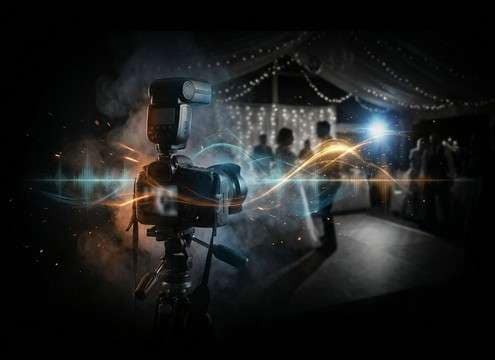
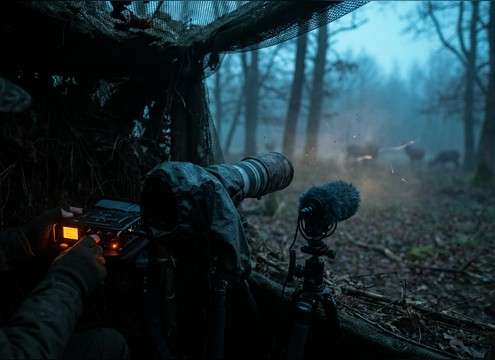


Camera audio reads as "real" when the shutter type, mechanical texture, and tail match the shot. Use the prompts below to specify what the viewer should feel: a sharp click for a tight insert, a softened transient for a quiet moment, or a clustered burst for press coverage.
Match the device: phone, DSLR, or film
Different cameras imply different mechanics. A phone capture is usually a short, polite click; a DSLR can include mirror slap; film cameras add gears and a winding stop.
- Use keywords like "mirror slap", "silent shutter", or "film advance wind"
- Ask for "low mechanical noise" when you only want the click
- Add "gear texture" or "chassis resonance" when you want realism
Choose perspective: close, mid, or distant
Perspective changes the transient and the room. Close sounds are punchy and direct; distant sounds soften the attack and add reflections that help the sound sit in a space.
- Prompt "close-mic, dry, minimal tail" for inserts and UI moments
- Prompt "3–5 meters away, audible room tone" for wide shots
- Specify "narrow mono" or "moderate stereo width" to fit the mix
Control tails so dialogue stays clear
A long decay can smear over speech or music. For most edits, a short tail is more useful; save longer room tails for intentional quiet beats.
- Ask for "short decay" when the click lands under dialogue
- Use "no reverb wash" to avoid splashy reflections
- If needed, request "gentle tail" instead of "hard cut" for naturalness
Build believable sequences (bursts and clusters)
For paparazzi or events, the realism comes from timing variation and masking. Layered clicks should feel busy but not like a machine gun of identical samples.
- Prompt "overlapping shutters with occasional bursts" for press pools
- Add "mild crowd masking" to keep it believable in a busy room
- Avoid "perfectly identical clicks" so the sequence doesn't loop unnaturally




