











Popular Auto Sound Effects Library

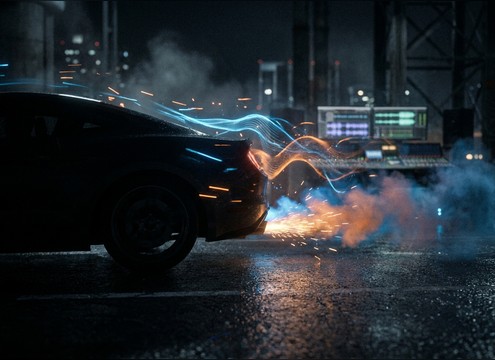
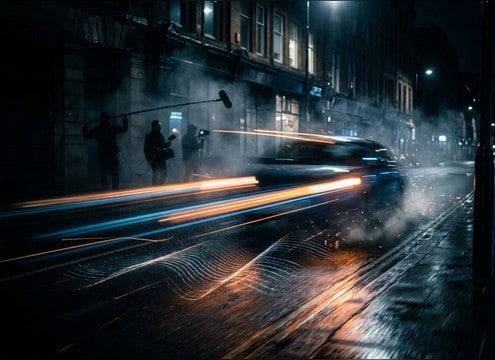
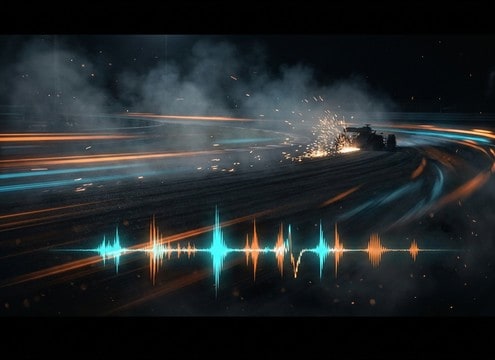
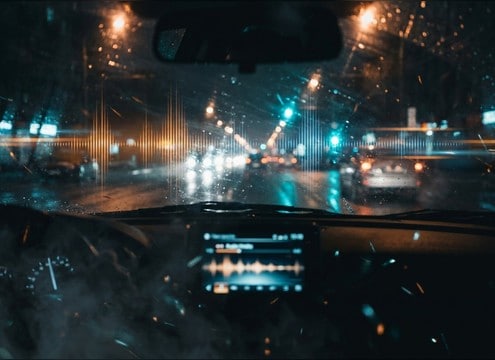
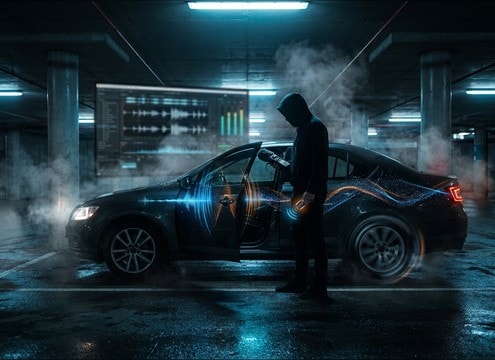
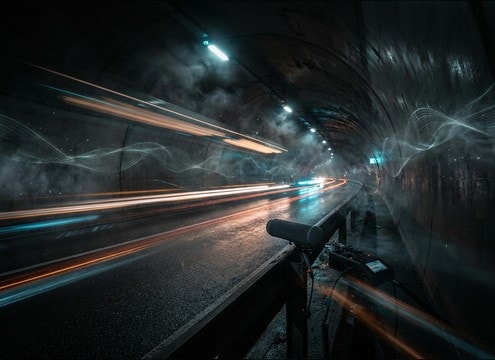
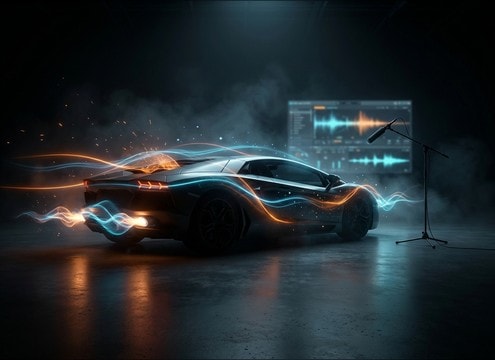
Pick a clip by perspective and texture (close engine detail, distant street bed, tunnel reflections), or copy the prompt to generate a new take with cleaner transients, longer decay, or less road hiss.

How to Generate Your Own
Auto Sound Effects

Cannot find the perfect auto sound effect you need? Generate custom AI auto audio effortlessly. Describe the style, such as short clean cue, cinematic hit, subtle background layer, branded UI alert, and Media.io AI builds tailored auto sound effects instantly. No audio editing experience needed. Turn your concept into a royalty-free, high-quality downloadable WAV auto clip in under 60 seconds.

1

Describe the car sound

Type a prompt for the exact action you need, like ignition start, tight rev blip, close pass-by, tire skid, or a tunnel drive with reflections.

2

Choose duration and takes

Set 5s, 10s, or 20s and select how many variations to generate so you can audition different intensity levels and perspectives.

3

Generate and preview

Click Generate, then listen to each result and keep the version with the cleanest transient, the right tail length, and the best timing for your cut.

4

Download WAV and use

Export the chosen clip as a WAV file and drop it into videos, driving sims, apps, audio drama scenes, or commercial projects.

What Can You Use These Auto Sound Effects For?

Creators in every field are using our royalty-free audio to set the perfect mood.

Close shot of driver starting a car with synced ignition sound

On-screen ignition and

Match the exact moment keys turn, the starter bites, and the idle settles before the car rolls out of frame.

Car passing the camera on a city street for a transition cut

Street pass-by transitions

Use doppler pass-bys as natural wipes between scenes, with stereo movement that tracks the camera pan.

Racing montage timeline with rev and skid sound cues

Racing montage and

Add tight rev blips, gear-change energy, and short skid accents that cut through music without muddy low-end.

Dashcam style video scene needing car pass-by and horn audio

Dashcam reenactments

Replace noisy production audio with clearer tire hiss, horn bursts, and distance-accurate traffic movement.

Parking lot scene with car door closing and brake squeal

Parking lot micro-moments

Layer door closes, remote lock chirps, and slow brake squeals for believable everyday car scenes.

Car driving through a tunnel with strong reflections in audio

Tunnel and underpass

Choose clips with long reflections and fluttery tails that sell the enclosed space on wide shots.

Driving simulator HUD with triggered skid and pass-by sounds

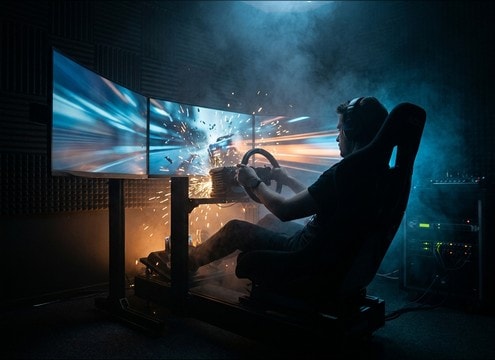
Driving simulator events

Trigger short, consistent SFX for collisions avoided, skids, and speed changes without distracting room tone shifts.

Automotive product demo showing engine start and cabin controls

Automotive product demos

Support visuals of start-stop, acceleration, and interior actions with clean transients and controlled noise floors.

Why Choose Media.io for Auto Sound Generator?

See exactly why creators, developers and studios choose our AI audio generator over all others.

Prompt controls for generating car sounds by scene and surface

Scene-matched prompt control

Steer the result by vehicle type, surface (dry, wet), and action timing so the sound lands exactly on the edit point.

Multiple generated car sound variations displayed for audition

Auto Sound Generator variations

Generate multiple takes at once to compare close vs distant perspective, softer transients, or longer decays.

Audio preview player for auto sound effects

Preview-first downloads

Audition the clip before exporting so you do not waste time downloading takes that fight your dialogue or music bed.

WAV download option for sound effects export

Mix-friendly clean exports

Download WAV that is ready for layering, with controllable noise and fewer distracting artifacts.

Regenerate button for adjusting attack and tail timing

Fast regeneration for timing

If the tail is too long or the attack is too soft, adjust the prompt and regenerate until it fits your shot length.

Consistent car sound palette across a video timeline

Consistent tone across edits

Keep a coherent car sound palette across a sequence by reusing prompts and generating matched alternates.

How to Prompt Auto Sound Effects That Cut Cleanly

Auto sounds live or die on timing, perspective, and how much road noise you allow. When you prompt or choose a clip, decide what the viewer should notice (engine character vs tire texture), where the mic is (inside cabin, curbside, far across the street), and whether the tail needs to end cleanly for a cut. Use the tips below to get believable drivebys, starts, and skids without fighting your mix.

Name the action and the vehicle

Start with a clear action word (start, idle, rev, accelerate, pass-by, brake, skid) and a vehicle clue (compact, SUV, sports sedan, truck). This helps control the transient shape and low-end weight so the clip feels right for the picture.

  • For sharp sync, include words like "tight attack" or "instant ignition"
  • For heavier tone, mention "deep low-end" or "truck-like rumble"
  • For clean foley moments, specify "no traffic bed" or "minimal background"

Set distance, movement, and stereo

Driving scenes often need motion: approach, pass, and recede. Add distance and camera position to get realistic doppler and stereo width, especially for curbside shots and fast pans.

  • Close pass-by: ask for "wide stereo sweep" and "strong doppler"
  • Distant street: ask for "narrow stereo" and "soft transient"
  • Static shot: choose "steady idle" with "low movement"

Control texture: tires, wind, and reflections

Decide what texture should be present besides the engine. Tire hiss and wind can add realism, but too much will mask dialogue. Reflections (garage, alley, tunnel) change the tail and perceived size.

  • Wet road: include "spray hiss" and a slightly darker tone
  • Garage start: include "short reflections" and a tighter room tail
  • Tunnel drive: request "fluttery reflections" and a longer decay

Avoid prompts that sound fake

Some prompts lead to unusable clips: overly loud distortion, random horns, or background crowds. Keep instructions specific and limit extra elements unless the scene demands them.

  • Avoid stacking too many events in 5 seconds unless you need a montage hit
  • If you need clean SFX, specify "no sirens, no voices, no music"
  • If the clip is for layering, ask for "controlled noise floor" and "no clipping"

Frequently Asked Questions About
Auto Sound Effects

Everything you need to know before downloading or generating your first sound.

Can I download auto sound effects for commercial use?

Media.io lets you preview and download these auto sound effects as royalty-free clips, and you can also generate new variations with AI prompts for your projects. If you have a specific licensing requirement for a client or platform, review the usage terms shown in your Media.io workspace before publishing.

Do these auto sounds export as WAV files?

Yes. After you pick a clip (library or AI-generated), you can download it as a WAV file so it stays clean when you trim, fade, or layer it under dialogue and music.

How do I make a pass-by sound match my camera angle?

Choose or prompt for the same perspective as your shot: curbside close pass-bys need wide stereo movement and strong doppler, while distant traffic should be narrower with softer transients and a longer air decay.

Which duration should I choose: 5s, 10s, or 20s?

Use 5s for single actions like ignition, door close, quick rev, or a short skid. Use 10s for patterned horns or longer decays. Use 20s for full motion cues like approach-pass-recede or tunnel sequences where reflections need time to bloom.

Are these auto sound effects free to download?

Yes. You can preview and download the AI-generated auto sound effects as WAV files and use them in personal or commercial projects.

Can I copy the prompt used for each sound?

Yes. Open any sound row to view the prompt, copy it, adjust the wording and generate a custom variation that better matches your scene.

Related Free Sound
Effect Categories

Explore other AI-generated sound libraries from Media.io

sound

Rain Sound Effects

10+ free sounds
sound

Thunder Sound Effects

10+ free sounds
sound

Farts Sound Effects

10+ free sounds
sound

Car Crash Sounds

10+ free sounds
sound

Explosion Sound Effects

10+ free sounds
sound

Gunshot Sound Effects

10+ free sounds
sound

Pistol Sound Effects

10+ free sounds
sound

AI Horror Sound Effects

10+ free sounds
sound

AI Forest Sound Effects

10+ free sounds
sound

AI Dog Whistle Sound

10+ free sounds
sound

AI Ding Sound

10+ free sounds
sound

Phone Ring Sound

10+ free sounds
media.io

AI Video Generator star

Easily generate videos from text or images

Generate
