













Popular Uh-Oh Sound Effects Library

Pick a ready-to-use reaction, then fine-tune it with prompts like pitch, urgency, distance, and room tone. Preview first, regenerate alternatives, and download a clean WAV that drops into your timeline without fighting dialogue.

How to Generate Your Own
Uh-Oh Sound Effects

Cannot find the perfect uh-oh sound effect you need? Generate custom AI uh-oh audio effortlessly. Describe the style, such as short clean cue, cinematic hit, subtle background layer, branded UI alert, and Media.io AI builds tailored uh-oh sound effects instantly. No audio editing experience needed. Turn your concept into a royalty-free, high-quality downloadable WAV uh-oh clip in under 60 seconds.

1

Describe the uh-oh

Type a prompt for the exact reaction you need: cartoon, robot, whisper, off-screen, or a musical stinger, plus notes like pitch, speed, and room tone.

2

Pick duration and quantity

Choose 5s, 10s, or 20s and set how many variations to generate so you can audition different deliveries and timings.

3

Generate and preview

Click Generate, listen to each result, and keep the version with the best transient, tail length, and clarity for your scene.

4

Download WAV and use

Download the WAV file and drop it into videos, shorts, apps, games, podcasts, or commercial projects as a quick reaction cue.

What Can You Use These Uh-Oh Sound Effects For?

Creators in every field are using our royalty-free audio to set the perfect mood.

Uh-oh reaction sound timed to a cartoon character slip

Cartoon slip-up beat

Hit the exact frame after a banana-peel moment with a tight transient and a short decay that does not cover the next line.

Uh-oh sound effect used for an app error notification

UI error and

Add a friendly uh-oh to a failed form submit or undo toast, choosing a clean, narrow stereo cue that sits above UI clicks.

Uh-oh cue after a wrong answer in a trivia video

Trivia wrong answer

Use a game-show style uh-oh after a buzzer, with a controlled tail so the host VO can return immediately.

Soft uh-oh sound effect for a childrens audiobook moment

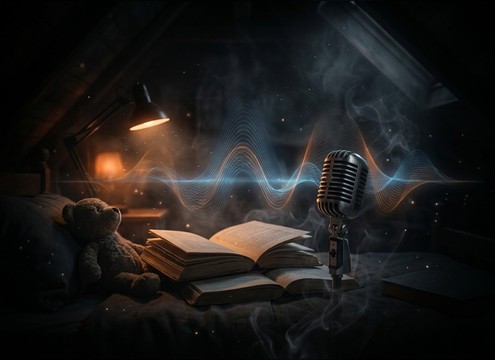
Kids story narration

Underline a small mistake in a bedtime story with a soft, close-mic delivery that feels gentle rather than alarming.

Uh-oh soundboard button for a live streamer reaction

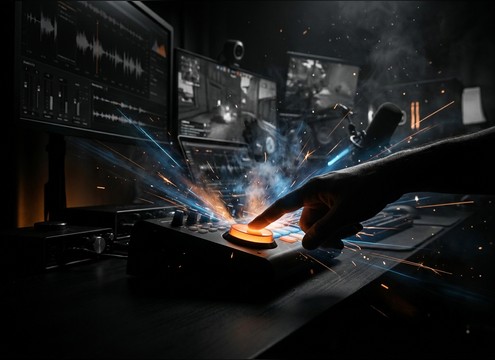
Streamer soundboard button

Trigger a quick reaction on live streams with consistent loudness and minimal room tone so it stays readable over gameplay.

Uh-oh stinger sound effect for a board game penalty

Board game penalty

Use a short stinger when someone draws a penalty card, keeping the tail short to avoid masking table talk.

Uh-oh sound effect used in a workplace training blooper

Training video blooper

Lighten an onboarding or safety lesson with a friendly uh-oh that signals a mistake without sounding harsh or sarcastic.

Uh-oh reaction clip placed between podcast dialogue lines

Comedy podcast reaction

Drop in a dry, low-noise uh-oh between lines, then trim to the beat so it supports the joke instead of interrupting it.

Why Choose Media.io for Uh-Oh Sound Generator?

See exactly why creators, developers and studios choose our AI audio generator over all others.

Prompt controls for generating an uh-oh reaction sound

Uh-Oh Sound Generator control

Steer delivery with text prompts: urgent vs playful, high vs low pitch, close-mic vs distant, plus how long the tail should ring out.

Preview panel for comparing multiple uh-oh sound variations

Audition-ready previews

Preview each variation instantly and choose the one with the cleanest transient and least masking against dialogue or UI clicks.

Royalty-free uh-oh sound effects available for download

Royalty-free downloads

Download ready-to-use clips for creator workflows, from comedy skits to app feedback sounds, without hunting across multiple libraries.

WAV download option for an uh-oh sound effect

Mix-friendly WAV export

Export clean WAV so your uh-oh stays crisp after edits, with less artifacting when you trim, fade, or level-match.

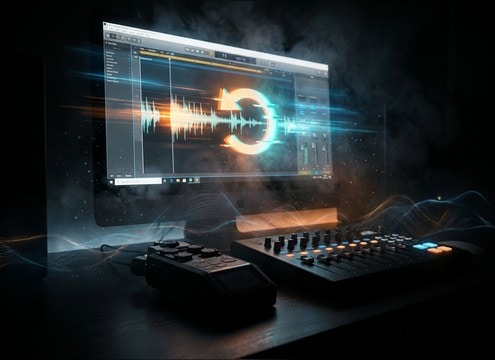
Regenerate button used to adjust uh-oh sound timing

Regenerate for timing

If the cadence lands late, regenerate with a tighter attack, shorter phrase, or different pause so it hits the exact frame.

Different uh-oh tone presets for cartoons UI and robot styles

Scene-specific tone choices

Dial in style quickly: cartoon, robot, muffled off-screen, or musical stinger, so the reaction matches your scene language.

How to Pick the Right Uh-Oh Reaction for Your Scene

An uh-oh works when it communicates intent in under a second: playful mistake, genuine worry, or a UI-friendly nudge. When you preview clips or write prompts, focus on three things that editors actually feel: the attack (how fast it reads), the pitch contour (comic vs serious), and the tail (how much it masks the next beat). Use the tips below to get a version that lands on the cut and stays mixable.

Choose the delivery style first

Start by deciding what the uh-oh is in your world: a voice reaction, a toy squeak, or a musical cue. This one choice determines whether it feels like character performance or a UI feedback sound.

  • For animation gags: prompt for a clear syllable and a fast attack
  • For apps: prompt for a non-verbal or synth version to avoid sounding like speech
  • For skits: choose a natural voice-like take with minimal room tone

Control pitch and urgency to match the joke

Pitch sets the emotion. Higher pitch reads as goofy or kid-friendly, while lower pitch reads as concern. Urgency is mostly timing: shorter phrase, tighter transient, and less pre-roll.

  • High pitch, short decay: playful and quick punchlines
  • Mid pitch, moderate tail: general reaction that fits most edits
  • Lower pitch, longer tail: a more serious "we messed up" beat

Set distance and tail for clean edits

The tail decides whether you can cut back to dialogue immediately. A distant or roomy version can feel cinematic, but it can also smear into the next line if the decay is too long.

  • Dry and close: easiest to place between lines without masking
  • Muffled or off-screen: great for behind-the-door or hallway scenes
  • Short tail + small fade: safest for tight comedic timing

Avoid common uh-oh problems

Most misses come from unclear transients, too much ambience, or a tone that clashes with the scene. Fix it by simplifying the prompt and asking for cleaner edges.

  • Avoid long reverbs if you need the next beat immediately
  • Avoid overly harsh sibilance that draws attention in quiet scenes
  • Avoid wide stereo if the sound must feel centered on-screen

Frequently Asked Questions About
Uh-Oh Sound Effects

Everything you need to know before downloading or generating your first sound.

Can I download uh-oh sound effects for commercial use?

Media.io provides downloadable, royalty-free sound effects designed for creator workflows. Always review the license shown in the product for your specific project and distribution needs before publishing.

Do these uh-oh sounds download as WAV files?

Yes. After you preview or generate a version you like, you can download it as a WAV file so it is easy to edit, trim, and level-match in most editors.

How do I make an uh-oh that fits a UI error without sounding like dialogue?

Prompt for a non-verbal reaction such as a synth chirp or robot tone, keep it dry, and ask for a short tail. Also request narrow stereo so it sits with clicks and taps rather than feeling like a character voice.

Which duration should I choose: 5s, 10s, or 20s?

Use 5s for quick reaction hits and soundboard buttons, 10s for a setup plus the reaction, and 20s for a loopable tension bed or repeated motif under a longer comedic moment.

Are these uh-oh sound effects free to download?

Yes. You can preview and download the AI-generated uh-oh sound effects as WAV files and use them in personal or commercial projects.

Can I copy the prompt used for each sound?

Yes. Open any sound row to view the prompt, copy it, adjust the wording and generate a custom variation that better matches your scene.

Related Free Sound
Effect Categories

Explore other AI-generated sound libraries from Media.io

sound

Rain Sound Effects

10+ free sounds
sound

Thunder Sound Effects

10+ free sounds
sound

Farts Sound Effects

10+ free sounds
sound

Car Crash Sounds

10+ free sounds
sound

Explosion Sound Effects

10+ free sounds
sound

Gunshot Sound Effects

10+ free sounds
sound

Pistol Sound Effects

10+ free sounds
sound

AI Horror Sound Effects

10+ free sounds
sound

AI Forest Sound Effects

10+ free sounds
sound

AI Dog Whistle Sound

10+ free sounds
sound

AI Ding Sound

10+ free sounds
sound

Phone Ring Sound

10+ free sounds
media.io

AI Video Generator star

Easily generate videos from text or images

Generate

