













Popular Machine Sound Effects Library

Start with these ready-to-use machine cues, each tuned for a specific mechanical action. Preview to check transient sharpness, tail length, and loopability, then copy the prompt to generate cleaner, dirtier, closer, or more distant takes.

How to Generate Your Own
Machine Sound Effects

Cannot find the perfect machine sound effect you need? Generate custom AI machine audio effortlessly. Describe the style, such as short clean cue, cinematic hit, subtle background layer, branded UI alert, and Media.io AI builds tailored machine sound effects instantly. No audio editing experience needed. Turn your concept into a royalty-free, high-quality downloadable WAV machine clip in under 60 seconds.

1

Describe the machine

Type or paste a prompt for the exact action you need, like a pneumatic valve burst, a conveyor start, or a heavy press impact, plus any notes on pitch, speed, or space.

2

Pick length and takes

Choose 5s, 10s, or 20s, then set how many variations to generate so you can audition different textures or intensities quickly.

3

Generate and preview

Click Generate, listen to each result, and keep the version with the right transient bite, tail length, and background noise level for your scene.

4

Download WAV and use

Download your selected WAV file and drop it into your timeline, game engine, app UI, or audio drama session for fast, production-ready placement.

What Can You Use These Machine Sound Effects For?

Creators in every field are using our royalty-free audio to set the perfect mood.

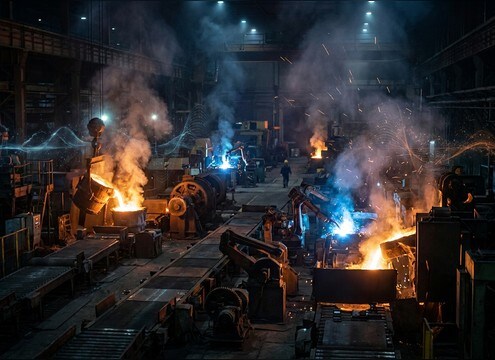
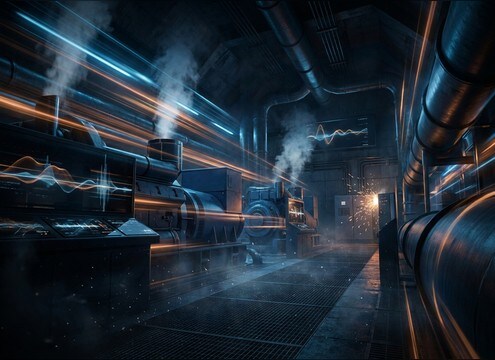
Factory interior with layered machinery ambience sound

Factory establishing shots

Lay in a believable machine bed with wide stereo and steady low-end so the scene feels active before any dialogue starts.

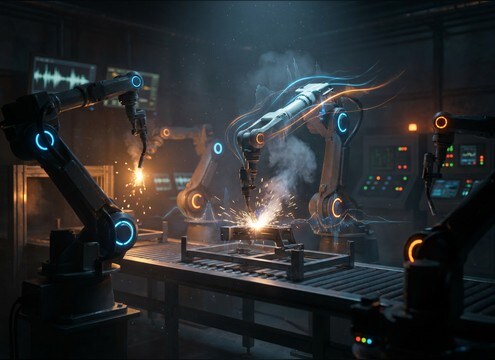
Robotic arm movement synced with servo and joint click sounds

Robotics and assembly

Match servo whines, joint clicks, and stop thuds to arm movements so each motion reads clearly without masking narration.

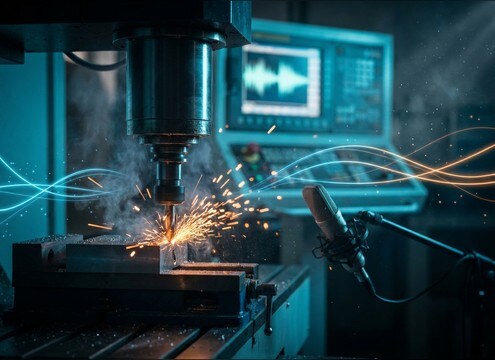
CNC machine demo with clean jog and tool-change sound effects

CNC and workshop

Use dry, close-mic jogs, spindle ramps, and tool-change clacks to replace noisy on-camera audio while keeping the mechanical detail.

Sci-fi laboratory machines with clean tonal motor hum

Futuristic lab scenes

Generate cleaner, more tonal machinery with controlled tails to sell sci-fi devices without turning into music or UI beeps.

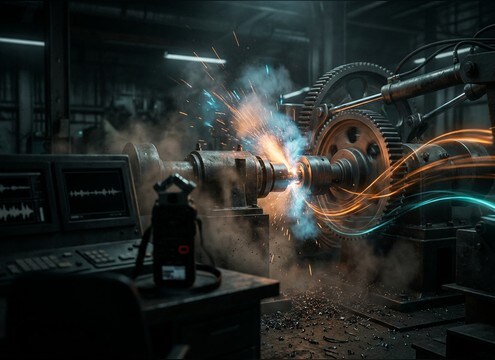
Timeline transition using short mechanical whoosh and gear whirr

Mechanical transitions

Cut between scenes using short gear whirrs, pneumatic bursts, or clamp hits with tight decays to avoid muddy overlaps.

Electrical generator room with steady low-end hum ambience

Power room ambience

Add generator hums that are loopable and stable in pitch, making them easy to sit under dialogue and footsteps.

Compressed air valve release sound placed to match on-screen action

Steam and air

Fill valve opens, pressure releases, and air-tool bursts with bright hiss and minimal room tone for crisp sync points.

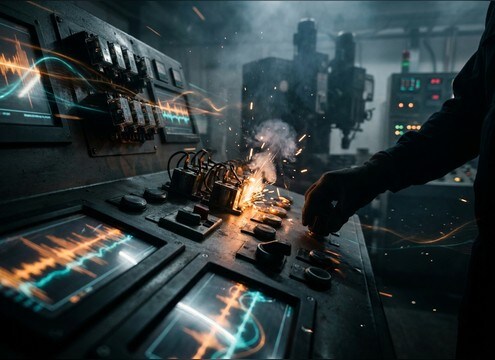
Industrial control panel action supported by relay and solenoid clicks

Machinery interface feedback

Use short mechanical confirmations like relays, solenoids, and clamp locks to make industrial UI screens feel physical.

Why Choose Media.io for Machine Sound Generator?

See exactly why creators, developers and studios choose our AI audio generator over all others.

Text prompt controls for generating machine sound variations

Machine Sound Generator prompt control

Dial in the exact machine type and action, then adjust speed, intensity, and cleanliness to match what is on screen.

Audio preview list of machine sound effects

Preview-first library workflow

Audition ready-to-use clips before generating anything, so you can solve the edit fast and only customize when needed.

Duration selector showing 5s 10s and 20s options

Useful short durations

Pick 5s for hits and movements, 10s for beds, or 20s for room ambiences that need time to breathe.

Multiple generated machine audio takes displayed side by side

Regenerate consistent variations

Create multiple takes that keep the same core character while changing pitch, tail length, or roominess for different angles.

Waveform showing sharp transients and controlled decay

Mix-ready detail options

Generate cleaner transients for tight cuts or add mild grit and vibration when the machine should feel heavy and worn.

Download WAV button for a generated machine sound effect

Fast WAV export for projects

Download WAV files that drop straight into NLEs, DAWs, and engines without extra conversion steps.

How to Prompt Machine Sound Effects That Match the Cut

Machine sounds are easy to overdo: too much hiss, a tail that rings forever, or a hum that wanders in pitch. Use prompts that specify the mechanism, the motion, and the space so you get a clip that cuts cleanly and sits under dialogue. The examples below help you choose between tight mechanical hits, loopable beds, and wide factory ambiences.

Name the mechanism and motion

Start with what moves and how it moves. A clamp, press, belt, or stepper motor all have different transients and textures. Add one motion verb so the generator produces a readable action instead of a generic hum.

  • Use clear nouns: servo, gearbox, conveyor, hydraulic ram, solenoid
  • Add a motion: start-up, jog, lock, punch, release, reposition
  • Call out texture: clean, gritty, oily, worn bearings, vibrating housing

Specify perspective and space

Machine SFX often fail when the room is wrong. Decide if you want a close, dry mechanical detail or a distant bed with reflections. Small rooms emphasize early reflections; big halls create longer, blurrier tails.

  • Close-mic and dry for sync moments and tutorials
  • Distant with room reflections for establishing shots
  • Ask for stereo width only when you need scale, otherwise keep it tight

Choose tails and loop behavior

For editing, short tails prevent clutter, while ambiences must loop smoothly. Tell the generator if you need a hard stop, a gentle decay, or a stable bed with no obvious start point.

  • For hits: short decay, minimal ringing, quick cutoff
  • For beds: stable pitch, consistent noise, loop-friendly start and end
  • Avoid unwanted artifacts by requesting no music and no tonal melody

Avoid common machine SFX mistakes

A believable machine sound is not always louder or brighter. Overly sharp highs and exaggerated distortion can make the clip mask speech or feel cartoonish. Prompt for realism and controlled noise instead.

  • Do not stack too many events in one clip if you need clean sync
  • Keep hiss and buzz controlled so the noise floor stays usable
  • Match intensity to scale: small devices should not sound like heavy presses

Frequently Asked Questions About
Machine Sound Effects

Everything you need to know before downloading or generating your first sound.

What types of machine sounds are included on this page?

You can preview short mechanical actions (clamps, presses, gear whirrs, pneumatic bursts) plus longer beds like generator hum and factory floor ambience. Use the AI prompts to regenerate similar versions with different speed, pitch, or room tone.

How do I choose between a close machine sound and a distant factory sound?

Pick close and dry when the machine is on screen and you need clear transients with minimal reflections. Choose distant when the machine is background context, then ask for room reflections and wider stereo so it feels like part of the environment.

Can I download machine sound effects for commercial use?

Media.io provides royalty-free downloadable audio options. Before publishing, review the license info shown in the product for your account and project to confirm it fits your commercial use case.

Are the downloads WAV files, and can I edit them?

Yes, you can download WAV and edit them like any other SFX. For cleaner results, trim fades on the head and tail, and high-pass lightly if the low-end rumble fights dialogue.

Are these machine sound effects free to download?

Yes. You can preview and download the AI-generated machine sound effects as WAV files and use them in personal or commercial projects.

Can I copy the prompt used for each sound?

Yes. Open any sound row to view the prompt, copy it, adjust the wording and generate a custom variation that better matches your scene.

Related Free Sound
Effect Categories

Explore other AI-generated sound libraries from Media.io

sound

Rain Sound Effects

10+ free sounds
sound

Thunder Sound Effects

10+ free sounds
sound

Farts Sound Effects

10+ free sounds
sound

Car Crash Sounds

10+ free sounds
sound

Explosion Sound Effects

10+ free sounds
sound

Gunshot Sound Effects

10+ free sounds
sound

Pistol Sound Effects

10+ free sounds
sound

AI Horror Sound Effects

10+ free sounds
sound

AI Forest Sound Effects

10+ free sounds
sound

AI Dog Whistle Sound

10+ free sounds
sound

AI Ding Sound

10+ free sounds
sound

Phone Ring Sound

10+ free sounds
media.io

AI Video Generator star

Easily generate videos from text or images

Generate
