














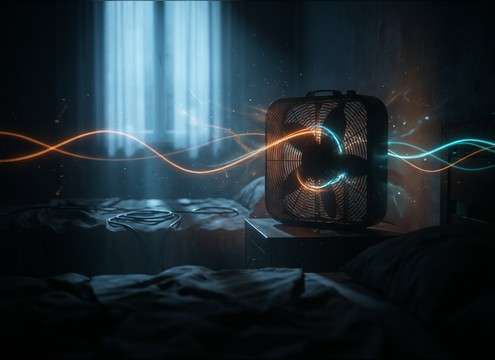
Popular Fan Sound Effects Library

Pick a ready-to-use fan bed or action, or copy a prompt to regenerate the same idea with new speed, distance, and room tone. Each item is described with mix-relevant details like transient shape, tail stability, and loop quality so you can match the scene quickly.

How to Generate Your Own
Fan Sound Effects

Cannot find the perfect fan sound effect you need? Generate custom AI fan audio effortlessly. Describe the style, such as short clean cue, cinematic hit, subtle background layer, branded UI alert, and Media.io AI builds tailored fan sound effects instantly. No audio editing experience needed. Turn your concept into a royalty-free, high-quality downloadable WAV fan clip in under 60 seconds.

1

Describe the fan

Type a prompt that names the fan type and behavior, like ceiling fan swish, PC fan ramp, or HVAC vent bed, plus any room tone or distance you want.

2

Pick length and takes

Choose 5s, 10s, or 20s, then set how many variations to generate so you can compare different speeds, textures, or stereo width.

3

Generate and preview

Click Generate, listen to each result, and keep the version with the cleanest sustain, the right transient detail, and the most usable tail.

4

Download WAV and use

Download the selected WAV file and drop it into your timeline or project for videos, games, apps, podcasts, or commercial work.

What Can You Use These Fan Sound Effects For?

Creators in every field are using our royalty-free audio to set the perfect mood.

HVAC vent fan room tone under office dialogue

Office HVAC room

Fill dialogue gaps with a low, distant vent bed that masks edits without sounding like pink noise.

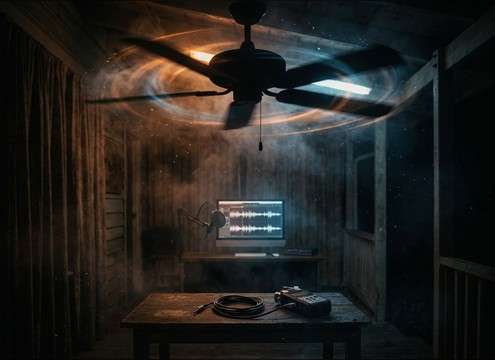
Ceiling fan swish ambience for an interior scene

Ceiling fan

Add rhythmic blade swish that matches a living room, porch, or motel interior without overpowering speech.

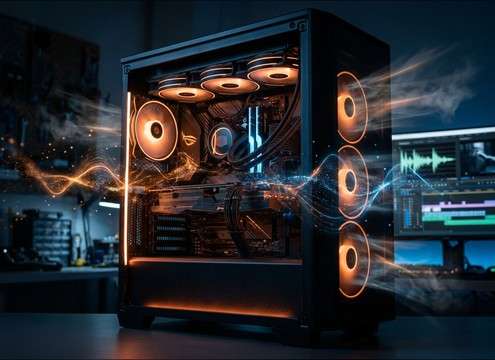
Computer case fan ramp sound for a PC build shot

PC build

Use a clean case-fan whirr or ramp-up to sell close-up shots of a gaming tower under load.

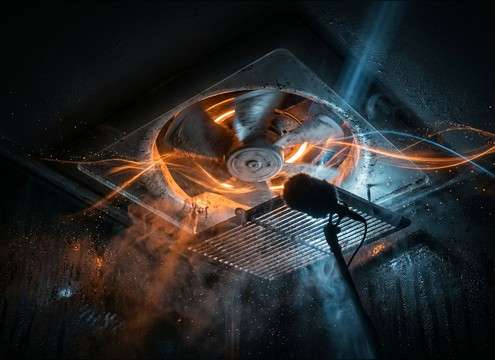
Bathroom extractor fan noise for a tiled room

Bathroom extractor realism

Drop in a vent fan with narrowband tone and slight bearing grit for believable small-room texture.

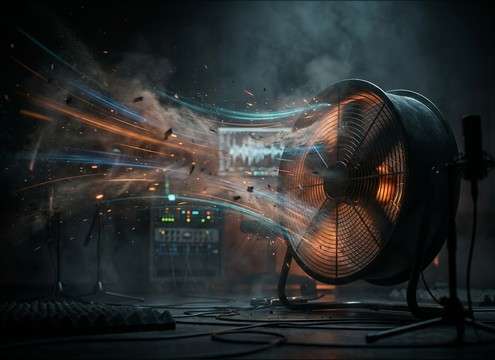
Industrial blower fan ambience for a factory floor

Factory ventilation beds

Create an industrial blower layer with stronger low-mids and wider stereo to support machinery atmospheres.

Handheld folding fan flutter whoosh foley

Hand fan foley

Match period or fashion shots with fluttering whooshes that read as fabric motion rather than generic wind.

Fan whoosh used as a motivated transition sound

Whoosh transitions with

Use short fan bursts as practical whooshes that feel motivated by an on-screen object, not a synth sweep.

Loopable box fan white noise bed for sleep audio

Sleep and white

Choose a steady, loopable box fan bed with minimal pitch wobble for long background playback.

Why Choose Media.io for Fan Sound Generator?

See exactly why creators, developers and studios choose our AI audio generator over all others.

Prompting fan speed and RPM in an AI sound generator

Prompt control for speed

Dial in low, medium, or high RPM behavior and decide whether you want a steady bed or a ramp-up action.

Choosing motor hum versus airflow hiss for fan sounds

Texture you can name

Ask for motor hum, bearing grit, blade swish, or pure airflow hiss to avoid the wrong tonal balance.

Close and distant fan sound variations for a scene

Scene matching by distance

Generate close, mid, or distant versions so the room tone and reflections fit the camera perspective.

Regenerating multiple fan sound effect variations

Regenerate clean variations

Create multiple takes from the same idea to get a steadier sustain, smoother tail, or less whine.

Previewing and downloading fan sound effects as WAV

Preview then download WAV

Listen before you export, then download a WAV that is ready for editing, looping, or layering.

Browsing a fan SFX library and customizing with AI prompts

Library-first workflow

Start with curated fan clips, then use the generator to customize when the cut needs a tighter loop or different character.

How to Pick and Prompt Fan Sounds That Cut Cleanly

Fan audio is usually a background bed, so the best choice is the one that stays steady, loops cleanly, and matches the space. Use prompts that specify the fan type, speed behavior, and how present the motor should be. If your scene needs dialogue clarity, prioritize smoother transients and less tonal whine, then regenerate a few variations until the sustain feels stable.

Start with the right fan type

Different fans have distinct signatures. Ceiling fans create periodic blade swish, desk and box fans lean toward broadband hiss plus motor hum, and extractor or HVAC vents sound more narrow and distant. Naming the device helps the generator avoid mismatched texture.

  • Use device nouns: ceiling fan, box fan, bathroom extractor, HVAC vent, industrial blower
  • Call out motor character: clean hum, gritty bearings, slight electrical buzz
  • Mention blade behavior when needed: rhythmic swish, no swish, muted swish

Define speed behavior and steadiness

Creators often need either a perfectly stable bed or a specific action like spin-up and coast-down. Add speed language so you get predictable pitch and turbulence, and request a smooth tail if you plan to loop.

  • For beds: say steady low speed, stable pitch, loopable ending
  • For actions: say ramp up quickly, hold steady, then slow down
  • If whine is a problem: ask for reduced high-end whine and smoother airflow

Match distance, room tone, and stereo width

A close fan can be too detailed for dialogue, while a distant fan may disappear. Specify the room and perspective so reflections and stereo width land correctly and the bed sits where you expect.

  • Close mic: less room, more mechanical detail, tighter stereo
  • Room tone: small bathroom, living room, ducted corridor, open garage
  • Distant beds: softer transients, more resonance, lower perceived detail

Avoid common fan SFX mistakes

Fan beds become annoying when they wobble in pitch, pump in volume, or have obvious loop seams. When you preview, listen for stability first, then regenerate with more specific constraints.

  • Avoid pitch warble if it will sit under music or dialogue
  • Avoid choppy modulation unless the fan is visibly oscillating
  • Avoid hard loop clicks by requesting a smooth loopable tail

Frequently Asked Questions About
Fan Sound Effects

Everything you need to know before downloading or generating your first sound.

What is the difference between a desk fan, box fan, and ceiling fan sound?

Desk and box fans usually read as steady airflow hiss with a constant motor hum, while a ceiling fan often adds repeating blade swish pulses. If you need a smoother background bed, pick desk or HVAC-style sounds; if the fan is on-screen, ceiling swish helps sell motion.

How do I make a fan sound loop cleanly for a longer room tone?

Choose an item described as loopable or prompt for a steady sustain and a smooth tail. After generating, preview the last second closely for pitch wobble or sudden level dips, then regenerate a few takes until the ending feels consistent enough to repeat.

Can I download fan sound effects as WAV and use them commercially?

Yes. You can preview and download the fan clips as WAV, and they are intended to be royalty-free for commercial projects. If your project has strict compliance needs, review the license info on the download page before publishing.

How should I prompt for an HVAC vent that sits under dialogue?

Ask for distant HVAC vent fan noise with soft hiss, faint low rumble, minimal high-end whine, and subtle room resonance. If it still competes with speech, regenerate with less mechanical detail and lower perceived brightness.

Are these fan sound effects free to download?

Yes. You can preview and download the AI-generated fan sound effects as WAV files and use them in personal or commercial projects.

Can I copy the prompt used for each sound?

Yes. Open any sound row to view the prompt, copy it, adjust the wording and generate a custom variation that better matches your scene.

Related Free Sound
Effect Categories

Explore other AI-generated sound libraries from Media.io

sound

Rain Sound Effects

10+ free sounds
sound

Thunder Sound Effects

10+ free sounds
sound

Farts Sound Effects

10+ free sounds
sound

Car Crash Sounds

10+ free sounds
sound

Explosion Sound Effects

10+ free sounds
sound

Gunshot Sound Effects

10+ free sounds
sound

Pistol Sound Effects

10+ free sounds
sound

AI Horror Sound Effects

10+ free sounds
sound

AI Forest Sound Effects

10+ free sounds
sound

AI Dog Whistle Sound

10+ free sounds
sound

AI Ding Sound

10+ free sounds
sound

Phone Ring Sound

10+ free sounds
media.io

AI Video Generator star

Easily generate videos from text or images

Generate
