













Popular Car-Revving Sound Effects Library

These ready-to-use revs cover common edit needs like quick blips, redline bounces, and longer RPM builds. Preview, download, or copy a prompt to generate a cleaner transient, a longer tail, or a different recording distance.

How to Generate Your Own
Car-Revving Sound Effects

Cannot find the perfect car-revving sound effect you need? Generate custom AI car-revving audio effortlessly. Describe the style, such as short clean cue, cinematic hit, subtle background layer, branded UI alert, and Media.io AI builds tailored car-revving sound effects instantly. No audio editing experience needed. Turn your concept into a royalty-free, high-quality downloadable WAV car-revving clip in under 60 seconds.

1

Describe the rev

Type or paste a prompt describing the engine feel and action, like a quick throttle blip, a smooth RPM sweep, or a rev limiter bounce.

2

Pick time and variations

Choose 5s, 10s, or 20s, then set how many variations you want so you can compare different intensity and timing options.

3

Generate and preview

Click Generate, listen to each result, and keep the version with the right transient punch and tail length for your scene.

4

Download WAV and use

Download the selected WAV file and drop it into video cuts, racing game scenes, app UI demos, podcasts, or commercial projects.

What Can You Use These Car-Revving Sound Effects For?

Creators in every field are using our royalty-free audio to set the perfect mood.

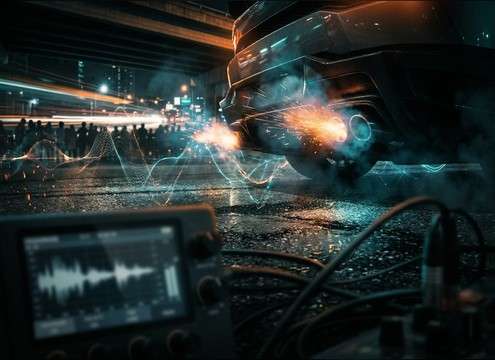
Car rev sound effect synced to street race cutaway shots

Street race cutaways

Sync a fast blip or limiter bounce to quick shots of tach needles, tire smoke, and crowd reactions without muddy tails.

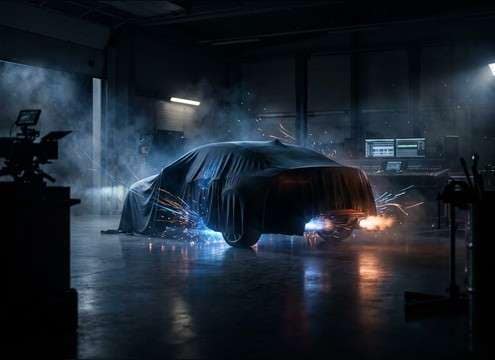
Garage car rev sound effect with audible room reflections

Garage reveal moments

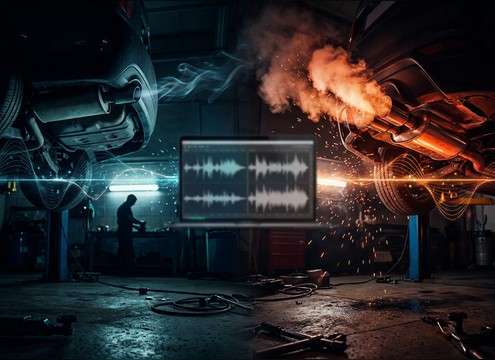
Use an indoor, reflective rev to sell the space when a car cover comes off and the engine is tested in a small bay.

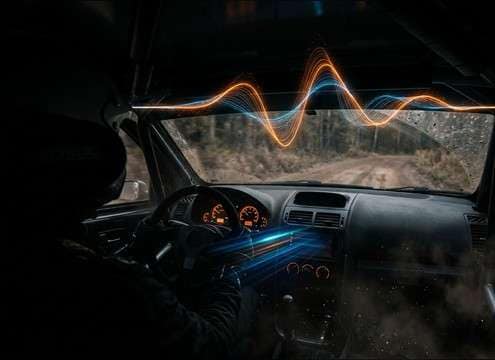
Cockpit style car rev sound effect for rally scene

Rally cockpit scenes

Pick tighter, mid-forward revs that cut through helmet mic dialogue and road noise without overwhelming low-end.

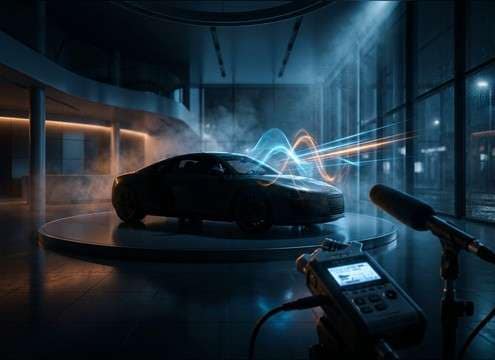
Clean car rev sound effect for dealership test start video

Dealership test-start videos

Add a clean RPM sweep that sounds close and controlled for walkaround footage where production audio is weak.

Comparison of stock versus modified exhaust car rev sounds

Before and after

Generate matched variations to compare stock versus louder exhaust character in a consistent duration and level.

Soft car rev sound effect used in driving lesson demonstration

Driving lesson demonstrations

Use gentle revs with short decay to illustrate clutch bite point and throttle control without harsh limiter artifacts.

Punchy car rev sound effect under a car ad logo sting

Car ad sound

Drop a single punchy blip under logo stings or transitions, with a tight tail that does not smear the VO.

Short car rev sound effect for vehicle selection menu UI

Vehicle selection screens

Trigger short revs as UI feedback when users browse cars, keeping transients crisp and repeatable across clicks.

Why Choose Media.io for Car-Revving Sound Generator?

See exactly why creators, developers and studios choose our AI audio generator over all others.

Prompt control for car rev RPM sweep and blip timing

Prompt control for RPM motion

Tell the Car-Revving Sound Generator exactly how the rev should move: blip, sweep, hold, or limiter bounce, then regenerate until it matches your cut.

Car rev sound generator with close and distant perspective options

Scene-ready perspectives

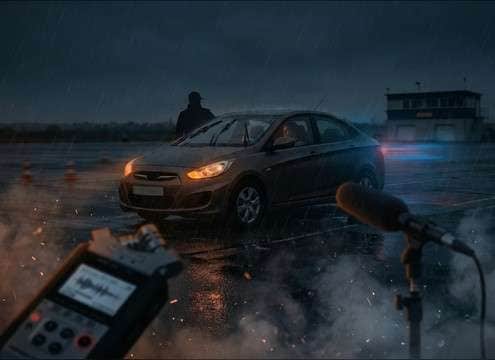
Generate close, mid, or distant takes so the rev sits correctly against dialogue, street ambience, or interior cabin noise.

Multiple AI variations of a car rev sound effect

Fast variation sets

Create multiple options per prompt and pick the best transient punch, tone, and tail length without manual recording.

Preview and regenerate car rev sounds to fit the mix

Quick preview and replace

Audition results in seconds, then regenerate a tighter tail or stronger low-end if the first take masks other elements.

WAV download of car rev sound effect for editing

Export-ready WAV downloads

Download a WAV that drops straight into your timeline for clean edits, fades, and level matching.

Royalty-free car rev sound effects library with AI regeneration

Royalty-free resource workflow

Start with downloadable rev assets, then use AI regeneration to create custom alternates that stay consistent across a whole sequence.

Prompting Car Revs That Match the Shot

Car revs are easy to recognize and easy to get wrong. The fastest way to land a believable rev is to describe the RPM movement and perspective first, then refine the texture: intake growl, exhaust crackle, limiter stutter, and how long the tail should hang in the space. Use the tips below to choose a downloadable clip or write a prompt that generates a version that syncs to your cut.

Start with the action, not the brand

Most scenes need an action cue: a single blip to punctuate a look, a smooth sweep for acceleration, or a repeated bounce for showing off. If you lead your prompt with the action, you get timing that edits cleanly.

  • Use terms like blip, sweep, hold, drop, or limiter bounce
  • Ask for a clean transient if you need tight sync to a cut
  • Specify no horns, no tires, no voices to keep it usable

Describe the RPM curve and intensity

A believable rev has a clear arc. Tell the generator where it starts and ends, whether it holds near redline, and if it settles back to idle. This controls perceived aggression more than any single tone word.

  • Example: idle to mid RPM, then quick fall with short decay
  • For hype shots, request a brief redline hold or stutter
  • For instructional clips, keep the peak moderate and controlled

Match distance and space to the camera

Perspective sells the shot. Close takes emphasize transients and low-end; distant takes reduce detail and add air. Indoor spaces add reflections that can sound great, but they also lengthen the tail and can blur edits.

  • Close mic: punchy transient, tighter tail, stronger low-end
  • Distant: softer attack, more ambience, less sub energy
  • Garage: audible reflections and longer decay, use sparingly

Avoid the common edit breakers

A few issues make revs feel fake or hard to place in a timeline: clipped distortion, random background layers, and tails that run over dialogue. Fix these by asking for cleaner output and choosing the right duration.

  • Request no clipping and a stable noise floor for clean fades
  • Pick 5 seconds for cut points, 10 to 20 seconds for builds
  • If it masks VO, regenerate with a shorter tail and less low-end

Frequently Asked Questions About
Car-Revving Sound Effects

Everything you need to know before downloading or generating your first sound.

Can I download car rev sounds as WAV files?

Yes. Preview a clip, then download it as a WAV so you can trim, fade, and level-match it cleanly in your editor.

Are these car-revving sound effects royalty-free for commercial use?

The page is built for royalty-free downloading and reuse, including commercial projects. Check the licensing notes in the download flow to confirm it fits your specific distribution needs.

What is the difference between a throttle blip and a full RPM sweep?

A throttle blip is a fast up-and-down jab with a strong transient that works for quick cuts. A sweep is a smoother rise (often longer) that sells acceleration, engine buildup, and camera pushes.

How do I choose close vs distant revs for my scene?

Choose close revs when the camera is near the car or you need punchy transients. Choose distant revs when the car is off-camera or across a lot, where you expect less low-end and more ambience.

Are these car-revving sound effects free to download?

Yes. You can preview and download the AI-generated car-revving sound effects as WAV files and use them in personal or commercial projects.

Can I copy the prompt used for each sound?

Yes. Open any sound row to view the prompt, copy it, adjust the wording and generate a custom variation that better matches your scene.

Related Free Sound
Effect Categories

Explore other AI-generated sound libraries from Media.io

sound

Rain Sound Effects

10+ free sounds
sound

Thunder Sound Effects

10+ free sounds
sound

Farts Sound Effects

10+ free sounds
sound

Car Crash Sounds

10+ free sounds
sound

Explosion Sound Effects

10+ free sounds
sound

Gunshot Sound Effects

10+ free sounds
sound

Pistol Sound Effects

10+ free sounds
sound

AI Horror Sound Effects

10+ free sounds
sound

AI Forest Sound Effects

10+ free sounds
sound

AI Dog Whistle Sound

10+ free sounds
sound

AI Ding Sound

10+ free sounds
sound

Phone Ring Sound

10+ free sounds
media.io

AI Video Generator star

Easily generate videos from text or images

Generate
