












Popular Car-Motor Sound Effects Library

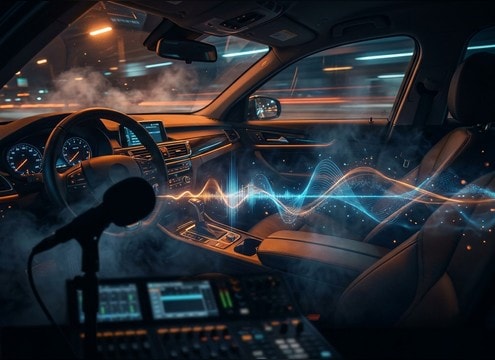
Pick a ready-to-use engine moment, then fine-tune it with prompts like distance, RPM sweep, room tone, and stereo width. Each clip is described so you can choose by transient punch, tail length, and how much it will mask dialogue or music.

How to Generate Your Own
Car-Motor Sound Effects

Cannot find the perfect car-motor sound effect you need? Generate custom AI car-motor audio effortlessly. Describe the style, such as short clean cue, cinematic hit, subtle background layer, branded UI alert, and Media.io AI builds tailored car-motor sound effects instantly. No audio editing experience needed. Turn your concept into a royalty-free, high-quality downloadable WAV car-motor clip in under 60 seconds.

1

Write your engine prompt

Type or paste a description of the car motor sound you need, like cold start, idle, quick rev, or pass-by, plus context such as in-cabin, driveway, or parking garage.

2

Choose length and variations

Set the duration to 5s, 10s, or 20s, then choose how many variations you want so you can audition different RPM curves and textures.

3

Generate and preview

Click Generate, listen to each result, and keep the take with the right transient punch, tail length, and perspective for your scene.

4

Download WAV and use

Download your selected sound as a WAV file and drop it into video edits, driving scenes, car reviews, apps, audio drama, or commercial projects.

What Can You Use These Car-Motor Sound Effects For?

Creators in every field are using our royalty-free audio to set the perfect mood.

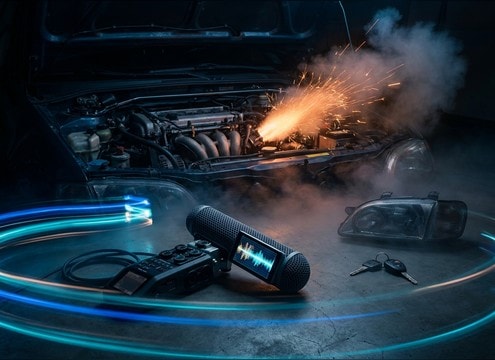
Cold start car engine sound effect for a montage edit

Cold-start montage

Match quick ignition transients to jump cuts, then switch to a steadier idle bed under B-roll of keys, headlights, and exhaust vapor.

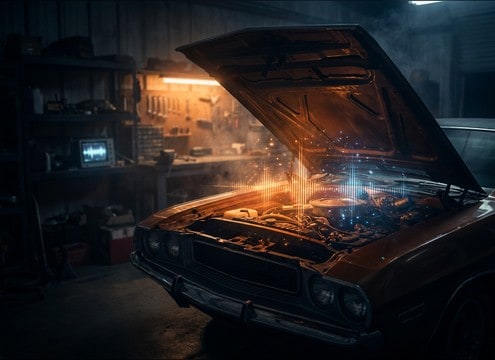
Car motor idle sound for a garage repair tutorial

Garage repair tutorial

Use a warm idle or gentle rev to support a hood-open walkthrough without overpowering speech, choosing softer highs and shorter tails.

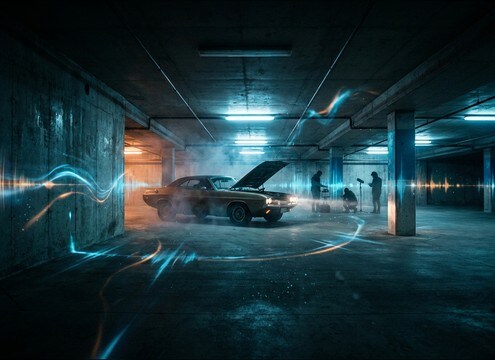
Engine sound with parking garage reflections and tail

Parking garage scene

Pick a clip with audible reflections and a longer decay so the engine feels inside concrete rather than outdoors.

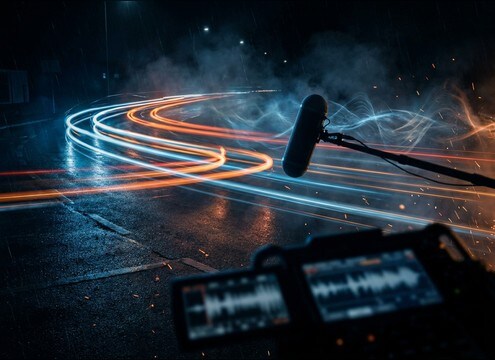
Car engine pass-by sound effect with Doppler shift

Street pass-by transition

A Doppler pass-by helps sell motion between locations, especially when you need a strong approach, peak, and recede in one shot.

In-cabin car engine hum sound under dialogue

In-cabin dialogue layer

Add a muffled cabin hum as a bed under conversation, keeping masking low so consonants stay clear.

Engine acceleration and deceleration sounds for dashcam reenactment

Dashcam reenactment

Use steady RPM ramps for acceleration and decel to make reconstructed driving clips feel believable and continuous.

Sporty engine rev blips for racing highlight edits

Racing highlights reel

Cut between quick rev blips and harder pulls to emphasize shift points and speed without needing full vehicle recordings.

Short engine blip sound for a car-themed UI interaction

Vehicle UI and

Short engine blips can act as confirmation sounds in car-themed interfaces, simulators, or HUD moments when you want mechanical character.

Why Choose Media.io for Car-Motor Sound Generator?

See exactly why creators, developers and studios choose our AI audio generator over all others.

Prompt controls for a car-motor sound generator

Car-Motor Sound Generator prompts

Describe engine type, RPM motion, and perspective in plain text, then iterate until the rev curve matches your cut.

Distance and perspective options for car motor sounds

Scene perspective control

Regenerate variants that feel in-cabin, roadside, or distant by specifying distance, muffling, and room tone in the prompt.

Multiple car engine sound variations to preview

Fast variation picking

Create multiple takes per prompt so you can audition different transient punch, grit texture, and tail length without rerecording.

Preview car motor sound effects before downloading

Preview before download

Listen in-browser to confirm stereo width, low-end balance, and whether the sound will mask dialogue or VO.

WAV download for car engine sound effects

Download-ready WAV output

Export WAV for clean edits, easy trimming, and consistent sync in timelines and audio tools.

Royalty-free car motor sound effects for creator projects

Royalty-free use confidence

Download royalty-free assets for creator work where you need practical engine sounds without recording permissions or location noise.

How to Prompt Car Motor Sounds That Cut Cleanly

Car motor SFX usually fail for two reasons: the RPM movement does not match the picture, or the perspective is wrong (too close, too roomy, or too muffled). Use prompts that call out engine behavior (start, idle, rev sweep, throttle lift), camera distance, and environment. Then regenerate a few variations and pick the one with the right transient, tail, and masking strength for your dialogue and music.

Start with the engine action

Name the exact moment you need so the generator shapes the attack and decay correctly. A cold start has a distinct ignition transient and unstable idle, while a rev blip needs a fast rise and clean return to idle.

  • Use verbs like cold start, crank, idle, blip, pull, throttle lift
  • Specify the RPM motion: quick blip, smooth ramp, stepped rise, slow settle
  • Call out the tail: short cutoff, natural decay, or lingering garage ring

Lock in perspective and space

Perspective decides brightness, stereo width, and room reflections. A roadside mic should feel wider and airier, while in-cabin should be filtered with less transient bite. Garages add clear early reflections and longer tails.

  • Distance: close mic, 5 meters, across the street, distant lot
  • Space: in-cabin muffled, outdoor open air, concrete parking garage
  • Stereo: narrow for interior, wider for pass-by and exterior shots

Control texture and mix behavior

Engine sounds carry strong low-end and midrange that can mask voice. If you need the motor under dialogue, prompt for smoother transients and reduced harshness. If you need impact, ask for more bite and grit.

  • Ask for clean, low-noise output if you will add your own ambience later
  • Specify masking strength: gentle bed under dialogue, or aggressive rev focus
  • Request tonal balance: strong low-end rumble, or mid-forward growl

Avoid common prompt traps

Overly cinematic wording can create unrealistic layers (extra whooshes, explosions, crowd noise) that do not belong in a motor-only clip. Keep prompts literal and limit the scene elements you include.

  • Avoid adding unrelated sounds like skids, crashes, sirens unless needed
  • Do not request multiple vehicles if the shot is a single car
  • Avoid asking for music, radio, or voices inside the same engine clip

Frequently Asked Questions About
Car-Motor Sound Effects

Everything you need to know before downloading or generating your first sound.

Can I use these car-motor sound effects for commercial projects?

Yes. The page is built for royalty-free downloading, so you can use the sounds in commercial videos, ads, apps, and client edits. If you have a specific license requirement, check the current license notes shown at download.

Do you provide WAV downloads, and can I edit the clips?

You can download WAV files and edit them like any other SFX: trim the head/tail, fade to avoid clicks, or EQ the low-end so it fits under dialogue.

How do I choose between idle, rev, and pass-by engine sounds?

Pick idle for steady scene beds (parked car, traffic light), rev for on-camera throttle moments (showing tach changes), and pass-by for motion transitions where you need approach and recede with a Doppler shift.

How can I make a car engine sound loop smoothly?

Choose a steadier idle clip, then trim to a consistent RPM section and add short crossfades. If you are generating, prompt for a steady idle bed designed to loop and regenerate a few variations until the level is stable.

Are these car-motor sound effects free to download?

Yes. You can preview and download the AI-generated car-motor sound effects as WAV files and use them in personal or commercial projects.

Can I copy the prompt used for each sound?

Yes. Open any sound row to view the prompt, copy it, adjust the wording and generate a custom variation that better matches your scene.

Related Free Sound
Effect Categories

Explore other AI-generated sound libraries from Media.io

sound

Rain Sound Effects

10+ free sounds
sound

Thunder Sound Effects

10+ free sounds
sound

Farts Sound Effects

10+ free sounds
sound

Car Crash Sounds

10+ free sounds
sound

Explosion Sound Effects

10+ free sounds
sound

Gunshot Sound Effects

10+ free sounds
sound

Pistol Sound Effects

10+ free sounds
sound

AI Horror Sound Effects

10+ free sounds
sound

AI Forest Sound Effects

10+ free sounds
sound

AI Dog Whistle Sound

10+ free sounds
sound

AI Ding Sound

10+ free sounds
sound

Phone Ring Sound

10+ free sounds
media.io

AI Video Generator star

Easily generate videos from text or images

Generate
