













Popular Tornado-Warning Sound Effects Library

Choose a siren perspective (close, distant, or indoor), decide how "electronic" the alert should feel, and match the tail to your scene's space. Copy a prompt to generate similar takes, or download a ready clip for immediate use.

How to Generate Your Own
Tornado-Warning Sound Effects

Can't find what you're looking for? Easily create custom AI sounds. Simply describe your needs, and our AI will craft the perfect sound effect for you — no audio production skills required. Go from a blank idea to a downloadable WAV in under a minute.

1

Describe the alert

Type a prompt that matches your scene: tornado siren, EAS beeps, radio-like tone, indoor muffle, or distant outdoor wail.

2

Pick length & variations

Choose 5s, 10s, or 20s, then set how many versions you want so you can audition different intensities and textures.

3

Generate and preview

Click Generate, listen to each result, and keep the take that best fits your timing and loudness needs.

4

Download WAV and place

Download the WAV file and drop it into videos, weather apps, audio dramas, games, podcasts, or commercial projects.

What Can You Use These Tornado-Warning Sound Effects For?

Creators in every field are using our royalty-free audio to set the perfect mood.

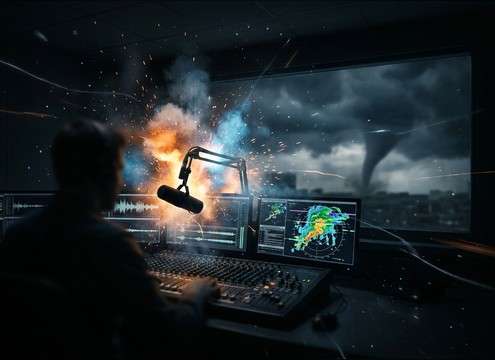
Tornado warning siren stinger in a TV news timeline

News severe-weather stinger

Cut into a local-news package with a short, intelligible siren burst that doesn't drown out VO; pick a tight tail to avoid stepping on dialogue.

Mobile weather app using a tornado warning alert tone

Weather app alert

Use a clean, short attention tone for push notifications; generate multiple pitches to avoid sounding like a standard phone alarm.

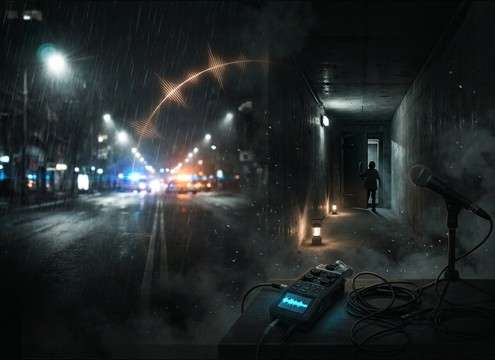
Audio drama scene transitioning from outside siren to indoor muffled warning

Audio drama emergency

Place a distant outdoor wail under street ambience, then switch to an indoor-muffled version when characters move into a hallway or shelter.

School safety drill video using a short siren test sound

School drill announcement

Pick a less aggressive municipal test-style siren for drill content; shorter decay helps it feel like a controlled exercise, not a catastrophe.

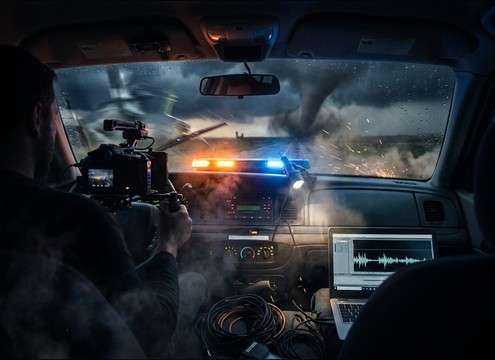
Storm chase vlog opener with EAS tone and siren

Storm-chase vlog cold

Start with EAS-style beeps for instant context, then slam into a wider stereo siren swell to match fast cuts and handheld footage.

Public information video demonstrating different tornado siren distances

Citywide siren system

Demonstrate "close vs far" by swapping perspectives; consistent pitch wobble helps viewers recognize it as a fixed outdoor siren network.

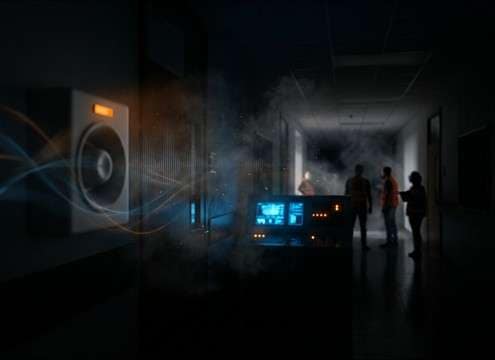
Storm shelter entrance scene with buzzer and muffled siren

Shelter entry sequence

Use a buzzer-like alarm at the door, then crossfade to a muffled siren bed once inside; the change in bandwidth sells the location shift.

Radio scanner montage with weather alert tone and static

Radio scanner montage

Blend narrow-band radio alert tones with light static; choose clips with minimal reverb so they sit like a real handheld speaker feed.

Why Choose Media.io for Tornado-Warning Generator?

See exactly why creators, developers and studios choose our AI audio generator over all others.

Prompt field showing close versus distant tornado siren settings

Prompt for distance

Get close-up mechanical bite, mid-distance clarity, or far-off haze by specifying perspective and how much air absorption you want.

Waveform examples with different siren tail lengths

Control tail and decay

Match your cut by asking for a hard stop, short decay, or a longer tail that carries into the next shot.

Indoor muffled siren compared to outdoor dry siren

Room tone options

Generate indoor versions with subtle reflections and muffling, or outdoor versions with open-air dryness and less early reflection.

Stereo width meter for a tornado siren sound

Stereo width tuning

Choose mono-friendly alerts for UI and broadcasts, or wider stereo wobble for cinematic warning moments.

Multiple generated siren variations queued for preview

Multiple variations fast

Create several takes at once to audition different pitches, wobble rates, and masking strength against wind or rain beds.

Download panel showing WAV export for a warning sound

Export-ready WAV

Download WAV files that are easy to drop into NLEs, DAWs, and app projects without extra conversion steps.

How to Choose or Prompt a Believable Tornado Warning Siren

Tornado warnings can sound like outdoor mechanical sirens, broadcast-style attention tones, or narrow-band radio alerts. To get a clip that reads as "real" in context, decide what system is making the sound, where the listener is standing, and how clean or masked it should be. Use the sections below to copy prompt language that produces the right wobble, bandwidth, and tail for your scene.

Pick the warning system first

A municipal outdoor siren feels physical and oscillating, while an EAS-style tone is steadier and more electronic. The right choice depends on what the audience should recognize instantly.

  • Use "mechanical rotating siren, pitch wobble" for outdoor networks
  • Use "EAS attention tone, clean beeps" for broadcast/interrupt moments
  • Use "weather radio, narrow band, light static" for handheld realism

Match perspective: close, distant, or indoors

Perspective sells the shot. Close sirens have sharper transients and stronger midrange; distant ones lose highs and feel less wide; indoor ones are muffled with subtle reflections.

  • Add "distant across town, rolled-off highs" for exterior wide shots
  • Add "heard through windows, muffled, small-room reflections" for interiors
  • Ask for "mono-compatible" if it must translate on phones and TVs

Dial in harshness and masking

Tornado warnings often sit against wind, rain, or noisy crowds. Decide whether you need a clean cut-through alert or a more realistic, partially masked layer.

  • For clarity: "low noise floor, no distortion, controlled high end"
  • For realism: "light hiss/static, slight speaker distortion"
  • For storm beds: "partially masked by wind, siren still readable"

Avoid common "fake siren" giveaways

Some sirens sound like generic police/ambulance cues or overly musical synths. A tornado warning should feel steady, repetitive, and utilitarian without melodic movement.

  • Avoid "melodic siren" or obvious police two-tone patterns
  • Avoid extreme sub-bass rumble unless your scene is truly cinematic
  • Avoid long reverb tails that imply a cavernous space outdoors

Frequently Asked Questions About
Tornado-Warning Sound Effects

Everything you need to know before downloading or generating your first sound.

What's the difference between a tornado siren and the EAS attention tone?

A tornado (outdoor) siren is usually a physical, rotating wail with audible pitch wobble and a sense of air/distance. The EAS attention tone is a steadier electronic alert signal often used in broadcasts; it tends to have cleaner transients and less "environment" unless you add radio/static texture.

Can I download WAV files and use them in commercial projects?

Yes—download the WAV and check the license/usage terms shown at the time you export. If you're producing ads, apps, films, or client work, keep a copy of the terms that apply to the specific sound you downloaded.

How do I make the siren sound like it's inside a house or car?

Choose or prompt for "muffled highs," "heard through windows," and "small-room reflections" (house) or "closed cabin, reduced stereo width, light low-mid build-up" (car). If it still feels too bright, reduce 3–8 kHz slightly and keep the tail short.

Which duration should I choose: 5s, 10s, or 20s?

Use 5s for quick stingers, app alerts, or single-cut emphasis. Use 10s when you need one or two full wail cycles. Use 20s for an on-screen warning sequence where you want an attention tone leading into a sustained siren without looping artifacts.

Are these tornado-warning sound effects free to download?

Yes. You can preview and download the AI-generated tornado-warning sound effects as WAV files and use them in personal or commercial projects.

Can I copy the prompt used for each sound?

Yes. Open any sound row to view the prompt, copy it, adjust the wording and generate a custom variation that better matches your scene.

Related Free Sound
Effect Categories

Explore other AI-generated sound libraries from Media.io

sound

Rain Sound Effects

10+ free sounds
sound

Thunder Sound Effects

10+ free sounds
sound

Farts Sound Effects

10+ free sounds
sound

Car Crash Sounds

10+ free sounds
sound

Explosion Sound Effects

10+ free sounds
sound

Gunshot Sound Effects

10+ free sounds
sound

Pistol Sound Effects

10+ free sounds
sound

AI Horror Sound Effects

10+ free sounds
sound

AI Forest Sound Effects

10+ free sounds
sound

AI Dog Whistle Sound

10+ free sounds
sound

AI Ding Sound

10+ free sounds
sound

Phone Ring Sound

10+ free sounds
media.io

AI Video Generator star

Easily generate videos from text or images

Generate
