
















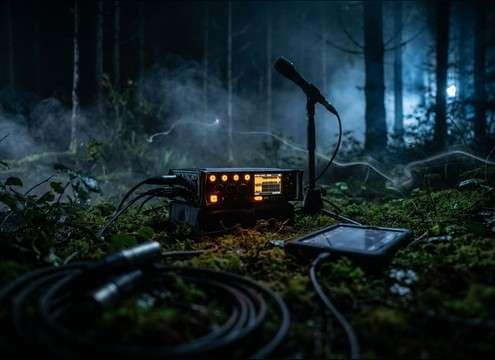







Forest ambience works best when you prompt for a specific moment and perspective, not just "woods." Use time-of-day, wildlife type, wind behavior, and perceived distance to control transients and tails. Then decide whether you need a stable loop bed or a more "alive" texture with occasional events.
Start with the exact scene and time
Forests sound different at dawn, midday, dusk, and midnight. Lock the scene first, then add just one or two signature elements so the bed stays believable and doesn't feel like a random collage.
- Time cue: "dawn chorus," "midday calm," "night insects," or "pre-storm"
- Forest type: pine, deciduous, rainforest, or mixed woodland
- Mood: calm, tense, lonely, or bright (keep it subtle for ambience)
Control distance and perspective
Distance is the difference between "inside the bushes" and "wide establishing shot." Ask for close foliage detail when you need crisp attacks, or distant birds when you want a smoother bed with softened transients.
- Close: "near leaves rustle," "foreground branch creaks"
- Distant: "far birds," "canopy wash," "softened transients"
- Space: "open trail," "dense woods," or "small clearing" to shape decay
Make it loop-friendly on purpose
Looping fails when there's a strong one-off call or a tail that doesn't settle. Prompt for stability: even texture, consistent wind, and gentle variation so the seam is less noticeable.
- Ask for a "steady bed" and "smooth loop tail"
- Limit standout events: "no loud bird squawks," "no sudden snaps"
- Keep motion subtle: "light breeze," not gusty swings, for easier loops
Avoid common giveaway artifacts
Overly sharp peaks, unnatural stereo wobble, or "too many animals at once" can break realism. If a result feels busy, simplify the prompt and regenerate with fewer elements and clearer distance cues.
- Avoid "constant loud chirps" that fight narration
- Avoid "heavy low-end rumble" unless you're prompting storm or distant road
- Avoid "random close cracks" if you need a calm, sleep-friendly bed




