















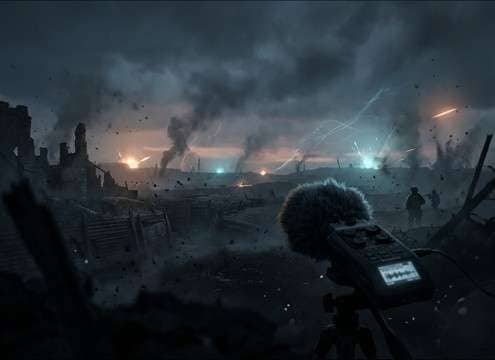
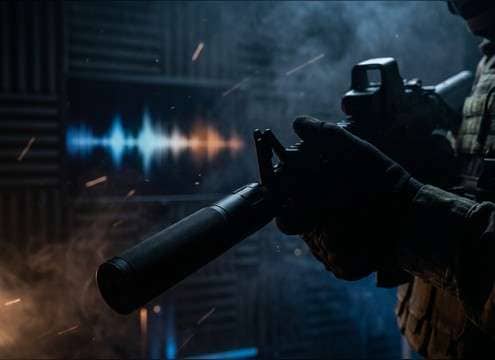



Gunshots fail in edits for predictable reasons: the transient is too soft for a close shot, the tail is too long for a tight room, or the perspective doesn't match the scene. Use the prompt to lock three decisions—weapon type, distance, and space—then generate a few variations and pick the one that sits without fighting your production ambience.
Start with the shot type (what fired)
Different firearms read differently even in short clips. Rifle reports often feel sharper and wider, while pistols can be more mid-forward. Suppressed shots should reduce the initial crack and keep the tail minimal so they don't bloom like unsuppressed fire.
- Name the weapon: pistol, revolver, rifle, or automatic burst
- Call out intensity: punchy, restrained, or heavy low-end body
- If suppressed, say "muted attack" and "short decay"
Choose perspective (close vs distant)
Perspective is the biggest realism lever. Close shots need a fast, crisp attack; distant shots need softened transients and more air in the tail. If the visual is off-screen, ask for distance plus reduced brightness to keep it believable.
- Close: "sharp transient, tight tail" for cut sync
- Distant: "softened transient, longer air tail"
- Off-screen: "reduced high-end, lower intensity"
Define the space (reflections and tail)
A gunshot's tail tells the room story. Hallways create obvious slap reflections; alleys add slapback; open fields decay quickly with less reflection. Stating the environment avoids the common mismatch where a shot rings like a warehouse in an outdoor scene.
- Indoor: "early reflections" and "short-to-medium reverb tail"
- Hallway/alley: "slapback reflections" and "ringing decay"
- Outdoor field: "minimal reflections" and "short natural decay"
Avoid the giveaways in prompts
A few prompt habits produce instantly "fake" gunfire: asking for extreme bass, overlong tails, or overly cinematic booms. Keep the report readable and the decay believable, then layer extra impact only if your scene truly needs it.
- Avoid "huge explosion-like boom" unless it's stylized
- Avoid tails that last longer than the space could support
- Avoid excessive stereo width for very close, centered shots




