
















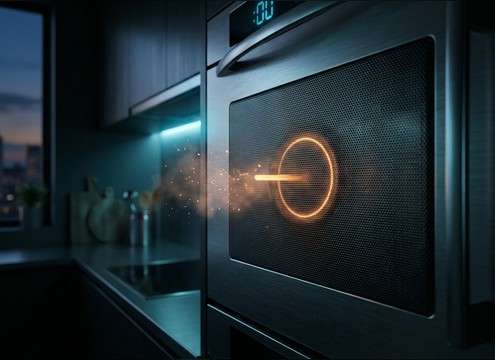







A "ding" can be a tiny UI confirmation, a physical bell strike, or a distant chime living inside a room. The quickest way to get the right one is to decide what caused the sound (device vs object), how sharp the transient should be, and how long the tail can ring before it overlaps the next action. Use the tips below to write better prompts and pick the best take from your previews.
Start with the source (digital, bell, or appliance)
The source dictates the texture. Digital dings are cleaner and more sine-like; bells add metallic partials; appliances often have a small-speaker tone and a slightly nasal midrange.
- UI: ask for "clean digital ping, no room, short decay"
- Bell: ask for "metallic strike, natural ring, light stereo width"
- Appliance: ask for "small speaker texture, simple chime, modest tail"
Dial in transient and decay for readability
Dings fail most often because they're too sharp (fatiguing) or too long (smearing into the next cut). Match the attack to how fast the viewer expects feedback, and match decay to how busy the mix is.
- For quick taps: "fast attack, tiny tail"
- For success moments: "slightly longer ring, smooth decay"
- If dialogue is present: request "low masking, controlled sustain"
Match the space: dry, room tone, or corridor
A ding can sound "wrong" even if it's the right pitch—usually because the space doesn't match. Add room tone and reflections only when the scene calls for it.
- Close UI: "dry, no reverb, narrow stereo"
- Interior prop: "subtle room reflections, natural tail"
- Distant cue: "softened highs, room tone, longer reflected tail"
Avoid common ding mistakes
Small sounds get repetitive fast. Keep them consistent, but not identical, and avoid harsh top-end that pokes out on phones.
- Avoid overly bright dings that feel like an error beep
- Avoid tails that ring into the next button press or cut
- Avoid noisy beds unless you specifically need location ambience




