














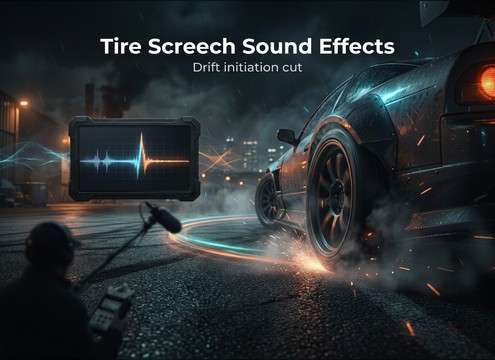

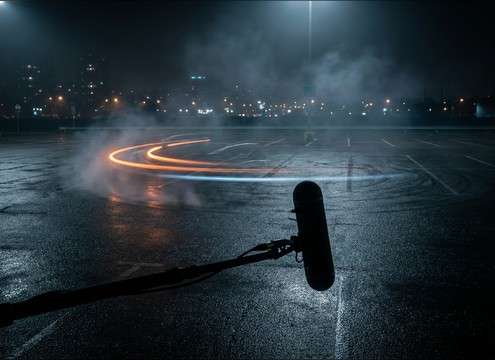

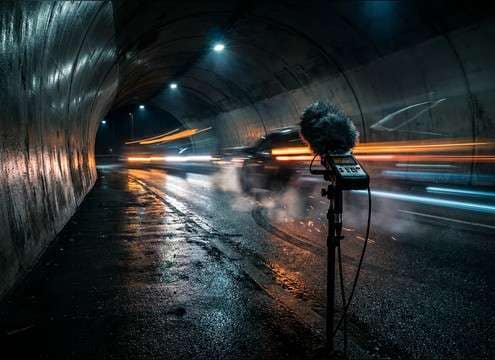
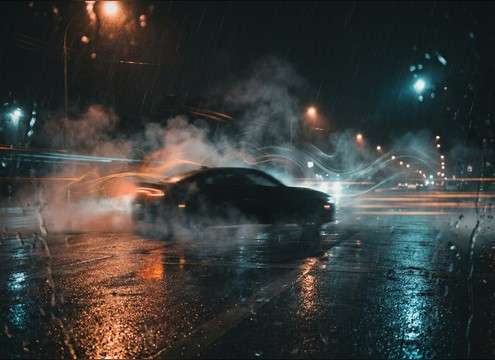

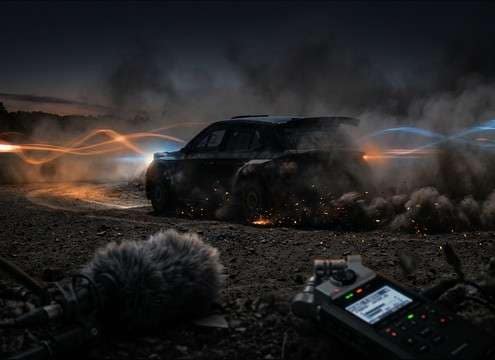


Tire squeal can read as either realistic traction loss or a cartoonish whistle depending on surface, perspective, and how the sound ends. Use the tips below to pick the right library clip or write a prompt that matches speed, camera distance, and location reflections—then regenerate small variations until the transient and decay line up with your cut.
Start with the road surface
The same maneuver sounds different on dry asphalt, wet pavement, and loose dirt. Calling out the surface gives the generator the right noise texture and high-frequency behavior.
- Dry asphalt: sharper bite, raspier midrange, faster perceived attack
- Wet road: smoother onset with a brighter hiss and less harsh bite
- Dirt/gravel: broken sustain with gritty debris texture and less tonal squeal
Match camera distance and placement
Close screeches feel wide and detailed; distant ones lose top-end and pick up more air and ambience. If the shot cuts between angles, build two perspectives rather than stretching one clip.
- Close: stronger transient, wider stereo, minimal room tone
- Mid: balanced detail with mild ambience to sit under engine audio
- Far: softer highs, more environment, less "in-your-face" harshness
Control intensity and how it ends
Most edits live or die on the ending: a quick release for a snap cut, or a natural decay for a long corner. Specify whether the tire regains grip or keeps sliding.
- Chirp: fast spike then short fade for quick steering corrections
- Sustained squeal: stable body for long cornering or drifting shots
- Abrupt cutoff: instant stop when the car straightens or brakes fully
Avoid the usual "fake screech" tells
Overly tonal whistles, endless sustain, or inconsistent tails can break realism. If something feels off, regenerate with less pitchiness and a more natural decay.
- Reduce whistling: ask for "no pure tone, more rubber rasp"
- Prevent looping artifacts: request "natural variation, no repeating pattern"
- Keep it mixable: request "no engine, clean background, controlled tail"




