











Popular Suppressed-Guns Sound Effects Library

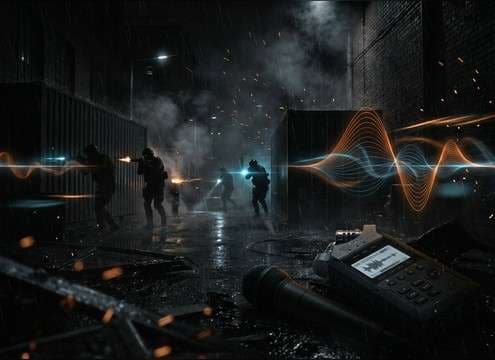
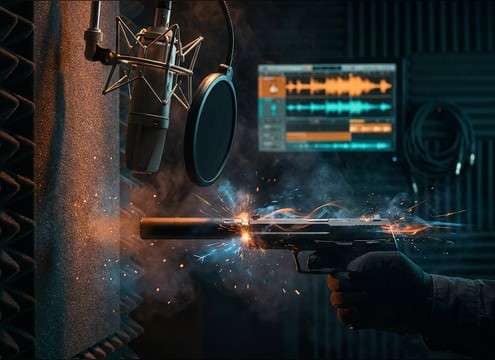
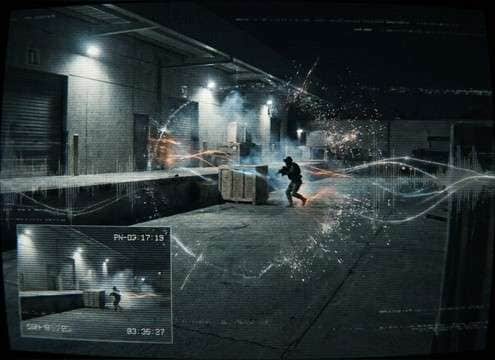
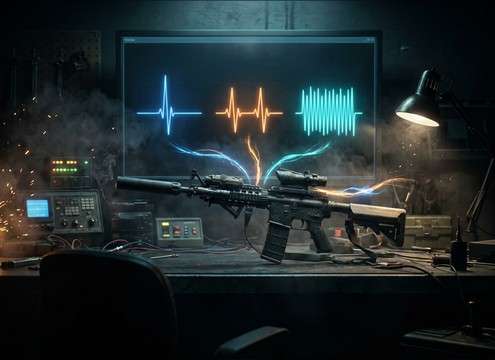
These are built for stealth scenes: short tails, minimal blast, and clear mechanical detail when you need it. Use them as-is, or copy the prompts to generate cleaner/roomier alternatives that fit your cut.

How to Generate Your Own
Suppressed-Guns Sound Effects

Can't find what you're looking for? Easily create custom AI sounds. Simply describe your needs, and our AI will craft the perfect sound effect for you — no audio production skills required. Go from a blank idea to a downloadable WAV in under a minute.

1

Describe the suppressor shot

Type or paste a prompt describing the suppressed gun sound you want (weapon feel, single vs burst, close vs distant, and whether you want room tone).

2

Pick 5s, 10s, or 20s

Choose a duration (5s/10s/20s) and set how many variations you want to generate so you can compare different tails and loudness.

3

Generate and preview

Click Generate, listen to each result, and keep the version with the best transient, decay, and space for your scene.

4

Download WAV and use

Download the WAV file and drop it into your timeline for films, stealth game scenes, apps, podcasts, or commercial projects.

What Can You Use These Suppressed-Guns Sound Effects For?

Creators in every field are using our royalty-free audio to set the perfect mood.

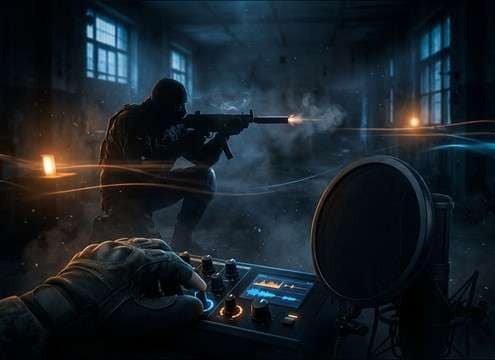
Suppressed pistol shot synced to stealth takedown scene

Stealth takedown beats

Add a tight suppressed hit that reads clearly under footsteps without blowing up the dialogue bed.

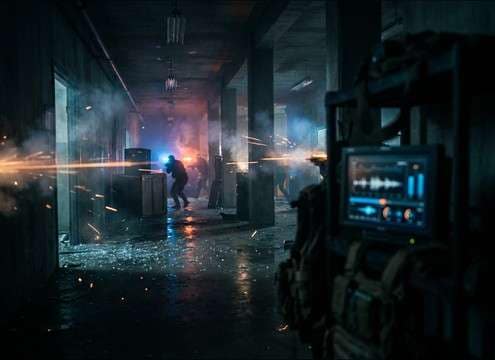
Suppressed gunfire in a hallway with quick edits

Spy-thriller hallway firefight

Choose indoor reflections and short tails so each shot keeps pace with fast cuts and camera whips.

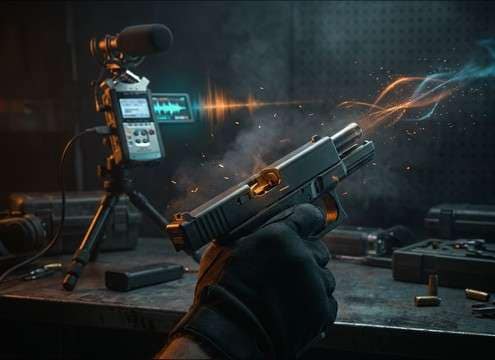
Gun reload close-up with slide rack and casing ejection sounds

Tactical reload close-ups

Use mechanical-only clicks (slide, bolt, ejection) to sell the moment when the report is off-screen.

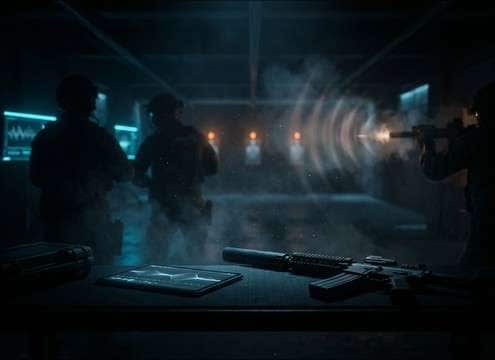
Training sim interface with subdued subsonic suppressed shots

Subsonic training simulation

Dial back the high-end crack and keep a soft transient for "quiet range" demos and safety walkthroughs.

Distant suppressed shots outside during a night raid scene

Night raid exterior

Pick distant perspective with narrow stereo and minimal tail to imply range and open air.

Audio drama timeline with close-mic suppressed gunshot clips

Audio drama close-mic

Use close, dry suppressed shots that won't mask narration, then sprinkle light room tone for realism.

Security camera footage with muffled suppressed gunshot audio

Security camera POV

Select muffled transients and reduced low-end to match lo-fi, compressed surveillance audio.

Weapon tuning screen with different suppressed firing mode sounds

Game weapon tuning

Generate multiple cadences (single, double-tap, burst) so each firing mode feels distinct in gameplay.

Why Choose Media.io for Suppressed-Guns Generator?

See exactly why creators, developers and studios choose our AI audio generator over all others.

Prompt fields for distance and perspective for suppressed gunshots

Prompt-by-perspective control

Specify close, mid, or distant shots and get matching transient sharpness and space without hunting through folders.

Toggle-like control for room reflections and room tone in SFX generation

Room tone on demand

Add or remove indoor reflections so the tail fits a corridor, small room, or open exterior instantly.

Multiple waveforms showing different gunshot cadences

Cadence variations

Generate single shots, double taps, or short bursts with consistent spacing for tight edit sync.

Close-up waveform highlighting mechanical clicks after a shot

Mechanical detail options

Ask for slide/bolt movement and casing ticks when the camera is tight, or remove them for distance.

Audio clip with clean fade out tail suitable for cutting

Clean tails for cutting

Get controlled decay and low noise floor so you can cut on action without audible reverb wash.

Download panel showing WAV export option for sound effects

WAV-ready downloads

Export WAV for easy syncing, trimming, and layering in your editor or engine pipeline.

How to Prompt Suppressed Gunshots That Sound Real (Not Toy-Like)

Suppressed shots aren't "silent"—they're compact, controlled, and often more about the transient shape and tail than raw loudness. Use the tips below to pick the right clip or write prompts that match your scene's distance, environment, and weapon behavior.

Start with the shot type and cadence

Before you think about space, decide what the action needs: one discreet hit, a double tap, or a short burst. Cadence changes how the ear reads urgency and how much the shots mask other elements.

  • Single shot: keep the transient crisp and the decay short
  • Double tap: request consistent spacing so both hits stay readable
  • Burst: ask for compact tails so the sequence doesn't blur together

Match distance and environment to the picture

A close-mic suppressed shot can still feel punchy, while a distant one should lose high-end and feel narrower. Indoor spaces introduce short reflections; exteriors should feel drier with more air loss over distance.

  • Close: stronger mechanical detail, tighter stereo focus
  • Indoor: short reflections and subtle room tone between shots
  • Distant: softened attack, reduced high-end, minimal tail

Decide how much mechanical foley you want

With suppressors, the firearm's action can be a big part of realism—especially in tight shots. If it's off-screen or far away, mechanical clicks can sound distracting and should be minimized.

  • Ask for slide/bolt movement when you see hands or the weapon
  • Reduce casing ticks when dialogue or subtle Foley must stay clean
  • For realism, keep mechanical sounds short and not louder than the shot

Avoid common "fake suppressed" cues

Many "silenced" SFX are just EQ'd gunshots or cartoonish puffs. The goal is controlled energy: a believable attack with a natural, cut-friendly decay that matches the space.

  • Avoid long reverb tails that make a suppressor sound like a cannon
  • Avoid overly airy hiss or plastic 'pew' tones in the high end
  • Avoid inconsistent loudness across shots in a sequence

Frequently Asked Questions About
Suppressed-Guns Sound Effects

Everything you need to know before downloading or generating your first sound.

What should a good suppressed gunshot sound like in an edit?

It should have a clear, compact transient (so it reads as a shot), a controlled decay (so it doesn't wash out the scene), and just enough room tone or reflections to match the location. If it feels like a "pew," add a slightly firmer low-mid thump and reduce overly bright hiss.

How do I choose between close and distant suppressed-guns SFX?

Close versions usually have sharper transients and more mechanical detail (slide/bolt, casing ticks). Distant versions should sound softer with less high-end, narrower stereo width, and minimal action noise—prioritizing air loss over detail.

Can I download these suppressed-guns sound effects for commercial use?

You can preview and download the clips from this page and use them in commercial projects as long as your usage fits the license shown in the download flow on Media.io.

Do you provide WAV files, and what sample rate should I use?

Yes—download WAV for the cleanest editing and easiest syncing. If your project is video-first, 48 kHz is a safe default; for music-first workflows, 44.1 kHz is common. Stick to one rate across the project to avoid unnecessary conversions.

Are these suppressed-guns sound effects free to download?

Yes. You can preview and download the AI-generated suppressed-guns sound effects as WAV files and use them in personal or commercial projects.

Can I copy the prompt used for each sound?

Yes. Open any sound row to view the prompt, copy it, adjust the wording and generate a custom variation that better matches your scene.

Related Free Sound
Effect Categories

Explore other AI-generated sound libraries from Media.io

sound

Rain Sound Effects

10+ free sounds
sound

Thunder Sound Effects

10+ free sounds
sound

Farts Sound Effects

10+ free sounds
sound

Car Crash Sounds

10+ free sounds
sound

Explosion Sound Effects

10+ free sounds
sound

Gunshot Sound Effects

10+ free sounds
sound

Pistol Sound Effects

10+ free sounds
sound

AI Horror Sound Effects

10+ free sounds
sound

AI Forest Sound Effects

10+ free sounds
sound

AI Dog Whistle Sound

10+ free sounds
sound

AI Ding Sound

10+ free sounds
sound

Phone Ring Sound

10+ free sounds
media.io

AI Video Generator star

Easily generate videos from text or images

Generate
