












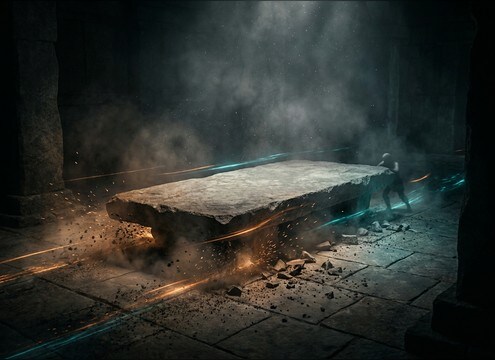
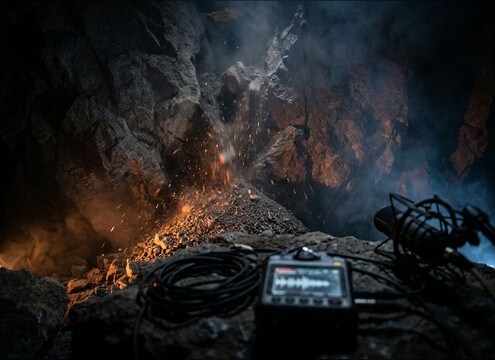

Popular Stone-Sliding Sound Effects Library

Pick a ready-to-use scrape or drag, or copy a prompt to generate tighter transients, more grit, or a longer tail. Each card is tuned for a different material feel, speed, and sense of weight so you can match the on-screen motion without overmasking dialogue or ambience.

How to Generate Your Own
Stone-Sliding Sound Effects

Cannot find the perfect stone-sliding sound effect you need? Generate custom AI stone-sliding audio effortlessly. Describe the style, such as short clean cue, cinematic hit, subtle background layer, branded UI alert, and Media.io AI builds tailored stone-sliding sound effects instantly. No audio editing experience needed. Turn your concept into a royalty-free, high-quality downloadable WAV stone-sliding clip in under 60 seconds.

1

Describe the stone slide

Type a prompt for material and motion, like granite slab drag, gravelly boulder shift, or a stone door scrape with room echo.

2

Choose length and takes

Set 5s, 10s, or 20s, then pick how many variations you want so you can audition different grit levels and tails.

3

Generate and preview

Click Generate, listen to each result, and keep the version with the right attack, texture, and perceived weight for your cut.

4

Download WAV and use

Export the WAV file and drop it into your timeline for films, trailers, audio drama, games, apps, or commercial projects.

What Can You Use These Stone-Sliding Sound Effects For?

Creators in every field are using our royalty-free audio to set the perfect mood.

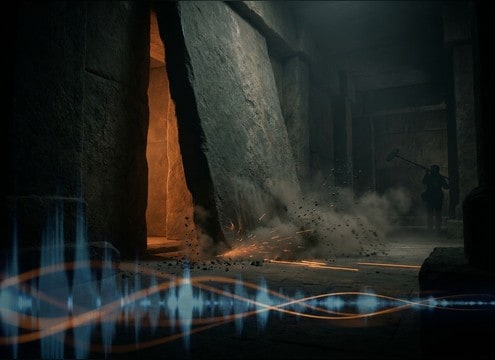
Stone door sliding open sound effect for temple scene

Stone door reveal

Sell a temple or tomb entrance with a long scrape, gritty midrange, and a slow-decay tail that matches the chamber size.

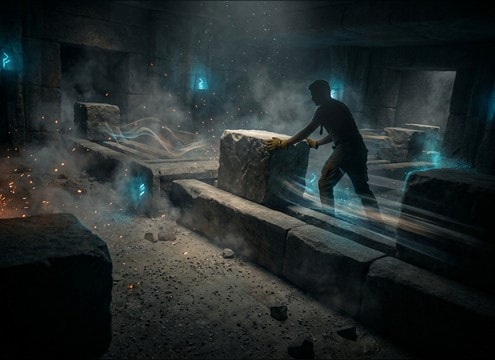
Stone block sliding sound for puzzle game movement

Puzzle block movement

Short, repeatable pushes that read clearly under music, with controlled transients and minimal debris for tight edit timing.

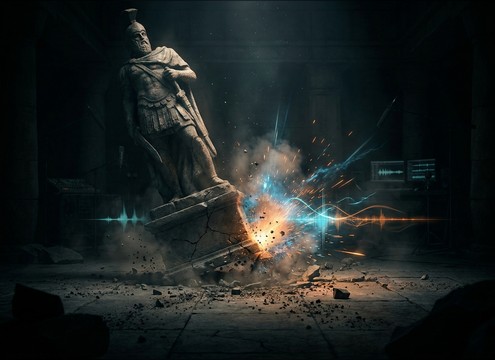
Stone statue shifting on plinth sound effect

Statue reposition

A heavy shift with a brief thump and short scrape burst to emphasize weight without turning into a full boulder drag.

Gravestone dragging stone scrape sound for horror scene

Gravestone drag

Dry, gritty drags with subtle dust ticks that feel unsettling in cemetery scenes and paranormal audio drama beats.

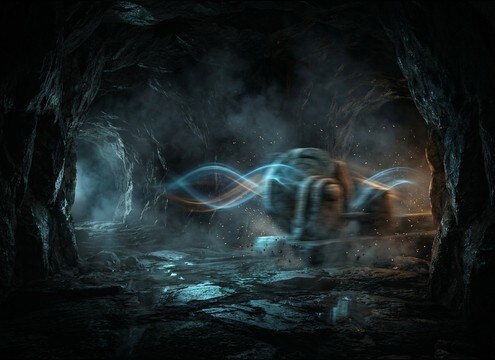
Distant stone sliding in cave ambience sound effect

Cave trap mechanism

Distant slides with wide reflections and softened attacks to place the action deeper in a cavern or tunnel network.

Stone slab being pushed across floor sound effect

Stone furniture move

Midrange-forward slab pushes with low-end presence, useful for set dressing and ancient hall interior movement.

Small rockslide stone friction sound effect

Mini rockslide detail

A short slide plus granular grit that suggests shifting rubble without becoming a full avalanche or explosion-like impact.

Close mic stone scraping texture for ASMR audio

ASMR grit texture

Close-mic scrapes with fine transient detail and low noise floor for tactile, satisfying friction cues.

Why Choose Media.io for Stone-Sliding Sound Generator?

See exactly why creators, developers and studios choose our AI audio generator over all others.

Prompt controls for stone sliding sound generator

Stone Sliding Sound Generator control

Dial in material feel and motion by prompt: granite vs limestone, slow drag vs sudden shift, dry grit vs damp friction.

Distance control for stone scrape and room reflections

Scene-matched distance

Regenerate close, mid, or distant perspectives so the transient sharpness and room tail fit courtyards, caves, or tight corridors.

Cleaner stone sliding clips for dialogue-friendly mixes

Clean options for mixing

Choose versions with lower noise floor and less debris when you need the scrape to sit under dialogue and music without harsh buildup.

Multiple variations of stone sliding audio previews

Fast variation auditioning

Generate multiple takes at once to compare grit density, stereo width, and decay length, then keep the one that matches picture.

WAV download export for stone sliding sound effects

Download-ready WAV exports

Preview in-browser and export WAV files you can cut, stretch, or layer with impacts and ambience in your editor.

Timing control for stone door sliding start-stop motion

Promptable timing and rhythm

Ask for start-stop movement, a steady loopable grate, or a slow ramp in intensity to match mechanical traps and door reveals.

How to Prompt Stone Sliding Sounds That Match Weight and Space

Stone sliding is all about friction texture and how the tail tells you where the action happens. When you generate or choose a clip, focus on material roughness, motion speed, and whether you need a close, detailed scrape or a distant slide with reflections. Use prompts that describe contact surfaces and the way the object moves, not just the word stone.

Pick the material and surface contact

Different stones read differently on camera. Granite and basalt feel dense with a harder rasp, while limestone can sound chalkier and drier. Also call out what it is sliding on: stone-on-stone, stone-on-sand, or stone-on-floor, because that changes debris and high-frequency bite.

  • Use material words: granite, limestone, basalt, marble
  • Specify contact: stone-on-stone, slab on floor, cobble grind
  • Add debris detail if needed: dusty grit, gravel sprinkles, clean scrape

Control motion: speed, pressure, and start-stop

Editors often need the scrape to hit exact frames: a quick shift for a reveal, or a long drag for a door opening. Describe whether the movement is steady or jerky, and how heavy the object is so the transient and low-end thump feel right.

  • Fast shift: sharp attack, short tail, brief grit burst
  • Slow drag: sustained friction bed, gradual texture change
  • Start-stop: multiple mini transients with short pauses between

Match the space with distance and decay

A stone slide in an open courtyard should have less reverb and more direct scrape detail, while a cave or temple hall needs longer decay and wider reflections. Ask for close-mic or distant perspective to control how much room tone and tail you get.

  • Close: crisp transients, detailed grit, minimal reflections
  • Distant: softened attack, longer decay, wider stereo ambience
  • Indoor stone hall: audible early reflections and controlled low-end rumble

Avoid common selection mistakes

Stone sliding can become harsh quickly, especially if the transient is too bright or the grit is constant at one pitch. Choose versions that leave headroom for impacts and keep the scrape from masking important midrange like voices and creature cues.

  • Skip overly bright scrapes that whistle or ring unnaturally
  • Avoid constant, identical grit that sounds like a loop artifact
  • Watch low-end rumble if your scene already has drones or impacts

Frequently Asked Questions About
Stone-Sliding Sound Effects

Everything you need to know before downloading or generating your first sound.

Can I use these sounds for commercial projects and ads?

Yes. The downloads are royalty-free for commercial use in typical projects like videos, games, apps, and branded content. Preview first and keep your project files as proof of source if your workflow requires it.

Do you provide WAV downloads for stone sliding clips?

Yes. After you preview a result, you can download it as a WAV file so it is easy to edit, trim, or layer with impacts and ambience.

How do I choose between a close scrape and a distant stone slide?

Choose close when you need crisp transients and detailed grit that syncs to hand or foot movement. Choose distant when the action is off-screen or deeper in a space and you want softer attacks with longer room decay.

How can I make a stone door slide feel heavier without clipping?

Generate a version with more low-end weight and a slightly slower motion, then lower the clip gain and layer a separate short impact or thump at the start. This keeps the scrape texture clear while adding perceived mass.

Are these stone-sliding sound effects free to download?

Yes. You can preview and download the AI-generated stone-sliding sound effects as WAV files and use them in personal or commercial projects.

Can I copy the prompt used for each sound?

Yes. Open any sound row to view the prompt, copy it, adjust the wording and generate a custom variation that better matches your scene.

Related Free Sound
Effect Categories

Explore other AI-generated sound libraries from Media.io

sound

Rain Sound Effects

10+ free sounds
sound

Thunder Sound Effects

10+ free sounds
sound

Farts Sound Effects

10+ free sounds
sound

Car Crash Sounds

10+ free sounds
sound

Explosion Sound Effects

10+ free sounds
sound

Gunshot Sound Effects

10+ free sounds
sound

Pistol Sound Effects

10+ free sounds
sound

AI Horror Sound Effects

10+ free sounds
sound

AI Forest Sound Effects

10+ free sounds
sound

AI Dog Whistle Sound

10+ free sounds
sound

AI Ding Sound

10+ free sounds
sound

Phone Ring Sound

10+ free sounds
media.io

AI Video Generator star

Easily generate videos from text or images

Generate
