














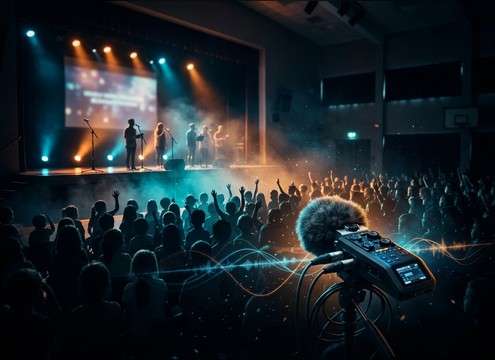
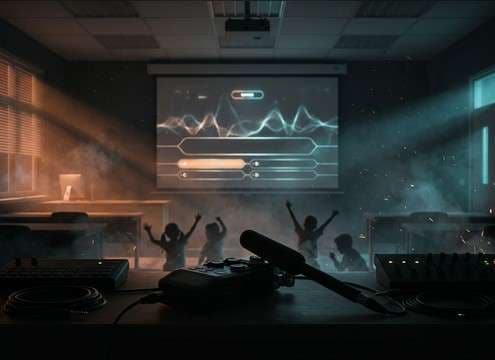
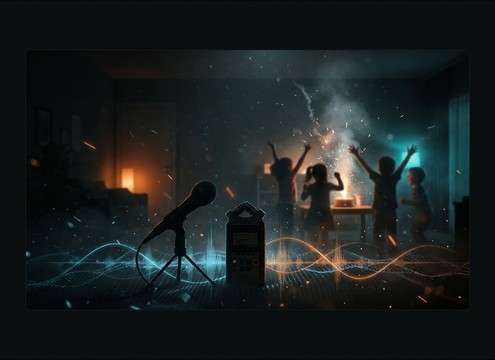
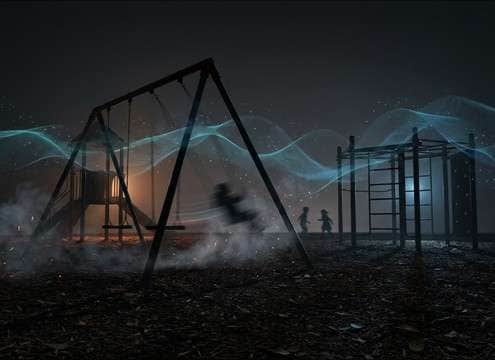





Children's cheers can sound wrong fast if the crowd size, space, or energy doesn't match the picture. Use prompts that specify where the kids are, how close the mic feels, and whether you want a quick burst or a usable bed. The goal is a cheer with the right attack, believable room tone, and a tail that doesn't smear into dialogue.
Choose the setting first (where are they cheering?)
Your environment determines reflections and background texture. A gym has obvious slapback and longer decay; a playground is drier with air tone; a classroom is tighter with subtle reflections.
- Use words like "gymnasium," "classroom," "hallway," or "outdoor playground."
- Ask for "natural room tone" if you need realism under dialogue.
- Avoid mixing environments in one prompt (e.g., "outdoor gym").
Match crowd size and intensity to the shot
A small group cheer works for close-ups; big crowds fit wide shots. Intensity also affects perceived loudness and masking, so specify if you need an excited burst or a calmer supportive cheer.
- Specify "one kid," "small group (6–10)," or "large crowd" in plain language.
- Add "controlled loudness" or "no screaming" for kid-friendly tone.
- For cut points, request "fast attack" and "short tail."
Decide burst vs bed (timing and tail behavior)
Editors often need either a quick punctuation cheer or a longer ambience bed. Bursts should have clean transients; beds should have gentle swells and fewer spikes so they loop or sit under music.
- For punctuation: "single cheer burst, crisp claps, short decay."
- For ambience: "continuous cheering bed, gentle swells, loop-friendly."
- If dialogue is present, ask for "minimal sharp peaks" to reduce masking.
Keep it kid-realistic (what to avoid)
Overly adult-sounding crowds, synthetic chants, or harsh high-end can break the illusion. Use constraints that keep the texture natural and age-appropriate.
- Add "no adult voices" and "children only" if needed.
- Avoid extreme reverb unless the shot clearly shows a big indoor space.
- If it sounds harsh, prompt "softer highs" or "less sibilant shouting."




