











Popular Fireworks Sound Effects Library

Choose a ready-to-use clip when you need a quick hit, or copy the prompt to generate a new version with different distance, decay, or burst density for your scene.

How to Generate Your Own
Fireworks Sound Effects

Cannot find the perfect fireworks sound effect you need? Generate custom AI fireworks audio effortlessly. Describe the style, such as short clean cue, cinematic hit, subtle background layer, branded UI alert, and Media.io AI builds tailored fireworks sound effects instantly. No audio editing experience needed. Turn your concept into a royalty-free, high-quality downloadable WAV fireworks clip in under 60 seconds.

1

Describe your fireworks

Type or paste a prompt describing the fireworks you need, like close mortar booms, whistling launches, crackle bursts, or distant pops through a window.

2

Pick length and variations

Choose a duration (5s, 10s, or 20s) and set how many versions you want so you can compare different intensity and tail lengths.

3

Generate and preview

Click Generate, then audition each result in the browser. Keep the take that matches your cut timing and perspective.

4

Download WAV and use

Export the selected sound as a WAV file and drop it into your timeline for videos, apps, games, podcasts, or commercial projects.

What Can You Use These Fireworks Sound Effects For?

Creators in every field are using our royalty-free audio to set the perfect mood.

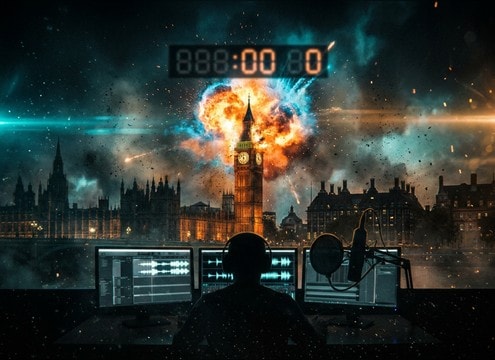
Fireworks boom synced to a New Year countdown timer

New Year countdown

Add punctual booms right on the clock strike, then swap in a longer tail or mini finale for the reveal shot.

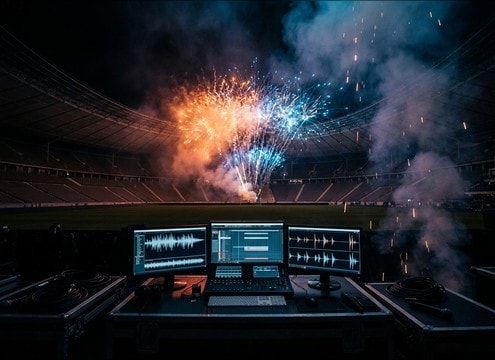
Stadium fireworks salute over cheering crowd ambience

Stadium win celebrations

Use salute pops and short crackle bursts that cut through crowd noise without washing the commentator with long decay.

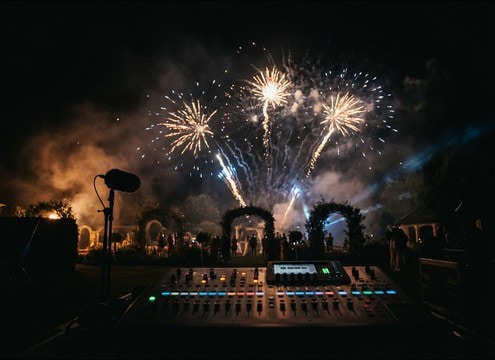
Wedding couple exit with subtle distant fireworks

Wedding grand exit

Pick softer distant bursts and controlled tails so vows and cheers stay intelligible while the visuals still feel festive.

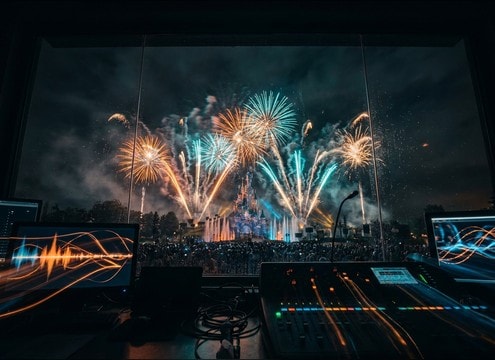
Theme park fireworks cue aligned to music beats

Theme park show

Trigger consistent 5-second bursts for choreography beats, then regenerate variations to match camera distance per shot.

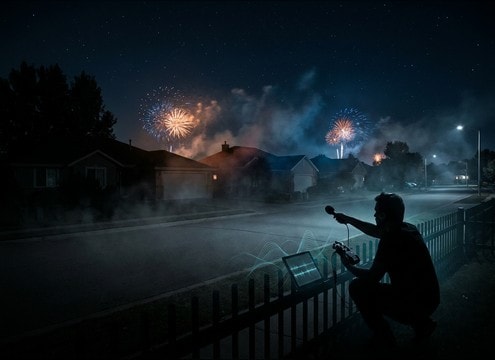
Distant fireworks over a residential street at night

Neighborhood night scene

Blend distant pops with a quiet night bed for exterior establishing shots that feel real but not overpowering.

Game reward screen with a short fireworks burst cue

Mobile game reward

Use bright whistle-to-burst cues with tight decay to avoid masking UI clicks and voiceover callouts.

Radio station bumper with fireworks accent

Holiday radio imaging

Drop in clean single booms or crackle clusters under a station tag, then choose a tail that does not smear the next line.

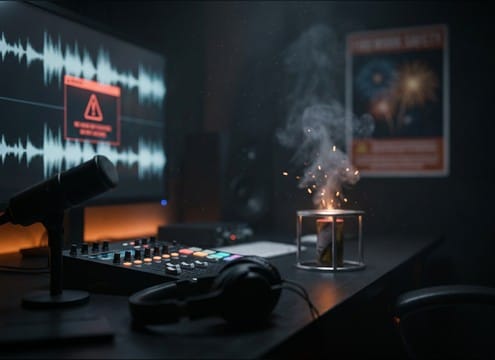
Safety PSA timeline with firecracker and boom sound cues

Firework safety PSA

Pair firecracker runs and close booms with on-screen warnings, adjusting intensity so narration remains clear.

Why Choose Media.io for Fireworks Sound Generator?

See exactly why creators, developers and studios choose our AI audio generator over all others.

Text prompt controls for fireworks boom and crackle density

Prompt control for Fireworks Sound Generator

Specify whistle rise, boom weight, crackle density, and tail length so the SFX matches the shot instead of forcing a generic stock clip.

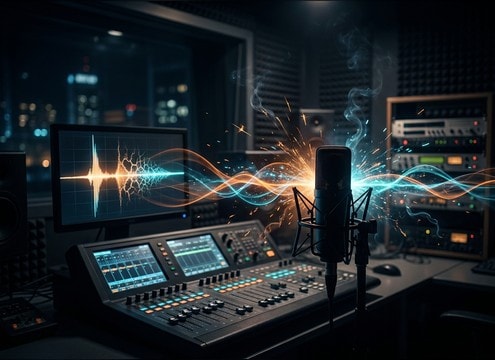
Waveform preview of a fireworks burst with long decay

Preview first, download when ready

Audition timing and impact in-browser before saving, which helps you pick the right transient and decay for the cut point.

Multiple fireworks variations displayed for A B comparison

Multiple scene-ready variations

Generate several takes from one idea to compare close vs distant perspective, darker vs brighter tone, and tighter vs longer tails.

Download panel showing royalty-free fireworks WAV option

Royalty-free assets for edits

Download royalty-free fireworks clips for real projects, then regenerate new versions if you need to avoid repeating the same burst.

Duration selector showing 5s 10s 20s options

Fast durations for tight sync

Work in 5s, 10s, or 20s lengths so you can hit a countdown beat, a reveal cut, or a short finale without extra trimming.

WAV export button for a generated fireworks sound

Clean WAV export workflow

Export a WAV file that drops into your NLE or DAW immediately, making it easy to place under dialogue or crowd ambience.

How to Pick or Prompt Fireworks Sounds That Match the Shot

Fireworks are easy to spot when the perspective is wrong: a huge boom on a wide skyline shot, or a tiny pop on a close-up. Use these checks to choose a library clip or write prompts that lock to your camera distance, burst style, and edit timing.

Choose the firework type and rhythm

Start with what the audience expects to hear: single mortar booms, whistle-to-burst rockets, crackle chrysanthemum bursts, or rapid firecrackers. The rhythm matters as much as the tone, especially when you are cutting to beats or crowd reactions.

  • For single accents, prompt a single boom with a defined transient and a controlled tail
  • For celebratory motion shots, use whistle rise cues that telegraph the burst moment
  • For chaos or comedy, rapid firecrackers give dense transients with minimal decay

Match distance and environment

Distance changes more than volume. Close fireworks have sharper transients and more low-end punch, while distant fireworks soften the attack and stretch the tail into a hazy air decay. The space also matters: open sky feels dry, while streets and stadiums add reflections.

  • Prompt close or distant perspective explicitly to control attack sharpness and air absorption
  • Add light reflections for stadiums or city streets, but avoid drowning the burst in reverb
  • For indoor scenes, ask for muffled window filtering and subtle room resonance

Control tail length for clean edits

A long decay tail sells scale, but it can smear into dialogue, crowd chants, or the next cut. If you need tight sync, use shorter tails or a cleaner decay shape. For finales, keep the tail but reduce mud by asking for clearer definition between bursts.

  • Short tail: better for UI-like stingers, tags, or quick reaction shots
  • Medium tail: good for most exterior bursts without masking the next line
  • Long tail: best for skyline wides, but plan the cut so decay does not overlap key speech

Avoid common giveaway artifacts

Bad fireworks SFX often sound like explosions or static noise with no launch cue. Another giveaway is overly wide stereo with no center impact, or harsh clipping on the transient. Keep the sound believable and edit-friendly.

  • Avoid prompts that imply a bomb blast unless your scene truly needs it
  • If the burst feels harsh, ask for a cleaner transient with less distortion or less brittle top end
  • If it feels fake, add a subtle outdoor night bed, but keep crowd noise optional and low

Frequently Asked Questions About
Fireworks Sound Effects

Everything you need to know before downloading or generating your first sound.

Can I download these fireworks sound effects for commercial use?

Yes, you can preview and download royalty-free fireworks sounds, then use them in commercial projects like ads, videos, apps, or client edits. If you need a different take, regenerate a new variation with a more specific prompt.

Do the downloads come as WAV files?

Yes. After you generate or pick a sound, download it as a WAV file so it is easy to edit, trim, and place precisely on your timeline.

How do I get distant fireworks instead of a close boom?

In your prompt, specify distant perspective and softer attack, and mention more air absorption or haze in the tail. You can also request minimal low-end punch and a quieter, wider outdoor ambience.

Which duration should I choose for fireworks: 5s, 10s, or 20s?

Use 5s for single hits, quick bursts, or short firecracker runs. Choose 10s when you need a whistle build into a burst. Pick 20s for a mini finale or a sequence that needs room for decay and spacing.

Are these fireworks sound effects free to download?

Yes. You can preview and download the AI-generated fireworks sound effects as WAV files and use them in personal or commercial projects.

Can I copy the prompt used for each sound?

Yes. Open any sound row to view the prompt, copy it, adjust the wording and generate a custom variation that better matches your scene.

Related Free Sound
Effect Categories

Explore other AI-generated sound libraries from Media.io

sound

Rain Sound Effects

10+ free sounds
sound

Thunder Sound Effects

10+ free sounds
sound

Farts Sound Effects

10+ free sounds
sound

Car Crash Sounds

10+ free sounds
sound

Explosion Sound Effects

10+ free sounds
sound

Gunshot Sound Effects

10+ free sounds
sound

Pistol Sound Effects

10+ free sounds
sound

AI Horror Sound Effects

10+ free sounds
sound

AI Forest Sound Effects

10+ free sounds
sound

AI Dog Whistle Sound

10+ free sounds
sound

AI Ding Sound

10+ free sounds
sound

Phone Ring Sound

10+ free sounds
media.io

AI Video Generator star

Easily generate videos from text or images

Generate
