

















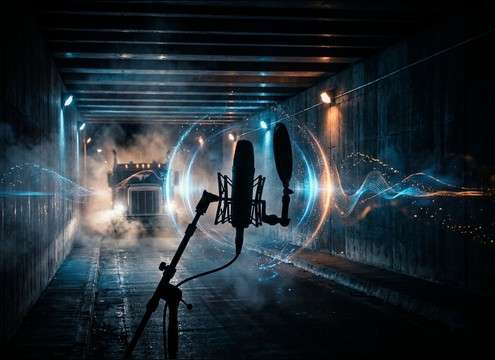





Truck horns read differently depending on the horn type, the camera distance, and the space around the vehicle. Use the library when you need a ready clip, or use the AI generator to request precise timing and tone, like a short dock warning, a sustained highway blast, or a tunnel horn with a long echo tail.
Start with horn type and tone
A bright air horn with a strong low-mid body feels different from a shorter, more controlled honk. Naming the horn type helps the generator shape the pitch stability and grit.
- Use words like air horn, dual-tone, or warning beep
- Specify intensity: soft, assertive, or full blast
- Call out texture: clean, slightly distorted, or gritty
Match perspective: close, mid, distant
Distance changes the transient and the amount of high-frequency bite. A close horn can be harsh and cut-heavy, while a distant horn should be rounder and more masked by ambience.
- Close: sharp attack, low noise floor, minimal ambience
- Mid: some reflections and street tone, moderate stereo width
- Distant: softened attack, thinner highs, longer fade
Choose the space and reflections
The same horn in a tunnel will bloom with reflections, while an open highway will feel drier. Stating the environment improves realism and helps the horn sit with the scene.
- Tunnel or underpass: long echo tail, dense reflections
- City street: early reflections, short slapback, light traffic bed
- Yard or dock: tighter tail, industrial room tone, less stereo spread
Avoid common mismatches
Most truck horn problems are editorial, not loudness. A horn that is too long, too wide, or too bright will fight dialogue and FX. Generate a safer alternate rather than forcing heavy EQ.
- If it is too harsh, prompt for softened transient or muffled highs
- If it washes the cut, prompt for faster stop or shorter decay
- If it feels fake, prompt for light traffic masking or natural room tone




