












Popular Bullhorn Sound Effects Library

These bullhorn clips are tuned for real edits: quick attention-grab bursts, controllable distortion, and optional room tails so you can match street, stadium, or hallway playback.

How to Generate Your Own
Bullhorn Sound Effects

Cannot find the perfect bullhorn sound effect you need? Generate custom AI bullhorn audio effortlessly. Describe the style, such as short clean cue, cinematic hit, subtle background layer, branded UI alert, and Media.io AI builds tailored bullhorn sound effects instantly. No audio editing experience needed. Turn your concept into a royalty-free, high-quality downloadable WAV bullhorn clip in under 60 seconds.

1

Write a bullhorn prompt

Type or paste what you need: bullhorn burst, feedback squeal, distant call, or an indoor echo version, plus any notes like gritty distortion or clean tone.

2

Pick duration and takes

Choose 5s, 10s, or 20s, then set how many variations you want so you can compare intensity and tail length quickly.

3

Generate and preview

Click Generate, listen to each result, and keep the take with the best attack, noise texture, and distance for your scene.

4

Download WAV and use

Export the selected sound as a WAV file and drop it into your timeline for videos, apps, podcasts, games, or commercial projects.

What Can You Use These Bullhorn Sound Effects For?

Creators in every field are using our royalty-free audio to set the perfect mood.

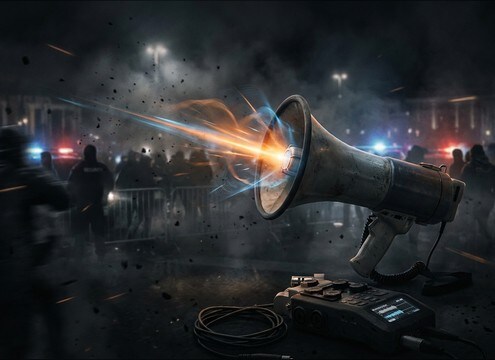
Bullhorn sound effect for crowd control cue in a street scene

Crowd control cues

Add short, sharp bullhorn bursts that cut through ambience without overpowering dialogue.

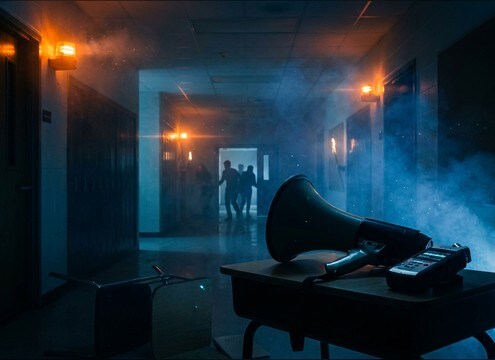
Bullhorn announcement sound for an emergency drill in a hallway

Emergency drill scenes

Match a school or workplace drill with narrowband PA tone, hiss, and believable room tail.

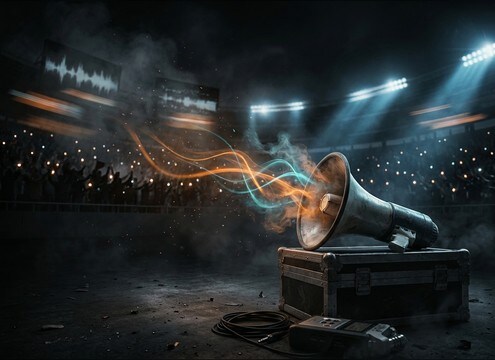
Bullhorn SFX layered over stadium crowd ambience

Stadium rally moments

Use a slightly wider, louder bullhorn layer over crowd beds for sports intros and chant build-ups.

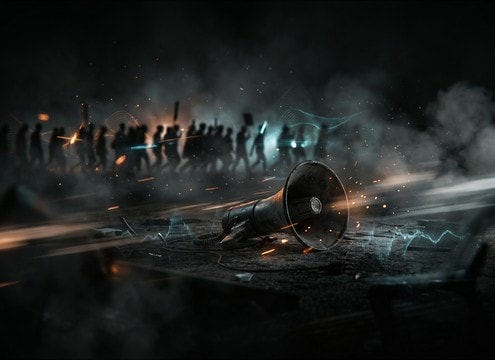
Distant bullhorn sound effect in a protest march scene

Protest and march

Create distant-to-close perspective shifts as the camera moves through a march line.

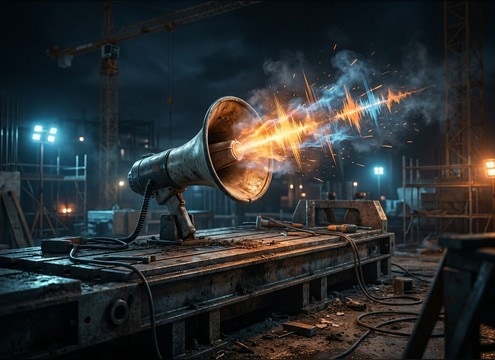
Bullhorn SFX used on a construction site with machinery noise

Construction marshal calls

Blend a gritty bullhorn with machine beds by choosing stronger midrange bite and quick decay.

Bullhorn sound effect for dockside instructions near boats

Harbor and dock

Place bullhorn cues over waterfront wind and engine hum with controlled feedback and hiss.

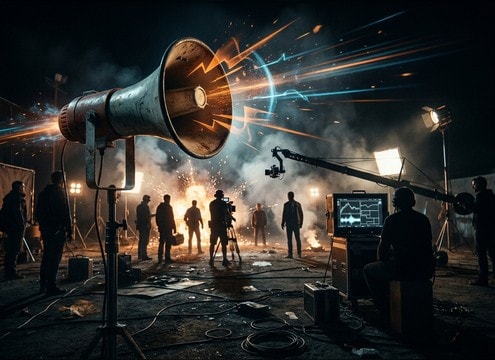
Bullhorn sound effect timed to action cues on a film set

Film set background

Support action blocking with intermittent bullhorn bursts that feel diegetic and timed to cuts.

Clean bullhorn announcement sound for event staff at a venue

Event staff announcements

Use cleaner, less distorted bullhorn tones for entry lines, gate openings, and queue movement cues.

Why Choose Media.io for Bullhorn Sound Generator?

See exactly why creators, developers and studios choose our AI audio generator over all others.

Prompt controls for a bullhorn sound generator

Bullhorn Sound Generator prompt control

Describe distance, grit, hiss level, and space (street, hallway, stadium) to steer each regeneration toward the exact playback vibe you need.

Bullhorn sound effects library with preview and download

Download-ready resource library

Preview popular bullhorn variations first, then grab a clip immediately when you need a fast placeholder or a final effect.

Close and distant bullhorn sound variations

Regenerate close vs distant takes

Quickly produce multiple perspectives so your cut can move from wide shot to close-up without mismatched tone or tail.

Duration options for bullhorn sound generation

Consistent 5s, 10s, 20s outputs

Choose short bursts for cues, 10-second holds for announcement beds, or 20-second scenes with spacing and ambience baked in.

Bullhorn sound with adjustable tail and room tone

Mix-friendly noise and tails

Generate versions with tighter decay for busy scenes, or longer reflections when the location should feel large and hard-surfaced.

Downloading a WAV bullhorn sound effect

Fast WAV workflow

Preview in-browser, keep the best take, and export WAV for immediate use in your editor without extra conversion steps.

How to Pick or Prompt Bullhorn Sounds That Cut Through

Bullhorn audio is all about midrange bite, limited bandwidth, and believable space. Use the library when you just need a quick burst, and switch to AI prompting when you must match distance, distortion, or an indoor tail to a specific shot. The tips below help you describe the right kind of bullhorn quickly, avoid unusable extremes, and land a clip that sits over crowds, wind, or traffic without turning into painful feedback.

Start with perspective and space

Decide whether the bullhorn is right next to camera, across the street, or bouncing in a hallway. Perspective determines how much low end rolls off, how sharp the transient feels, and how long reflections should hang.

  • Close: dry, strong transient, higher intelligibility feel
  • Distant: softer attack, more ambience, more attenuation
  • Indoor: audible early reflections and a longer, darker tail

Describe distortion and noise texture

Bullhorns often have cone breakup, saturation, and hiss. In prompts, ask for mild, moderate, or heavy distortion, and specify whether you want a clean tone or a gritty device character that masks other sounds.

  • Mild: clearer, better for staff announcements and cues
  • Heavy: crunchy, aggressive, good for chaos or urgency
  • Hiss: steady noise bed that helps it read as amplified

Match the edit with timing words

For quick cuts, you usually want fast attack and short decay. For wide establishing shots, a longer tail and steadier level reads more realistic. Use timing language so the generator outputs something that lands on the beat.

  • Ask for a sharp attack for instant attention grabs
  • Ask for a quick cutoff to avoid stepping on dialogue
  • Ask for a smooth decay when the location should ring

Avoid common prompt mistakes

Overly bright feedback or too-wide stereo can make the result hard to use. Keep the request simple: bullhorn, space, intensity, and tail. Then regenerate variations instead of stacking too many constraints in one prompt.

  • Avoid extreme feedback unless you truly need a squeal moment
  • Avoid heavy low-end rumble that does not fit real bullhorn playback
  • Avoid overly wet reverb that sounds like a special effect

Frequently Asked Questions About
Bullhorn Sound Effects

Everything you need to know before downloading or generating your first sound.

Can I download bullhorn sound effects as WAV files?

Yes. After you preview a clip or generate a variation, you can export and download a WAV file so it drops into most editors without extra conversion.

Are these bullhorn sound effects royalty-free for commercial use?

The page is designed for royalty-free downloading and creation so you can use the sounds in commercial projects like client videos, apps, and monetized content. If you have strict compliance needs, review the license details shown in the product before publishing.

How do I make a bullhorn sound feel distant instead of close?

Choose or prompt for distance cues: softer transient, rolled-off lows, more ambience, and a short reflection tail. If it still reads too close, regenerate with stronger attenuation and less midrange bite.

What is the best duration to choose for a bullhorn cue?

Use 5 seconds for quick callouts and cut points, 10 seconds for sustained announcement beds, and 20 seconds when you need a scene layer with multiple bursts and natural spacing.

Are these bullhorn sound effects free to download?

Yes. You can preview and download the AI-generated bullhorn sound effects as WAV files and use them in personal or commercial projects.

Can I copy the prompt used for each sound?

Yes. Open any sound row to view the prompt, copy it, adjust the wording and generate a custom variation that better matches your scene.

Related Free Sound
Effect Categories

Explore other AI-generated sound libraries from Media.io

sound

Rain Sound Effects

10+ free sounds
sound

Thunder Sound Effects

10+ free sounds
sound

Farts Sound Effects

10+ free sounds
sound

Car Crash Sounds

10+ free sounds
sound

Explosion Sound Effects

10+ free sounds
sound

Gunshot Sound Effects

10+ free sounds
sound

Pistol Sound Effects

10+ free sounds
sound

AI Horror Sound Effects

10+ free sounds
sound

AI Forest Sound Effects

10+ free sounds
sound

AI Dog Whistle Sound

10+ free sounds
sound

AI Ding Sound

10+ free sounds
sound

Phone Ring Sound

10+ free sounds
media.io

AI Video Generator star

Easily generate videos from text or images

Generate
