














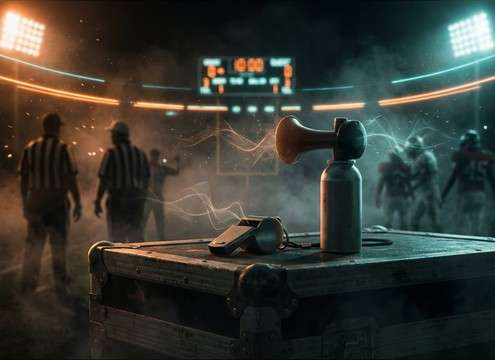
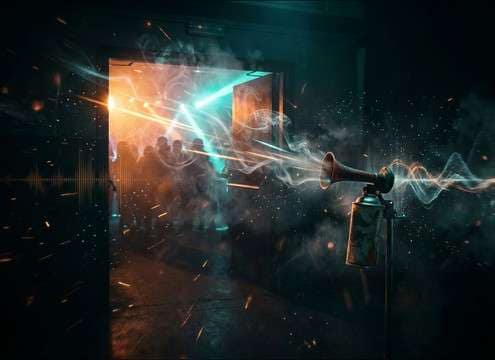
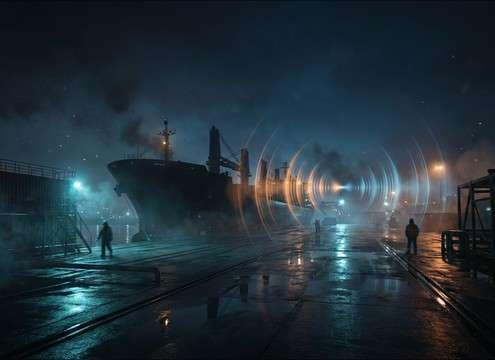


Air horns are all about the transient and the buzz: the first 100 ms decides whether it feels like a clean cue, a stadium blast, or a cheap plastic handheld. Use the tips below to pick the right library clip or to prompt a custom variation that matches your scene's space, intensity, and timing.
Match the role in the edit
Decide whether the horn is a comedic punctuation, a crowd-hype accent, or a continuous alarm-like sustain. That choice determines how sharp the attack should be and how much tail you can afford before it steps on dialogue or music.
- For meme hits: ask for a very fast attack and a short decay
- For hype moments: request wider stereo and a slightly longer tail
- For parody "penalty" gags: keep it centered and dry
Control distance, room tone, and reflections
A close horn feels abrasive and immediate; a distant horn feels filtered and sits behind ambience. If the visuals show an indoor space, reflections should arrive quickly and decay naturally, not as a long hall reverb.
- Close: "dry, minimal ambience, crisp transient"
- Indoor: "early reflections, slapback, short roomy tail"
- Outdoor distant: "softened transient, narrow stereo, light reflections"
Keep it loud without sounding broken
Air horns can read as "too loud" fast. If your clip sounds crunchy, it may be distortion rather than intentional grit. Choose a cleaner take, then let your editor/DAW handle level, limiting, and fades so the blast stays punchy.
- Avoid clipped tops unless you specifically want "overdriven/gritty"
- Fade out the tail to prevent hard cut clicks
- Leave headroom; you can always boost later in the mix
Common mistakes to avoid
The wrong horn can feel like a stock meme pasted on top of a scene. Most issues come from mismatched space, excessive tail, or a tone that masks speech sibilance and cymbals.
- Don't use a long-decay blast under dialogue-heavy moments
- Avoid wide stereo horns for centered phone speaker playback cues
- Don't add extra reverb if the clip already has strong reflections




