











Popular Drum-Beat Sound Effects Library

Grab quick 5s beat stabs for transitions, pick a 10s groove for a short montage, or use a 20s loop bed when you need stable timing. Each clip below focuses on a different kit tone, transient shape, and tail so you can match the cut without over-masking dialogue or SFX.

How to Generate Your Own
Drum-Beat Sound Effects

Cannot find the perfect drum-beat sound effect you need? Generate custom AI drum-beat audio effortlessly. Describe the style, such as short clean cue, cinematic hit, subtle background layer, branded UI alert, and Media.io AI builds tailored drum-beat sound effects instantly. No audio editing experience needed. Turn your concept into a royalty-free, high-quality downloadable WAV drum-beat clip in under 60 seconds.

1

Describe your beat

Type or paste a prompt for the drum pattern you need (kick-snare groove, tom build, marching cadence), plus tone details like dry room, punchy transient, or wider stereo.

2

Pick time and variants

Choose a duration (5s, 10s, or 20s) and set how many variations you want so you can audition different grooves quickly.

3

Generate and preview

Click Generate, listen to each result, and keep the take with the best timing, attack, and tail for your cut.

4

Download WAV and use

Download your selected WAV file and drop it into video timelines, game events, app UI moments, podcasts, or commercial projects.

What Can You Use These Drum-Beat Sound Effects For?

Creators in every field are using our royalty-free audio to set the perfect mood.

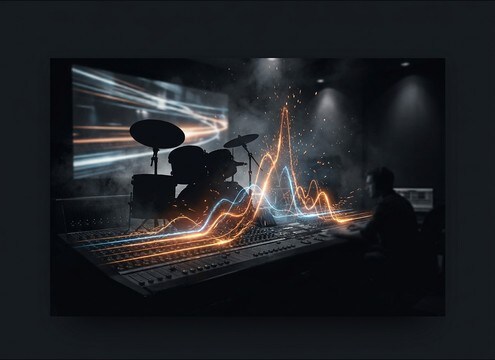
Drum fill build-up for a trailer title card

Trailer build-ups

Use short tom runs and escalating fills to push tension into a title card without relying on music stems.

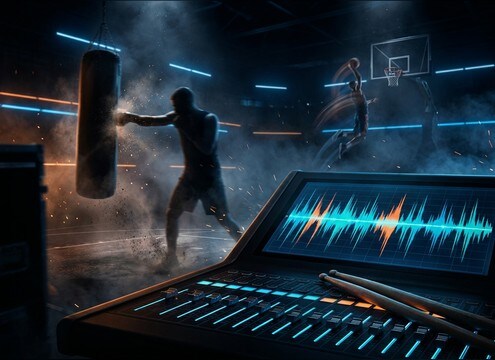
Punchy drum beat loop under a sports highlight edit

Sports montage pacing

Add a steady kick-snare grid to underline cuts on impacts, dunk replays, or training sequences.

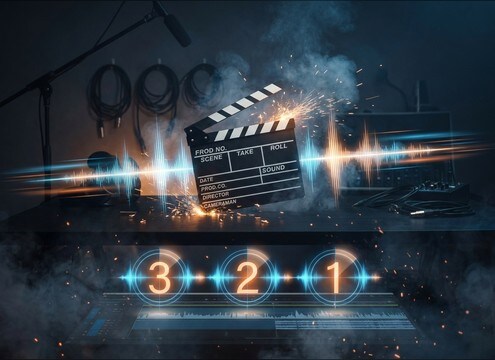
Short drum beat for a countdown slate

Countdown slates

Drop a 5-second clicky beat or snare cadence under a 3-2-1 visual to make timing feel deliberate.

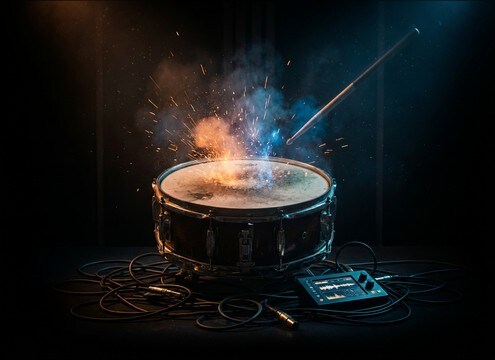
Short drum stab sound effect for a comedy cut

Comedy button hits

Accent punchlines with a tight, dry beat stab that ends cleanly, avoiding long cymbal tails that linger.

Drum beat cue for workout interval transitions

Workout interval cues

Switch between high-energy hat patterns and heavier stomp grooves to signal work vs rest segments clearly.

Drum beat burst sound effect for game level start

Game level start

Trigger a short beat burst when a level begins or a boss phase changes, keeping the transient sharp for clarity in the mix.

Drum beat accents for motion graphics logo reveal

Motion graphic reveals

Sync beat accents to logo wipes and kinetic typography, choosing dry tails to keep the reveal crisp.

Marching snare cadence supporting a crowd chant

Crowd chant support

Layer a marching-style cadence under chant audio to tighten rhythm and add stadium energy without extra instruments.

Why Choose Media.io for Drum-Beat Sound Generator?

See exactly why creators, developers and studios choose our AI audio generator over all others.

Prompt controls for a drum-beat sound generator

Drum-Beat Sound Generator control

Steer groove, kit tone, and intensity with prompts, then regenerate options until the beat matches your scene timing.

Preview drum beat sound effects before downloading

Fast preview before download

Audition transients and tails instantly so you can avoid beats that feel too washy, too roomy, or too aggressive for the cut.

Duration options for drum beat generation

5s, 10s, 20s durations

Pick short stabs for transitions, 10-second grooves for mini-montages, or 20-second beds for stable pacing.

Multiple drum beat variations for editing choices

Variation sets for edits

Generate multiple takes in one go to compare swing, hat density, and kick weight without rebuilding your timeline.

WAV drum beat download for clean editing

WAV for clean cutting

Download WAV so the attack stays sharp and the low-end stays solid when you time-stretch or cut on frame.

Royalty-free drum beat sound effects workflow

Royalty-free resource workflow

Start with downloadable library picks, then use AI prompts to tailor a custom variation when you need a closer fit.

A Practical Guide to Choosing Drum Beats for SFX Cuts

Drum-beat SFX usually fail for two reasons: the groove does not land on the edit, or the kit tone masks dialogue and key foley. Use the tips below to pick the right clip from the library, or write prompts that specify tempo feel (straight, swing, half-time), kit character (dry, lo-fi, roomy), and how clean the ending should be for looping.

State the groove and timing up front

If you want a beat to feel like an effect (not a full song), keep the request simple and timing-focused. Mention BPM, straight vs swing, and whether you need a count-in, a fill, or a steady loop.

  • Include BPM and feel: 90 BPM half-time, 120 BPM straight, or light shuffle swing
  • Specify structure: one-bar loop, two-bar loop, or a single fill that ends cleanly
  • Ask for a hard stop or a tight fade so the tail does not smear the next cut

Choose transient shape and low-end weight

Editors often need beats that punch through without booming. In prompts and selection, decide how sharp the attack should be and how much sub or kick thump you can afford under voice.

  • For crisp edits, request tight transients and minimal cymbal wash
  • For impact moments, request punchy kick with controlled sub and no distortion
  • If the mix is dense, pick a thinner beat with more mid snap and less low-end

Decide loopable vs one-shot behavior

A loop bed needs consistent timing and a seamless end, while a transition beat can be more dramatic. Choose the clip that matches how you will cut it in the timeline.

  • For looping, request stable tempo and a clean loop point with no ringing cymbals
  • For transitions, choose a fill or build that ramps intensity then stops decisively
  • For repeated cues, keep variation small so the beat stays recognizable

Match space, then avoid common mistakes

Room tone and reflections define whether the beat feels close-mic and modern or distant and cinematic. Pick the space that fits your scene, and avoid artifacts that ruin cuts.

  • For voiceover, choose dry beats with short decay and low room tone
  • For stadium or arena energy, allow a wider stereo image and moderate reflections
  • Avoid clipped peaks, long reverb tails, and overly busy hats that mask sibilance

Frequently Asked Questions About
Drum-Beat Sound Effects

Everything you need to know before downloading or generating your first sound.

Can I download drum-beat sound effects for commercial projects?

Yes, you can download royalty-free drum beats from this page for commercial use. Always review the license notes shown in Media.io for your specific file before publishing.

Do the downloads come as WAV files?

The generator workflow lets you download WAV so the transients stay clean and the low-end does not collapse when you cut or time-stretch in your editor.

How do I make a beat loop seamlessly in my timeline?

Pick clips described as loopable and trim on zero-crossings. If you generate a new one, include prompt wording like "clean loop end" and avoid long cymbal tails or roomy reverb.

What prompt details help the AI drum beat sound generator match my scene?

Include duration, BPM, feel (straight, swing, half-time), kit tone (dry, roomy, lo-fi), and an ending instruction (hard stop, short fade, or loopable). These constraints usually produce beat SFX that cut cleaner.

Are these drum-beat sound effects free to download?

Yes. You can preview and download the AI-generated drum-beat sound effects as WAV files and use them in personal or commercial projects.

Can I copy the prompt used for each sound?

Yes. Open any sound row to view the prompt, copy it, adjust the wording and generate a custom variation that better matches your scene.

Related Free Sound
Effect Categories

Explore other AI-generated sound libraries from Media.io

sound

Rain Sound Effects

10+ free sounds
sound

Thunder Sound Effects

10+ free sounds
sound

Farts Sound Effects

10+ free sounds
sound

Car Crash Sounds

10+ free sounds
sound

Explosion Sound Effects

10+ free sounds
sound

Gunshot Sound Effects

10+ free sounds
sound

Pistol Sound Effects

10+ free sounds
sound

AI Horror Sound Effects

10+ free sounds
sound

AI Forest Sound Effects

10+ free sounds
sound

AI Dog Whistle Sound

10+ free sounds
sound

AI Ding Sound

10+ free sounds
sound

Phone Ring Sound

10+ free sounds
media.io

AI Video Generator star

Easily generate videos from text or images

Generate
