














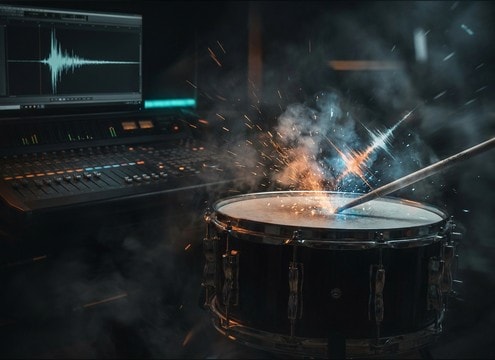


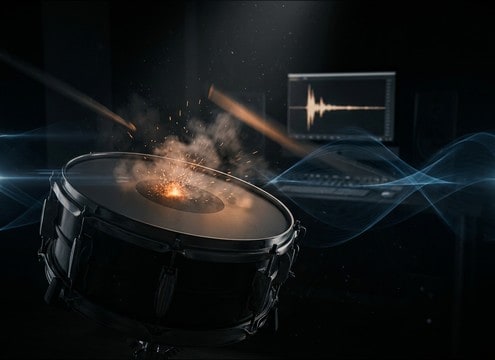
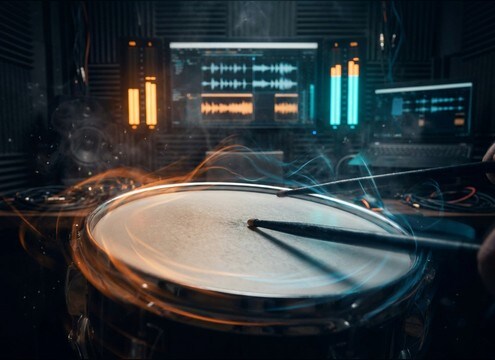
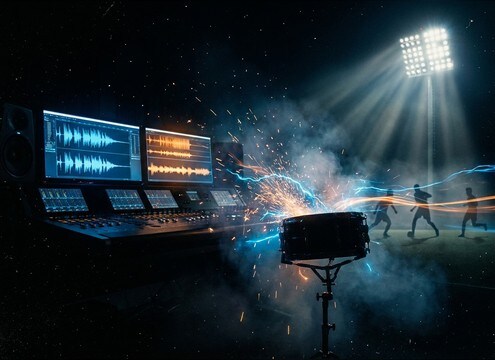




Snare sounds are judged in milliseconds: the transient must read on the cut, and the decay must leave space for vocals and guitars. Use this guide to pick the right library clip or write prompts that specify rimshot vs center hit, how much rattle you want, and whether the snare should feel close and dry or slightly distant with room reflections.
Start with the hit type
Choose the articulation first because it determines the transient shape and perceived loudness. Rimshots are sharp and cutting, center hits are rounder, ghost notes stay out of the way, and flams add width through timing rather than reverb.
- Rimshot: sharp attack, minimal tail, strong cut through busy mixes
- Center hit: punchy body, less click, easier to blend with bass guitar
- Flam and buzz: timing or rattle texture becomes the main character
Control decay and room tone
A snare tail that is too long masks dialogue and chord changes. If your scene is tight and close, ask for dry and short. If the shot is wide or live, ask for early reflections and a natural room tail, but keep the cutoff clean for editing.
- Short decay for fast edits, comedy beats, and dense arrangements
- Room reflections for stage, rehearsal, or venue visuals
- Clean ending if you need to gate, fade, or loop around transitions
Match brightness and rattle texture
Brightness helps a snare read on small speakers, while rattle adds realism but can smear fast patterns. In prompts, call out bright top-end, muted tone, or controlled rattle so the texture supports the groove instead of fighting it.
- Bright snap for hype stingers and quick cut points
- Controlled rattle for rolls and marching patterns
- Muted tone if the snare should sit behind vocals or narration
Avoid common prompt mistakes
Most snare prompts fail because they are vague about space and cutoff. Be explicit about dryness, distance, and whether you want a single hit or a consistent roll. Keep prompts free of extra instruments so you get clean, editable results.
- Say "no cymbals" or "snare only" to avoid unwanted kit bleed
- Specify "close-miked" vs "roomy" to control reflections
- For rolls, request an even pattern and a clean stop




