











Popular Radar Sound Effects Library

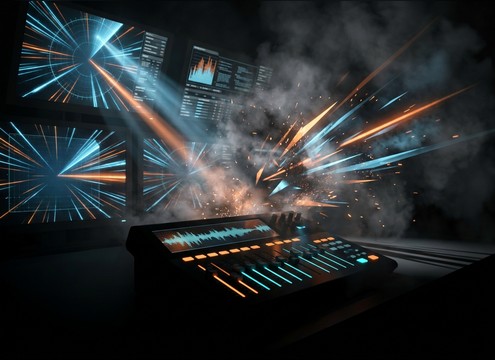
Pick a ready-to-use ping or sweep, then regenerate it with a tighter transient, wider stereo, or a longer decay to match your scene timing.

How to Generate Your Own
Radar Sound Effects

Cannot find the perfect radar sound effect you need? Generate custom AI radar audio effortlessly. Describe the style, such as short clean cue, cinematic hit, subtle background layer, branded UI alert, and Media.io AI builds tailored radar sound effects instantly. No audio editing experience needed. Turn your concept into a royalty-free, high-quality downloadable WAV radar clip in under 60 seconds.

1

Describe your radar cue

Type a prompt for the ping, sweep, or blip you need, including tone, intensity, and whether it should feel analog or digital.

2

Choose length and variations

Set 5s, 10s, or 20s, then pick how many options you want so you can audition different sweep rates or tail lengths.

3

Generate and preview

Click Generate, listen to each result, and keep the version that best matches your on-screen scan timing and UI style.

4

Download WAV and use

Export a WAV file and drop it into your video cut, game UI, app prototype, audio drama, or commercial project.

What Can You Use These Radar Sound Effects For?

Creators in every field are using our royalty-free audio to set the perfect mood.

Radar ping sound syncing to a tactical map target reveal

Tactical map reveals

Add a single ping or short sweep when a target appears, then scale intensity for friendly vs hostile contacts.

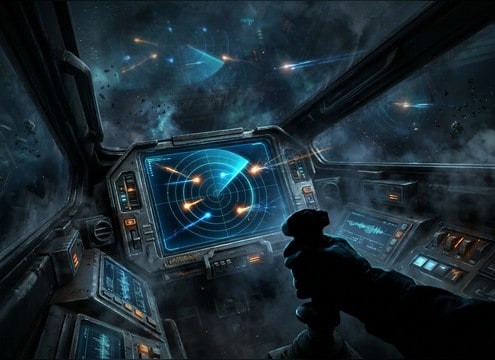
Futuristic cockpit HUD with radar blips and sweep beeps

Sci-fi cockpit HUD

Use clean, bright blips with short tails so UI details read without masking dialogue or engine beds.

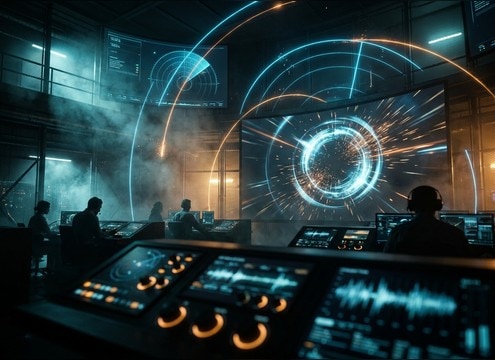
Operations control room scene needing distant radar echo sound

Control-room tension scenes

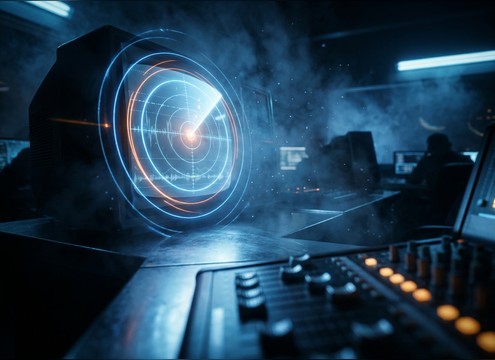
Choose a slightly roomy ping with longer decay to imply a large operations space and sustained suspense.

Stealth game detection meter using fast radar sweep pulses

Stealth detection meters

Pair fast, repeatable sweep pulses with low masking so repeated cues stay readable during action.

Air-defense radar tracking UI with sharp lock-on pings

Air-defense tracking moments

Pick sharper attacks and higher pitch for urgent lock-on style cues that cut through alarms and comms.

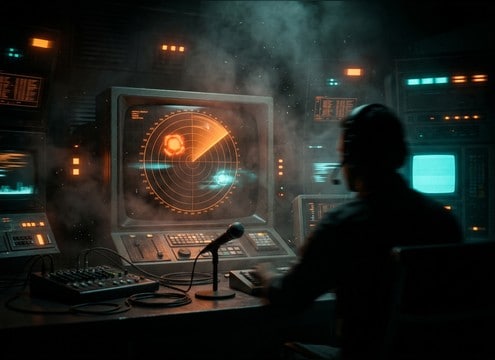
Retro CRT radar screen with analog hum and scope pings

Retro CRT radar

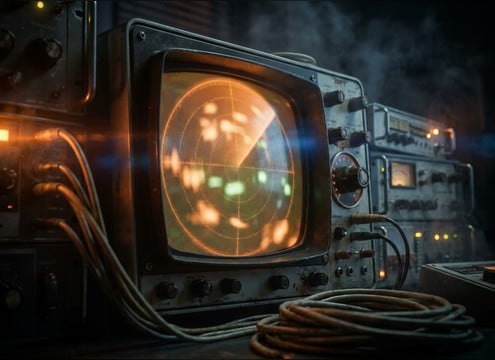
Go for analog hum and softened highs to match CRT visuals, tape noise, and vintage instrument panels.

Mobile scanner interface needing subtle radar blip confirmation sound

Scanner UI for

Use short, clean blips for scan confirmations, then regenerate quieter versions for accessibility-friendly modes.

Trailer transition using a loopable radar sweep bed

Trailer scan transitions

Drop in a 10s sweep loop as a transition bed, then punctuate cuts with single contact pings.

Why Choose Media.io for Radar Sound Generator?

See exactly why creators, developers and studios choose our AI audio generator over all others.

Prompt controls for radar sweep speed and cadence

Prompt control for sweep rate

Dial in fast, slow, or stepped scan timing by describing motion, cadence, and how often contacts should ping.

Multiple generated radar ping variations for the same scene

Variation sets for one scene

Generate multiple options from one prompt to compare pitch, brightness, and tail length without starting over.

Waveform view showing clean transient radar ping

Mix-friendly transients

Choose tight attacks for UI clicks or smoother onsets for background scanning so cues stay readable in the mix.

Stereo width options for radar blips

Stereo width on demand

Create narrow, center-focused pings for UI precision or wider blips that feel more cinematic and spacious.

WAV download option for generated radar sound effects

Download-ready WAV output

Export WAV files that are easy to cut, loop, and place on exact frames for motion graphics and interfaces.

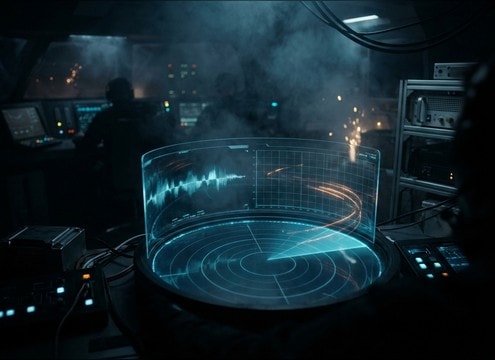
Radar sound library preview with AI regeneration option

Resource library plus generator

Start with curated radar-style assets, then regenerate custom versions to match your HUD, era, or alert level.

How to Choose and Prompt Radar Pings, Sweeps, and Blips

Radar cues are all about timing and clarity: a readable transient for the blip, a believable sweep cadence, and the right amount of tail so it does not smear over UI motion. Use the library when you need something instantly, then switch to AI prompts when you must match a specific screen sweep speed, alert tier, or a retro analog scope vibe.

Match the on-screen sweep timing

A radar sound often feels wrong when the audio cadence does not match the visual sweep. Describe the sweep rate, whether contacts appear on every pass, and if the cue should be a single hit or a repeating cycle.

  • Prompt for speed: slow sweep, medium sweep, rapid sweep pulse
  • State rhythm: one ping per rotation, intermittent blips, steady cycle
  • Choose length: 5s for hits, 10s for loops, 20s for search beds

Pick the right tone: analog vs digital

Analog-style radar reads warmer and softer, often with a faint hum. Digital UI radar reads cleaner and brighter with sharper transients. Naming the era and texture in your prompt helps the generator land in the right place.

  • Analog cues: warm tone, softened highs, faint electrical hum
  • Digital cues: clean sine-like blips, crisp attack, low noise floor
  • Retro UI flavor: slight grit, bit-style texture, controlled brightness

Control transient and tail for clarity

For UI moments, prioritize a defined attack so the cue reads instantly. For cinematic control rooms, a longer decay and subtle reflections can sell space, but too much tail will blur repeated sweeps.

  • UI hits: sharp transient, very short tail, centered placement
  • Roomy scenes: medium tail, light reflections, stable noise floor
  • Loop safety: avoid long ringing tones that overlap the next sweep

Avoid common radar SFX pitfalls

Radar cues can become fatiguing or mask dialogue if they are too bright, too loud, or too busy. Keep the sound simple and consistent, then add intensity only when story stakes rise.

  • Avoid harsh highs that turn pings into piercing beeps
  • Avoid random volume jumps that break loop consistency
  • Avoid over-layered chatter that competes with comms and alarms

Frequently Asked Questions About
Radar Sound Effects

Everything you need to know before downloading or generating your first sound.

Can I download radar sounds as WAV and use them commercially?

Yes. You can export download-ready WAV files from Media.io for your projects. Always review the license details shown at download so you know what is covered for commercial use.

What is the difference between a radar ping and a radar sweep sound?

A ping is a short, single transient hit that usually marks a detection or confirmation. A sweep sound suggests continuous scanning, often as a repeating cycle with a steady cadence and occasional contact blips.

How do I make a radar sweep loop that does not click at the end?

Generate a 10-second sweep designed for looping, then pick the version with steady loudness and a consistent noise floor. If you still hear a seam, trim to a zero-crossing and add a tiny crossfade in your editor.

How should I choose pitch and brightness for different alert levels?

For calm scanning, use lower pitch and softer highs with shorter tails. For warnings or lock-on moments, raise pitch slightly, sharpen the transient, and keep the tail controlled so repeated cues do not smear.

Are these radar sound effects free to download?

Yes. You can preview and download the AI-generated radar sound effects as WAV files and use them in personal or commercial projects.

Can I copy the prompt used for each sound?

Yes. Open any sound row to view the prompt, copy it, adjust the wording and generate a custom variation that better matches your scene.

Related Free Sound
Effect Categories

Explore other AI-generated sound libraries from Media.io

sound

Rain Sound Effects

10+ free sounds
sound

Thunder Sound Effects

10+ free sounds
sound

Farts Sound Effects

10+ free sounds
sound

Car Crash Sounds

10+ free sounds
sound

Explosion Sound Effects

10+ free sounds
sound

Gunshot Sound Effects

10+ free sounds
sound

Pistol Sound Effects

10+ free sounds
sound

AI Horror Sound Effects

10+ free sounds
sound

AI Forest Sound Effects

10+ free sounds
sound

AI Dog Whistle Sound

10+ free sounds
sound

AI Ding Sound

10+ free sounds
sound

Phone Ring Sound

10+ free sounds
media.io

AI Video Generator star

Easily generate videos from text or images

Generate
