














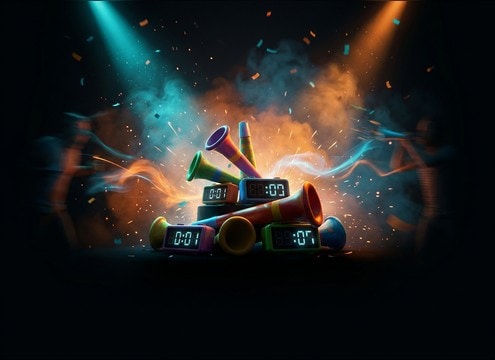


Party horns can sound cute, obnoxious, distant, or surprisingly roomy depending on the transient, pitch wobble, and tail. Use the tips below to choose a stock clip fast or write a prompt that generates a horn that matches the scene and does not overpower voices.
Decide the horn behavior
Start by choosing whether you need a single cue, a double hit, or a repeated rhythm. This controls editability more than any other detail. If the horn is only there to punctuate a moment, keep the envelope short and the silence clean after the hit.
- Single toot: best for quick on-screen reactions and pop-ups
- Double toot: reads more comedic and intentional than a single hit
- Rhythm toots: useful for montage beats or parade-style moments
Set brightness and pitch wobble
Party horns often get piercing if the high end is too sharp. Ask for a bright transient but a smoother body, or specify a slightly lower pitch for friendlier cues. A tiny pitch wobble can make it feel more like a real paper horn rather than a sterile tone.
- Use words like "bright transient" plus "smooth body" to avoid shrillness
- Add "slight pitch wobble" for a more toy-like character
- Request "no distortion" and "controlled peaks" for mobile playback
Match space: dry vs room
A dry horn works well as a UI-style sting, while a roomy horn sells an on-camera party scene. If your edit already has ambience, keep the horn drier and let the scene bed provide space. If the scene is quiet, add subtle reflections so it does not sound pasted on.
- Dry/close: minimal room tone, short tail, tight center image
- Medium room: gentle reflections, slightly wider stereo
- Distant: softer attack with longer decay for off-screen action
Avoid common mismatch problems
The biggest issues are horns that are too long, too harsh, or too busy. A long tail can step on dialog, and layered clusters can mask music hooks. When prompting, be explicit about tail length and whether you want a single source or multiple noisemakers.
- Ask for a "short decay" if the horn is meant to end before the next line
- Avoid "huge crowd" if you only need one prop on screen
- If it sounds thin, request "slightly wider stereo" instead of more volume




