











Popular Monkey Sound Effects Library

Pick a ready-to-use vocalization for your scene, or copy a prompt to generate a new take with different distance, intensity, or room tone. Each clip is designed to sit cleanly in a mix—whether you need a single screech hit, tight chatter for a reaction moment, or a longer troop bed for an establishing shot.

How to Generate Your Own
Monkey Sound Effects

Can't find what you're looking for? Easily create custom AI sounds. Simply describe your needs, and our AI will craft the perfect sound effect for you — no audio production skills required. Go from a blank idea to a downloadable WAV in under a minute.

1

Describe the monkey vocal

Type a prompt that matches the sound you need (chatter, screech, distant calls, or a group bed), and add any scene notes like "close-mic" or "jungle ambience."

2

Pick length and versions

Choose 5s, 10s, or 20s, then set how many variations you want generated so you can quickly audition different takes.

3

Generate and preview

Click Generate, listen to each result, and keep the one with the best timing, intensity, and background character for your edit.

4

Download WAV and use

Download your chosen clip as a WAV file and drop it into your timeline for videos, games, apps, podcasts, or commercial projects.

What Can You Use These Monkey Sound Effects For?

Creators in every field are using our royalty-free audio to set the perfect mood.

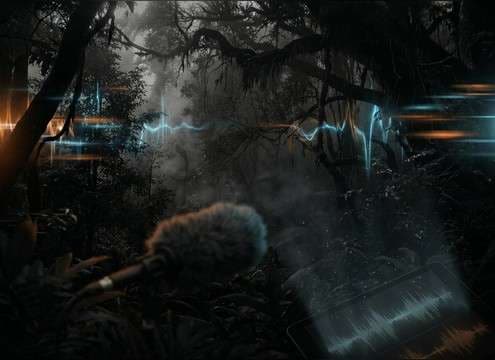
Distant monkey calls used under a jungle establishing shot

Jungle establishing shots

Lay a distant call or group chatter bed under wide shots to suggest depth, canopy height, and off-screen activity without overpowering the mix.

Short monkey chirps synced to a cartoon reaction moment

Cartoon reaction beats

Use short chirps or excited chatter as quick comedic stings that hit cleanly on a character glance, jump, or surprise reveal.

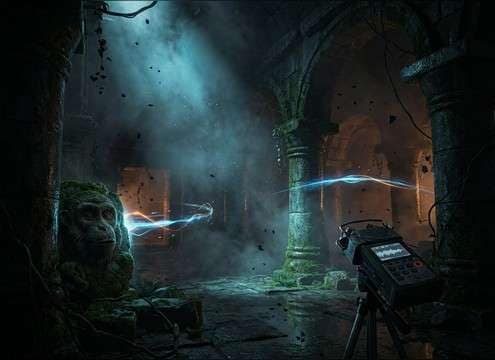
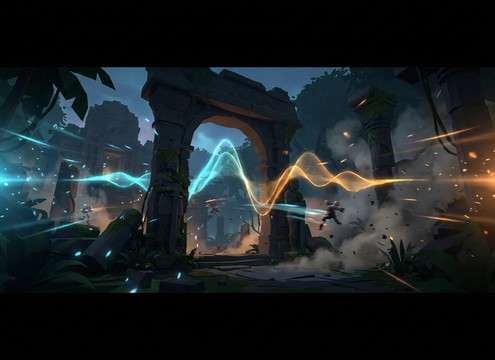
Monkey screech with subtle reflections for a temple scene

Temple and ruins

Add sporadic screeches with a small reflective tail to make ancient stone spaces feel alive while keeping dialogue intelligible.

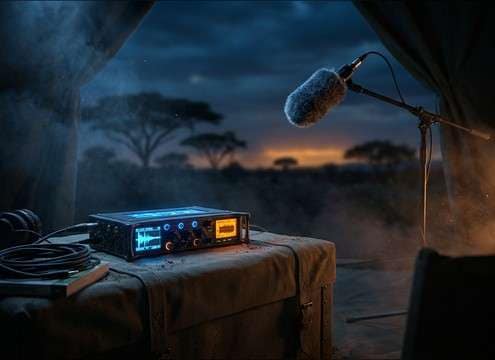
Low-masking monkey ambience under safari narration

Safari radio narration

Support wildlife storytelling with a controlled ambience bed that has steady room tone and low masking so voice remains upfront.

Monkey vocal variations for adventure game NPC behaviors

Adventure game NPCs

Give monkey characters distinct personalities—curious chirps for friendly NPCs, aggressive barks for warning states, and panic screams for chase moments.

Playful monkey sounds triggered by taps in a kids app

Kids' storybook apps

Trigger gentle, playful gibbering on tap interactions, keeping transients soft to avoid startling young listeners.

Fast monkey chatter used as montage cut accents

Comedic jungle montages

Cut fast chatter bursts between shots to glue edits together, using dry versions that can be EQ'd and placed quickly.

Distant monkey calls implying off-screen presence

Off-screen creature presence

Use distant calls with softened attack and air absorption to imply unseen movement beyond the frame, building tension without a music cue.

Why Choose Media.io for Monkey Generator?

See exactly why creators, developers and studios choose our AI audio generator over all others.

Text prompt control for different monkey vocal types

Prompt control for call type

Ask for chatter, screeches, barks, whoops, or calm troop beds, and steer intensity so the result fits comedic, neutral, or threatening moments.

Selecting close versus distant monkey sound perspective

Distance and space options

Generate close, mid, or distant perspectives by prompting for room tone and reflections, so the sound sits where the camera feels located.

Option between dry monkey vocal and jungle ambience

Clean or ambient backgrounds

Choose dry, mix-ready vocals or include subtle jungle air and foliage noise when you want the scene to feel outdoors and alive.

Auditioning multiple generated monkey sound variations

Quick variation picks

Create several takes from one idea and audition them back-to-back, then keep the version with the best rhythm and texture for your cut.

Previewing monkey sound clips and choosing a duration

Fast preview and trimming

Preview immediately and grab short 5-second hits for timing-sensitive edits, or use longer clips for establishing beds and transitions.

Downloading monkey sound effects as WAV for editing

WAV export for editing

Download WAV files that are easy to EQ, compress, and place in a scene without extra conversion steps.

How to Choose the Right Monkey Sound for Your Scene

Monkey vocals can read as cute, chaotic, or threatening depending on call type, distance, and background ambience. Use the tips below to pick a clip from the library or write a prompt that lands the right rhythm and texture on the first few generations.

Match the call to the emotion

Start by deciding what the audience should feel. Short chirps and bubbly gibbers read playful, while harsh barks and sudden screeches signal alarm or aggression. If the scene has quick cuts, pick vocals with clear transients and minimal tail so they don't smear across edits.

  • Playful: chirps, light chatter, rounded whoops
  • Tense: single screech hits, irregular panic bursts
  • Aggressive: bark-like calls with a gritty midrange

Choose a believable distance

Distance changes the story: close calls feel personal and present; distant calls suggest a larger jungle space. For far perspectives, ask for softened attack and more air/room tone. For close, keep it dry so you can place it with your own ambience bed.

  • Close-mic: crisp transients, low room tone, narrow focus
  • Mid-distance: slight reflections, gentle decay, moderate width
  • Far: softened highs, stronger ambience bed, less detail

Decide if you need a hit or a bed

A single vocal "hit" is best for reactions and visual sync. A bed works for establishing shots or continuous off-screen presence. When prompting longer beds, ask for a stable noise floor and occasional standout calls so it doesn't feel like a repeating loop.

  • Hits: 5-second screeches, barks, quick chatter bursts
  • Beds: 10–20 second group chatter with steady room tone
  • Avoid: nonstop maximum loudness that masks dialogue or SFX

Avoid common "fake jungle" giveaways

Overly bright, constant "monkey everywhere" chatter can sound like a stock loop. Keep variety, leave gaps, and don't stack too many similar calls in the same frequency band. If a clip feels harsh, choose one with a shorter tail and less hiss so it takes EQ better.

  • Skip repetitive cadence that feels looped
  • Prefer natural pauses and uneven timing
  • Watch harsh peaks; pick cleaner transients for easier mixing

Frequently Asked Questions About
Monkey Sound Effects

Everything you need to know before downloading or generating your first sound.

What types of monkey sound effects are included here?

You'll find short chatter bursts, single screech hits, aggressive bark-style calls, playful chirps, and longer group/troop ambience beds. Each option is meant for a different on-screen action or background need.

How do I make the sound feel close versus far away?

Choose (or prompt) a close-mic version for crisp transients and minimal room tone. For distance, ask for softened attack, more jungle ambience, and a slightly longer tail so it feels separated by air and foliage.

Can I download these and use them commercially without attribution?

Media.io provides downloadable WAV sound effects and the licensing/usage terms are shown in the product at the time you download. Check those terms for your specific project and keep a copy for your records.

Should I pick 5s, 10s, or 20s for my edit?

Use 5 seconds for sync hits (a screech on a jump cut, a quick reaction chatter). Choose 10 seconds for short background beds under a line of dialogue. Pick 20 seconds when you need continuous troop presence under a wide shot or a slow pan.

Are these monkey sound effects free to download?

Yes. You can preview and download the AI-generated monkey sound effects as WAV files and use them in personal or commercial projects.

Can I copy the prompt used for each sound?

Yes. Open any sound row to view the prompt, copy it, adjust the wording and generate a custom variation that better matches your scene.

Related Free Sound
Effect Categories

Explore other AI-generated sound libraries from Media.io

sound

Rain Sound Effects

10+ free sounds
sound

Thunder Sound Effects

10+ free sounds
sound

Farts Sound Effects

10+ free sounds
sound

Car Crash Sounds

10+ free sounds
sound

Explosion Sound Effects

10+ free sounds
sound

Gunshot Sound Effects

10+ free sounds
sound

Pistol Sound Effects

10+ free sounds
sound

AI Horror Sound Effects

10+ free sounds
sound

AI Forest Sound Effects

10+ free sounds
sound

AI Dog Whistle Sound

10+ free sounds
sound

AI Ding Sound

10+ free sounds
sound

Phone Ring Sound

10+ free sounds
media.io

AI Video Generator star

Easily generate videos from text or images

Generate
