


















Male screams can read as fear, pain, rage, or surprise depending on attack, pitch, and tail. When browsing clips, listen for how quickly the scream "grabs" attention and how long it lingers in the room. When prompting the AI generator, describe the emotion first, then distance and space, and finish with the kind of ending you want (hard cut, natural fade, or breathy release).
Match emotion to the story beat
A fear scream usually has a higher pitch and thinner tone, while pain and anger often push more midrange grit. Pick the emotional read that matches the actor's body language and the camera timing.
- Use "terror yelp" for sudden reveals and jump hits
- Use "pain shout" for damage, falls, or impact reactions
- Use "angry scream" for confrontation, threats, or breakdowns
Choose perspective: close, mid, or distant
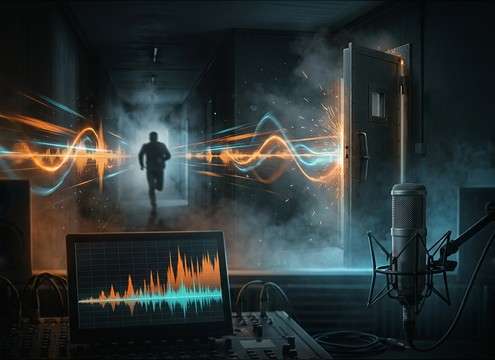
Perspective is what makes a scream feel in-frame or off-screen. Close screams have sharp transients and detail; distant screams lose high-end and carry more reflections.
- Prompt "close-mic, dry room" for tight editorial control
- Prompt "down the hallway, light reflections" for off-screen tension
- Prompt "muffled behind door" for barrier-filtered realism
Control tail and room character
The tail is where screams clash with music, ambience, and dialogue. If your scene is fast-cut, choose a short decay; if it's a lingering scare, let the room breathe.
- Ask for "short decay, abrupt cutoff" to keep the mix clean
- Ask for "natural fade, medium decay" for cinematic pacing
- Avoid overly wet reverb unless the scene is clearly a large space
Edit for clarity without harshness
Screams can spike meters and sound brittle once compressed. A quick trim, tiny fade, and gentle EQ can make the scream feel louder while staying listenable.
- Add a 5–20 ms fade-in to prevent clicks on hard attacks
- Tame harshness with a small dip in the 3–6 kHz range if needed
- Keep a little pre-roll room tone when the scream starts off-screen




