











Popular Foghorn Sound Effects Library

These ready-to-use foghorn cues cover common harbor needs like single blasts, repeating patterns, and fog-muffled distance. Copy a prompt to regenerate the same idea with a different pitch, tail length, or stereo width, then download the WAV that best matches your scene timing.

How to Generate Your Own
Foghorn Sound Effects

Cannot find the perfect foghorn sound effect you need? Generate custom AI foghorn audio effortlessly. Describe the style, such as short clean cue, cinematic hit, subtle background layer, branded UI alert, and Media.io AI builds tailored foghorn sound effects instantly. No audio editing experience needed. Turn your concept into a royalty-free, high-quality downloadable WAV foghorn clip in under 60 seconds.

1

Describe the horn cue

Type or paste a prompt for the foghorn you need, including distance (close or far), cadence (single blast or pattern), and the kind of tail you want.

2

Choose duration and takes

Set 5s, 10s, or 20s, then pick how many variations to generate so you can compare different pitches, envelopes, and textures.

3

Generate and preview

Click Generate, listen to each result, and keep the version that best matches your picture lock and background ambience.

4

Download WAV and use

Download the WAV file and drop it into your timeline for films, maritime apps, games, audio drama, or commercial projects.

What Can You Use These Foghorn Sound Effects For?

Creators in every field are using our royalty-free audio to set the perfect mood.

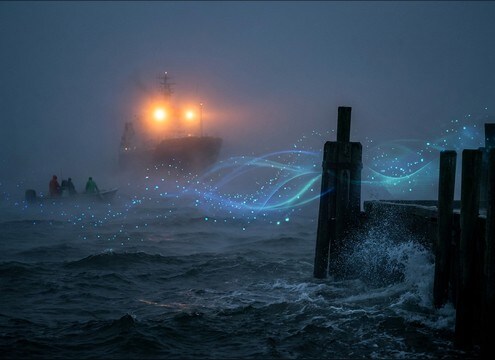
Distant foghorn sound under a foggy harbor establishing shot

Foggy harbor establishing

Place a distant, softened horn behind surf and wind to sell scale and low visibility without fighting dialogue.

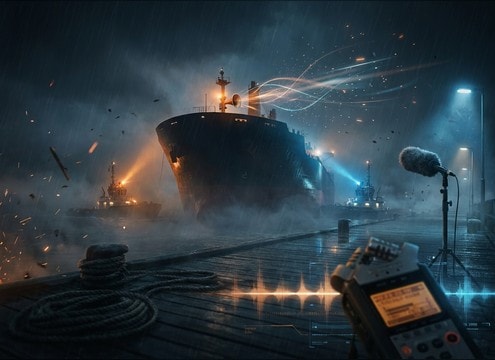
Close ship foghorn blast synced to vessel arrival footage

Ship arrival and

Use a close blast with a firm attack to punctuate a cut to the bow, tugboats, or a pier-side reveal.

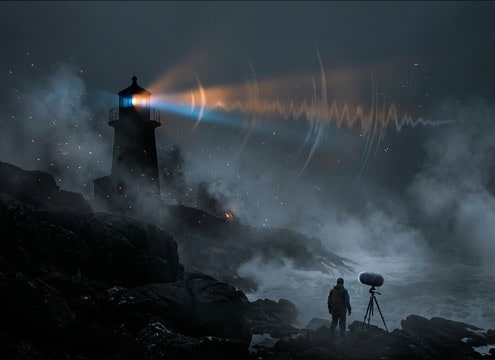
Lighthouse scene with foghorn warning in thick fog

Lighthouse warning scenes

Choose a slower cadence with longer decay to match a rotating beam and heavy coastal mist.

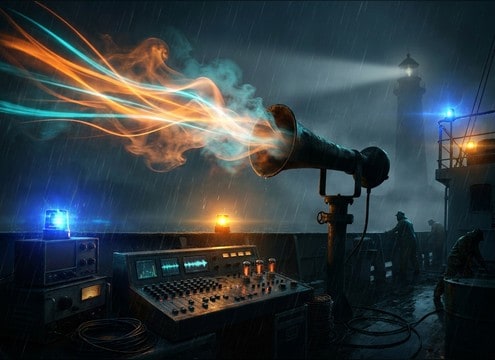
Audio drama transition using a mid-forward foghorn cue

Nautical audio drama

A clean, mid-forward horn can bridge scenes between deck dialogue, radio chatter, and ocean beds.

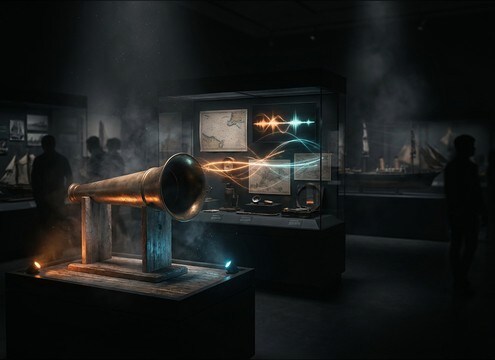
Museum dock exhibit ambience featuring loopable foghorn calls

Maritime museum exhibits

Loop-friendly distant calls create an authentic dockyard atmosphere without harsh transients for visitors.

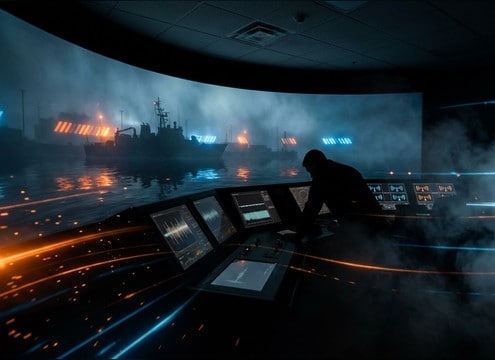
Training video using timed foghorn pattern for signaling

Coast guard training

Pair a clear pattern with on-screen signaling moments where timing needs to feel procedural and repeatable.

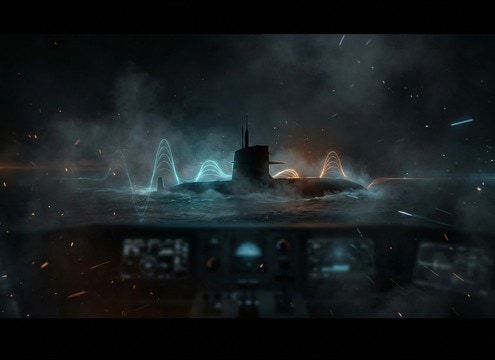
Naval game port ambience with low drone foghorn layer

Submarine or naval

Layer low drone horns as a tension bed in ports, shipyards, or stealth approach sequences.

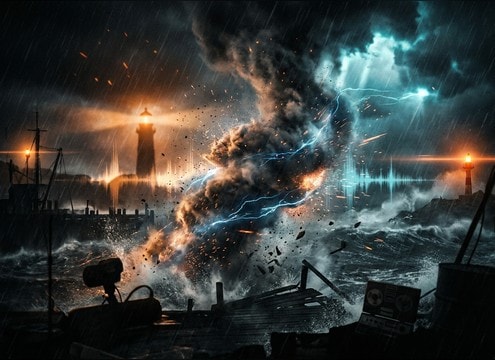
Storm montage with gritty foghorn warning and heavy low-end

Weather and storm

A gritty, louder horn with extra rumble helps sell rising danger when cutting between waves, rain, and dock lights.

Why Choose Media.io for Foghorn Sound Generator?

See exactly why creators, developers and studios choose our AI audio generator over all others.

Prompt controls for distance and perspective in a foghorn sound generator

Scene-matched distance control

Generate close, mid, or distant horn perspectives so the transient and tail sit correctly behind surf, wind, and engines.

Cadence prompt examples for foghorn call patterns

Cadence and timing prompts

Specify single blasts, double calls, or repeating sequences to hit picture edits without manually cutting every note.

Multiple regenerated foghorn takes with different pitch and decay

Regenerate clean variations fast

Keep the same idea but swap pitch, grit, decay length, or stereo width until you find the one that reads as real.

Preview and download workflow for royalty-free foghorn WAV

Royalty-free download workflow

Preview first, then export a WAV you can drop into your project immediately without hunting for a matching take.

Mix-ready foghorn tone with controlled low-end and midrange

Mix-ready tonal balance

Create horns with controlled low-end and less harsh midrange so they do not overwhelm narration or ship radio.

Longer foggy coast ambience bed with overlapping foghorn tails

Consistent ambience beds

Generate longer coastal beds where tails overlap smoothly, reducing obvious seams when you extend a harbor scene.

Prompting Foghorn Sounds: Distance, Cadence, and Tail

Foghorns are all about perspective and timing. The same horn can feel huge and threatening up close, or calm and atmospheric when heard through fog. Use the tips below to choose a ready-made clip or write a prompt that matches your shot, especially the cadence between calls, the amount of low-end weight, and how long the decay should hang in the air after the blast.

Start with the camera distance

Distance changes the transient and brightness more than people expect. Close horns read with a firmer attack and more mid detail, while distant horns feel smoother with less top end and a wider, hazier tail. If your scene already has loud surf or rain, a distant horn with a softer attack will mask better and feel integrated.

  • Close: strong attack, clearer harmonics, less haze
  • Distant: softened transient, reduced highs, longer perceived decay
  • Through fog: ask for filtered tone and diffuse stereo haze

Define the horn type and cadence

Editors often need the horn to tell the audience something: a single punctuation hit, a procedural pattern, or a slow periodic call for mood. In prompts, describe the number of blasts, the pause length, and whether you want a steady pitch or slight wobble. This avoids getting a cool sound that does not cut with your action.

  • Single blast: best for a hard cut or a ship reveal
  • Double call: reads like communication, not just ambience
  • Repeating pattern: specify spacing so it feels intentional

Match the space with tail and reflections

A harbor with warehouses and cliffs throws reflections; open sea feels cleaner with less slapback. If the horn feels pasted on, it is usually the tail behavior, not the horn itself. Use wording like dock reflections, pier slapback, or open water with minimal reflections to steer the result.

  • Dockside: add slapback and longer reverb tail
  • Open water: cleaner decay, fewer early reflections
  • Narrow channel: tighter reflections that repeat quickly

Avoid common foghorn selection mistakes

The biggest issues are horns that are too bright, too wide, or too loud for the rest of the scene. If you are layering under narration, ask for controlled low-end and reduced harshness. For ambience beds, avoid overly dramatic attacks that pull focus every time the horn hits.

  • If it sounds fake: reduce brightness and soften the transient
  • If it swallows dialogue: request less low-end and shorter decay
  • If the bed feels jumpy: choose smoother attacks and longer pauses

Frequently Asked Questions About
Foghorn Sound Effects

Everything you need to know before downloading or generating your first sound.

Can I download foghorn sounds as WAV files?

Yes. Preview the result, then export a WAV so it is easy to edit, loop, or fade in your timeline without extra conversion steps.

How do I make a foghorn sound distant instead of close?

In your prompt, specify distant perspective, reduced highs, softened attack, and a longer, hazier decay. If needed, regenerate a few variations and pick the one with the smoothest transient and the least mid bite.

What duration should I choose: 5s, 10s, or 20s?

Use 5s for a single blast or quick cut point, 10s for a short repeating pattern, and 20s when you need an ambience bed with overlapping tails that carries an establishing shot.

Are these foghorn sound effects free to download and ok for commercial use?

You can preview and download royalty-free assets from this page, and they are intended to fit commercial projects. For any specific licensing edge case, follow the license notes shown in the download flow for your account.

Are these foghorn sound effects free to download?

Yes. You can preview and download the AI-generated foghorn sound effects as WAV files and use them in personal or commercial projects.

Can I copy the prompt used for each sound?

Yes. Open any sound row to view the prompt, copy it, adjust the wording and generate a custom variation that better matches your scene.

Related Free Sound
Effect Categories

Explore other AI-generated sound libraries from Media.io

sound

Rain Sound Effects

10+ free sounds
sound

Thunder Sound Effects

10+ free sounds
sound

Farts Sound Effects

10+ free sounds
sound

Car Crash Sounds

10+ free sounds
sound

Explosion Sound Effects

10+ free sounds
sound

Gunshot Sound Effects

10+ free sounds
sound

Pistol Sound Effects

10+ free sounds
sound

AI Horror Sound Effects

10+ free sounds
sound

AI Forest Sound Effects

10+ free sounds
sound

AI Dog Whistle Sound

10+ free sounds
sound

AI Ding Sound

10+ free sounds
sound

Phone Ring Sound

10+ free sounds
media.io

AI Video Generator star

Easily generate videos from text or images

Generate
