











Popular Fire Sound Effects Library

Pick a fire that fits the scene: tight close-mic crackles for intimate dialogue, wider stereo beds for ambience, or quick flare bursts for action beats. Copy any prompt to generate new takes with different intensity, distance, or room tail.

How to Generate Your Own
Fire Sound Effects

Can't find what you're looking for? Easily create custom AI sounds. Simply describe your needs, and our AI will craft the perfect sound effect for you — no audio production skills required. Go from a blank idea to a downloadable WAV in under a minute.

1

Describe the flames

Type a prompt for the fire you need (campfire, fireplace, torch, flare-up), and include details like distance, room or outdoor space, and intensity.

2

Pick length and takes

Choose 5s, 10s, or 20s, then set how many variations you want so you can audition different crackle density and tail behavior.

3

Generate and preview

Click Generate, listen to each result, and keep the version whose attack, decay, and stereo width best match your cut.

4

Download WAV and use

Export the selected clip as a WAV file and drop it into your timeline for videos, games, apps, podcasts, or other commercial projects.

What Can You Use These Fire Sound Effects For?

Creators in every field are using our royalty-free audio to set the perfect mood.

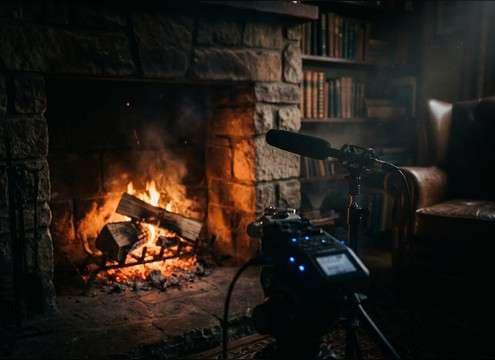
Fireplace ambience under dialogue with controlled crackle and room reflections

Fireplace dialogue scenes

Use a warm, steady hearth bed with a short room tail so it supports voices without harsh crackle spikes.

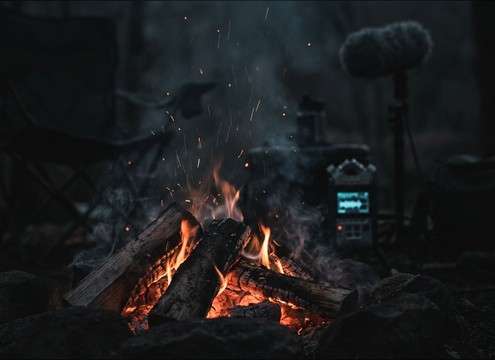
Loopable campfire sound bed for an outdoor night montage

Campfire night montage

Choose a loopable campfire texture with consistent ember pops and minimal gusts to keep continuity across cuts.

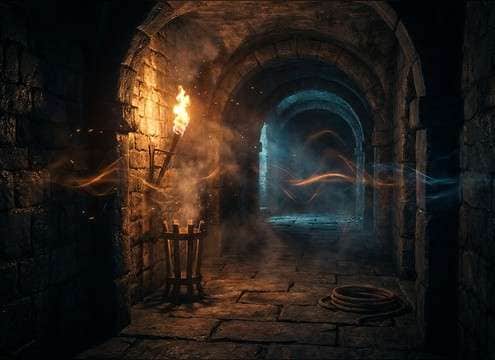
Torch flame hiss for a dungeon corridor scene

Torch in dungeon

Pick a narrow hissy flame with light flicker pulses so the sound feels close and handheld, not like a roaring bonfire.

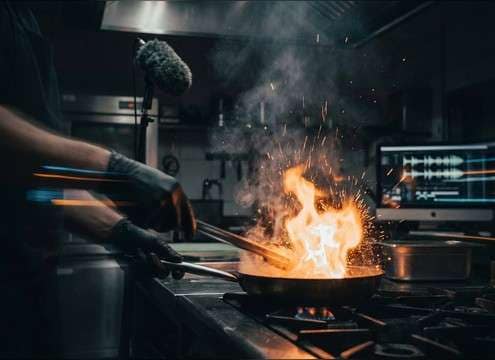
Short flare-up whoosh timed to a pan igniting on a stove

Kitchen flare-up moment

Add a quick flare whoosh with a short tail to punctuate an on-screen ignition without covering the next line.

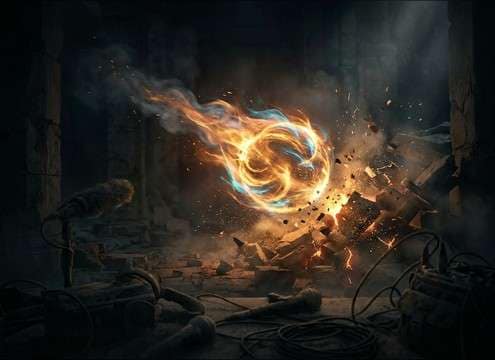
Cinematic fire spell whoosh and crackle accents for a fantasy scene

Fantasy fire spell

Blend a flare burst with crackly debris ticks to sell a magical fireball landing or a flaming projectile pass-by.

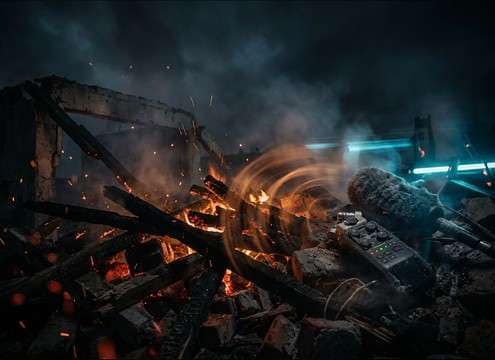
Burning debris ambience with occasional wood collapse ticks

Burning rubble

Use a dirtier blaze bed with intermittent wood shifts and ember scatter to support a collapsed structure shot.

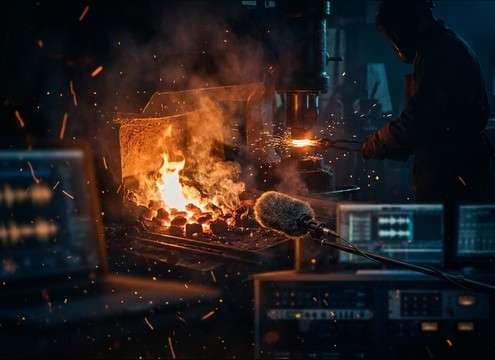
Steady hot flame hiss for a forge or workshop sequence

Forge and metalwork

Select a steady burner-style hiss and add subtle flicker to match close-up shots of a forge or kiln.

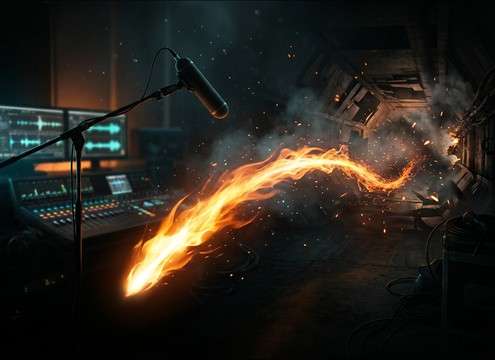
Clean flame whoosh for a video transition with tight decay

Flame transition whoosh

Pick a clean whoosh with bright attack and tight decay to drive a flame wipe or logo reveal without muddy low-end.

Why Choose Media.io for Fire Generator?

See exactly why creators, developers and studios choose our AI audio generator over all others.

Audio preview player for fire SFX with waveform and playback controls

Instant preview for scene fit

Audition crackle density, hiss texture, and tail length before you commit—useful when the fire has to sit under dialogue or music.

Prompt editor showing intensity and distance details for generating fire sounds

Prompt control for intensity and distance

Write exactly what you need: close-mic ember pops, a distant blaze bed, or an indoor fireplace with reflections—then adjust and regenerate.

Duration selector with 5s 10s and 20s options

5s, 10s, and 20s durations

Choose short bursts for flare-ups, medium beds for single shots, or longer loops for ambience without hunting for the right length.

Regenerate button creating multiple alternative fire sound variations

Quick regeneration of alternatives

If the first take is too sharp, too roomy, or too wide, generate new options fast until the transient and decay feel right.

WAV download option for an exported fire sound effect

Download-ready WAV export

Export clean WAV files that are easy to cut, fade, and layer in your editor or DAW for reliable post-production workflows.

Loop-friendly fire ambience waveform with consistent levels

Made for looping ambience beds

Create steady fire textures with consistent energy, helping you build seamless room tone or outdoor ambience across longer scenes.

How to Pick or Prompt the Right Fire Sound

Fire can read as cozy, dangerous, or purely functional depending on the transient detail and the tail. When previewing downloads or writing a prompt for a fire sound effect generator, decide what’s burning, how close the listener is, and whether you need a steady loop or a single flare. Use the tips below to avoid brittle highs, over-long reverb, or “too-big” flames for a small source.

Match the source: ember, flame, or blaze

The object and fuel define the texture. Paper and dry leaves produce tight, crispy micro-crackles; wood gives chunkier pops and occasional shifts; a gas flame is smoother and more consistent.

  • For a campfire bed, ask for “wood crackle with occasional pops” rather than a constant roar
  • For a stove or torch, emphasize “steady hiss” and “low bass” to keep it realistic
  • For a destructive scene, include “heavier low-mid roar” and “intermittent collapse ticks”

Set perspective and space in the wording

Distance changes what cuts through. Close fire has crisp attacks and more detail; distant fire is softer and carried by ambience. Indoor flames often need audible reflections, while outdoor fire should feel drier with light wind wash.

  • Use “close-mic” for sharper transients; use “distant” for softened highs and more air
  • Add “small room reflections” for fireplaces; avoid big hall reverb unless the scene shows it
  • If dialogue is present, request “controlled crackle” to reduce masking in the 2–6 kHz range

Choose the right motion: steady bed vs flare-up

Not all fire is continuous. A flare-up needs a fast whoosh attack and quick decay; an ambience bed should keep consistent energy so edits don’t pump or jump in level.

  • For ignition moments, include “fast whoosh attack” and “short tail”
  • For ambience, include “loopable” and “consistent crackle density”
  • If you need a calmer vibe, ask for “gentle flicker” and “fewer sharp pops”

Avoid common problems when selecting clips

Fire is easy to overdo. The wrong clip can sound like static, steam, or aggressive white noise. Check the attack, tail, and stereo width against your scene’s camera distance and background.

  • Skip clips that are overly hissy or harsh; they can fatigue listeners quickly
  • Avoid long, obvious reverb tails on outdoor fire unless the environment supports it
  • Don’t use a huge blaze bed for a single candle or small torch—scale matters

Frequently Asked Questions About
Fire Sound Effects

Everything you need to know before downloading or generating your first sound.

Can I download these fire sounds as WAV files?

Yes. After previewing a clip or generating a result, you can export a WAV file so it’s easy to cut, fade, and place precisely in your timeline.

Which fire sound works best under dialogue: campfire, fireplace, or torch?

For dialogue, choose a steadier bed with fewer sharp pops. Fireplaces often work well because the roar can be softer and more continuous, while close campfire crackles may need more controlled transients to avoid distracting spikes.

How do I make a campfire ambience loop feel seamless?

Start with a 20-second loopable bed, then apply short fades at the start and end and listen for repeating “signature pops.” If a pop repeats at the loop point, regenerate a new take with more even crackle density.

How do I generate a custom fire sound effect with AI?

Use a clear prompt that states the source and perspective (for example: “close torch hiss” or “distant wildfire bed”), then pick 5s, 10s, or 20s and generate multiple variations. Keep the version whose attack and tail best match your scene timing.

Are these fire sound effects free to download?

Yes. You can preview and download the AI-generated fire sound effects as WAV files and use them in personal or commercial projects.

Can I copy the prompt used for each sound?

Yes. Open any sound row to view the prompt, copy it, adjust the wording and generate a custom variation that better matches your scene.

Related Free Sound
Effect Categories

Explore other AI-generated sound libraries from Media.io

sound

Rain Sound Effects

10+ free sounds
sound

Thunder Sound Effects

10+ free sounds
sound

Farts Sound Effects

10+ free sounds
sound

Car Crash Sounds

10+ free sounds
sound

Explosion Sound Effects

10+ free sounds
sound

Gunshot Sound Effects

10+ free sounds
sound

Pistol Sound Effects

10+ free sounds
sound

AI Horror Sound Effects

10+ free sounds
sound

AI Forest Sound Effects

10+ free sounds
sound

AI Dog Whistle Sound

10+ free sounds
sound

AI Ding Sound

10+ free sounds
sound

Phone Ring Sound

10+ free sounds
media.io

AI Video Generator star

Easily generate videos from text or images

Generate
