











Popular Demonic Laugh Sound Effects Library

These picks cover common horror edit needs—dry close-mic snickers, cavernous cackles with long decay, and layered "two-voice" laughs that read as possessed. Copy any prompt to regenerate a similar take with different intensity, distance, or room size.

How to Generate Your Own
Demonic Laugh Sound Effects

Can't find what you're looking for? Easily create custom AI sounds. Simply describe your needs, and our AI will craft the perfect sound effect for you — no audio production skills required. Go from a blank idea to a downloadable WAV in under a minute.

1

Describe the laugh

Type a prompt for the demonic voice you need—close or distant, low or high pitch, dry or reverbed, clean or gritty—and include any timing cues.

2

Pick length & takes

Choose 5s, 10s, or 20s, then set how many variations you want so you can audition different intensities and spaces quickly.

3

Generate and preview

Click Generate, listen to each result, and keep the take with the right attack, tail length, and texture for your cut.

4

Download WAV and use

Download the WAV file and drop it into horror shorts, haunted attraction promos, audio drama scenes, game encounters, apps, podcasts, or commercial projects.

What Can You Use These Demonic Laugh Sound Effects For?

Creators in every field are using our royalty-free audio to set the perfect mood.

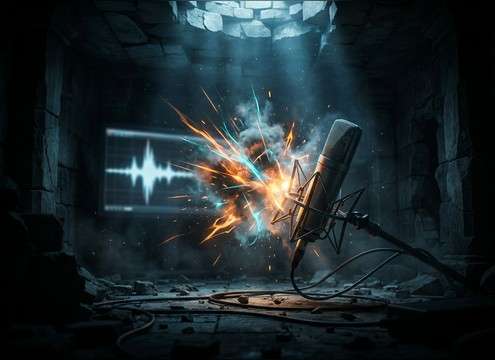
Demonic laugh used as a jump-scare sting in a horror edit

Jump-scare sting

Place a short, sharp cackle right before the visual hit—fast attack, tight tail, no extra room wash to keep the punch.

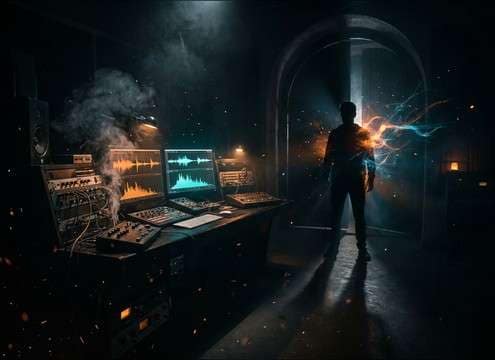
Layered demonic laugh for a possession reveal scene

Possession reveal

Use a layered high+low laugh when a character "turns," so the timbre feels inhuman without needing extra dialogue.

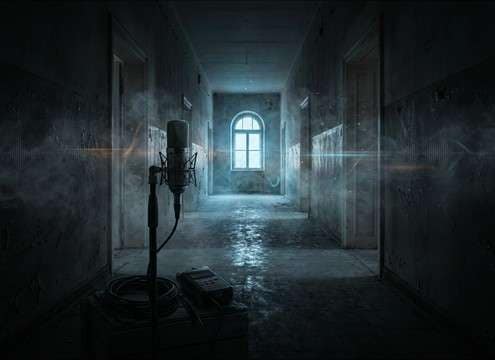
Distant demonic laugh echoing down a hallway

Haunted hallway distance

A distant laugh with reflections sells off-screen threat; choose a version with clear room tone and a longer decay.

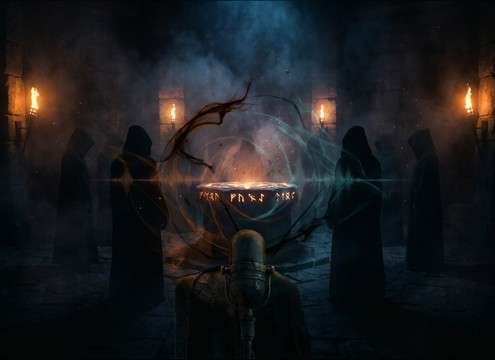
Low demonic chuckle under an occult ritual scene

Cult ritual moment

Add a slow, low chuckle with dark ambience under chants to imply a presence without overpowering the scene.

Dry demonic laugh cue in a horror audio drama timeline

Horror audio drama

Swap in a dry close laugh to keep intelligibility over narration, then automate volume into the next line.

Cinematic demonic laugh for a horror game boss entrance

Boss entrance

Trigger a 5-second cinematic laugh hit with a wide stereo bloom as the camera reveals the enemy.

Gurgly demonic giggle for a cursed toy teaser

Cursed toy teaser

A wet, gurgly giggle reads "wrong" immediately; pick a take with throat rattle and uneven rhythm.

Loopable demonic laughter bed for a haunted attraction speaker system

Escape room/attraction PA

Use a 20-second laughter bed as a looping room effect; select consistent ambience and a loop-friendly ending.

Why Choose Media.io for Demonic Laugh Generator?

See exactly why creators, developers and studios choose our AI audio generator over all others.

Prompt controls for character intent in demonic laughter

Prompt for character intent

Dial in "mocking," "hungry," "childlike but evil," or "ancient demon" so the laugh matches the story beat—not just a random cackle.

Distance and space options for demonic laugh sound generation

Control space and distance

Generate close-mic dryness or big-room echoes by prompting for hallway reflections, cavern reverb, or tight booth tone.

Regenerating multiple demonic laugh variations

Regenerate variations fast

If the laugh feels too comedic or too loud, regenerate a new set with softer transients, darker tone, or a shorter tail.

Duration choices for demonic laugh audio clips

Choose 5s, 10s, or 20s

Match the cut: 5 seconds for stings, 10 seconds for reveals, and 20 seconds for tension beds and ambience-style laughter.

Previewing demonic laugh clips before downloading

Preview before you download

Audition attack, decay, and stereo width in-browser so you don't waste time exporting takes that won't sit in the scene.

Downloading a demonic laugh sound as a WAV file

Download-ready WAV

Export a WAV file you can drop into your editor or DAW, then trim, fade, or pitch-shift further to match the performance.

How to Pick or Prompt a Demonic Laugh That Sounds Truly Unsettling

"Demonic" can mean many things: a clean theatrical villain laugh, a distorted possessed cackle, or a distant echo that feels like it's inside the room. Use the tips below to choose the right library clip fast—or write prompts that reliably generate the exact attack, pitch, and tail your scene needs.

Start with performance: snicker, chuckle, cackle

The performance pattern is what your audience recognizes first. A short snicker reads like mocking intelligence; a deep chuckle reads like power; a frantic cackle reads like chaos. Pick the performance before you tweak reverb or distortion.

  • For quick scares, choose a laugh with a fast attack and a hard stop
  • For character reveals, use an escalating laugh with clear rhythm changes
  • For "possessed" flavor, add uneven timing and breathy breaks

Decide the pitch and texture (not just "low")

Pitch alone can turn creepy into cartoonish. Pair pitch direction with texture: throat rattle, whispery air, saturation, or a dual-voice layer. Aim for a tone that leaves space for dialogue and music.

  • Try "low pitch with gritty breath" instead of only "very low"
  • Use "two-layer voices" to suggest something inhuman without heavy distortion
  • If it masks dialogue, prompt for less midrange bite and a tighter tail

Match the space: dry, room, hallway, cavern

Space cues sell realism. A dry laugh feels like it's right behind the listener; a hallway laugh implies distance and pursuit; a cavern laugh feels supernatural and cinematic. Choose tail length and reflections based on where the "demon" is standing.

  • Close threat: minimal room tone, narrow stereo, short decay
  • Off-screen threat: noticeable reflections and longer decay, slightly darker tone
  • Big reveal: wider stereo with a blooming tail, but keep the first transient clear

Avoid common tells that break the horror

Most "bad" demonic laughs fail because they sound comedic, clipped, or overly wet. When prompting or selecting clips, watch for clean endpoints, believable breath, and tails that don't smear the next cut.

  • Avoid overlong reverb tails if you need a tight jump cut
  • Avoid obvious digital clipping; prompt for controlled peaks and clean transients
  • Avoid constant loudness—dynamic rises and falls feel more human (and more creepy)

Frequently Asked Questions About
Demonic Laugh Sound Effects

Everything you need to know before downloading or generating your first sound.

How do I make a demonic laugh sound effect less cartoonish?

Choose (or prompt) a slower rhythm with breath detail and a darker tone, then reduce exaggerated "witchy" highs. In prompts, specify "subtle grit," "controlled peaks," and "short-to-medium tail" rather than extreme pitch and huge reverb.

Can I download these demonic laugh clips for free and use them commercially?

You can preview and download demonic laugh clips from this page, and you can also generate new variations with prompts. For commercial usage (ads, games, monetized videos), check the current Media.io license/terms shown in the product before publishing.

Do the downloads come as WAV files?

Yes—use the Download option to export a WAV file so it's easy to edit, trim, fade, or process further in your video editor or DAW.

Which duration should I choose: 5s, 10s, or 20s?

Pick 5 seconds for stings and quick cutaways, 10 seconds for a reveal or escalation, and 20 seconds when you need a sustained laughter bed you can fade under ambience or music.

Are these demonic laugh sound effects free to download?

Yes. You can preview and download the AI-generated demonic laugh sound effects as WAV files and use them in personal or commercial projects.

Can I copy the prompt used for each sound?

Yes. Open any sound row to view the prompt, copy it, adjust the wording and generate a custom variation that better matches your scene.

Related Free Sound
Effect Categories

Explore other AI-generated sound libraries from Media.io

sound

Rain Sound Effects

10+ free sounds
sound

Thunder Sound Effects

10+ free sounds
sound

Farts Sound Effects

10+ free sounds
sound

Car Crash Sounds

10+ free sounds
sound

Explosion Sound Effects

10+ free sounds
sound

Gunshot Sound Effects

10+ free sounds
sound

Pistol Sound Effects

10+ free sounds
sound

AI Horror Sound Effects

10+ free sounds
sound

AI Forest Sound Effects

10+ free sounds
sound

AI Dog Whistle Sound

10+ free sounds
sound

AI Ding Sound

10+ free sounds
sound

Phone Ring Sound

10+ free sounds
media.io

AI Video Generator star

Easily generate videos from text or images

Generate
