











Popular Crow Sound Effects Library

Pick a ready-to-use crow clip, or copy the prompt to generate a tighter caw, a farther perspective, or a fuller flock texture that fits your cut.

How to Generate Your Own
Crow Sound Effects

Cannot find the perfect crow sound effect you need? Generate custom AI crow audio effortlessly. Describe the style, such as short clean cue, cinematic hit, subtle background layer, branded UI alert, and Media.io AI builds tailored crow sound effects instantly. No audio editing experience needed. Turn your concept into a royalty-free, high-quality downloadable WAV crow clip in under 60 seconds.

1

Write your crow prompt

Type or paste a description of the crow call you need, like single close caw, distant flock, or a harsh scold with a longer tail.

2

Pick length and takes

Choose 5s, 10s, or 20s and set how many variations to generate so you can audition different spacing and intensity quickly.

3

Generate and preview

Click Generate, listen to each result, and keep the version with the right tone, distance, and timing for your scene.

4

Download WAV and use

Download the WAV file and drop it into your timeline for videos, games, apps, podcasts, or other commercial projects.

What Can You Use These Crow Sound Effects For?

Creators in every field are using our royalty-free audio to set the perfect mood.

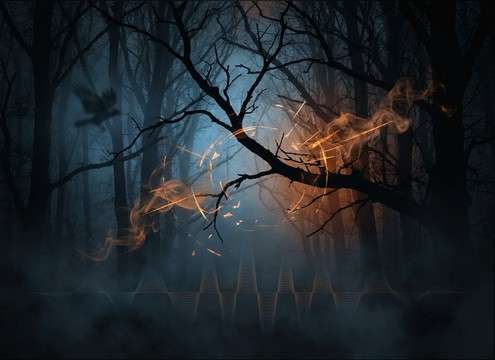
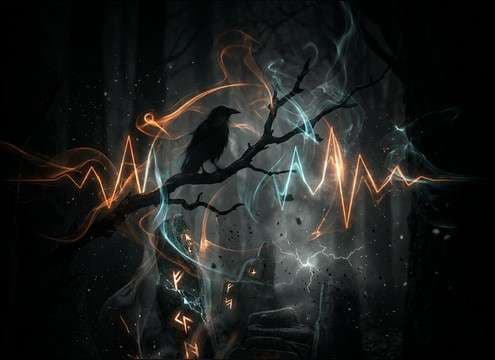
Crow caw sound effect under a dark forest scene

Horror woods cutaways

Add a sharp caw hit or a sparse crow bed to sell dread before a reveal, especially when picture is quiet and wide.

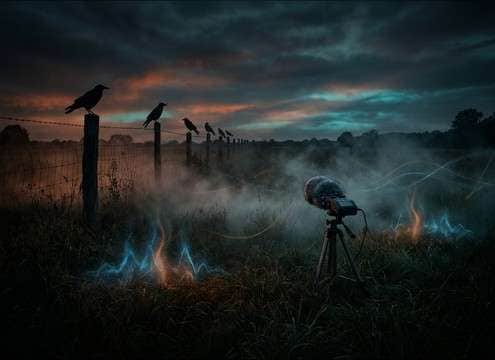
Distant crow calls for a farm field ambience

Farm and field

Use distant calls with soft transients to support rural daylight shots without overpowering wind, insects, or dialogue.

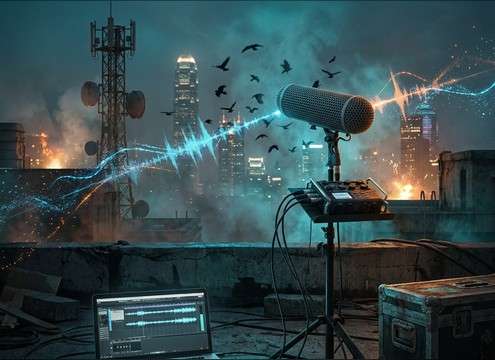
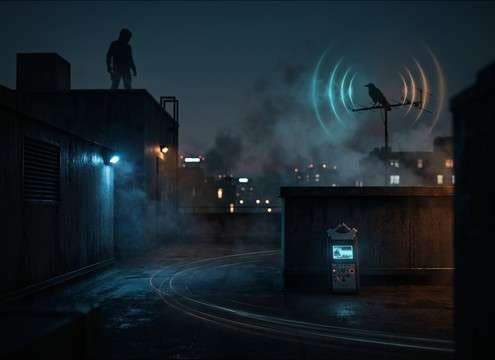
Crow sound effect for an urban rooftop scene

City rooftop tension

Drop in a gritty close caw with short decay to punctuate an empty skyline, then switch to wider stereo flock for escalation.

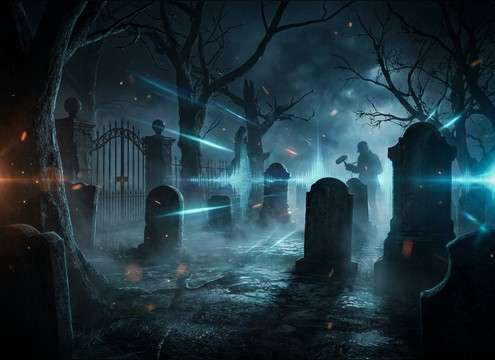
Crow ambience for a cemetery establishing shot

Cemetery establishing shots

Choose longer tails and more room tone to match stone reflections and open space, then keep calls sparse for realism.

Ominous crow call timed to a fantasy omen scene

Fantasy omen moments

Generate harsher, more stylized caws to signal a curse or warning, with controlled spacing to hit exact edit points.

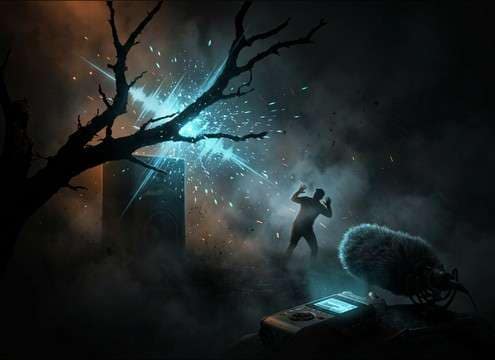
Sharp crow caw for a quick scare gag

Crow scare gag

A sudden close caw with a crisp transient works as a comedic jump, especially when cut to a character reaction.

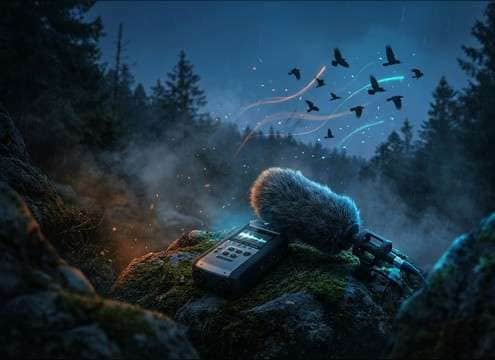
Natural crow call for a documentary transition

Nature documentary transitions

Use a clean single call to bridge scenes, or a light flock burst to move from wide landscape to animal closeups.

Distant crow ambience used as a stealth game cue

Stealth game ambience

Place distant calls as non-musical markers for time-of-day or patrol beats, keeping masking low for footsteps and UI.

Why Choose Media.io for Crow Sound Generator?

See exactly why creators, developers and studios choose our AI audio generator over all others.

Text prompt control for a crow sound generator

Crow Sound Generator with prompt control

Describe caw pattern, rasp level, and spacing in plain English, then regenerate until the call sits right against your picture.

Crow calls generated with different distance and room tone

Distance and space variations

Create close, mid, or distant perspectives with different tails and reflections so the crow matches your camera and location.

Previewing crow caw clips to match an edit

Fast preview for edit timing

Audition multiple versions quickly to find the best transient and decay for hard cuts, fades, or reaction beats.

WAV download option for crow sound effects

Clean, export-ready WAV

Download a WAV you can trim, fade, and place immediately without fighting heavy noise or uneven levels.

Multiple crow sound variations generated from one prompt

One prompt, many takes

Generate several variations from the same prompt to get natural differences in pitch, cadence, and intensity.

Scene-ready crow calls from single to flock

Built for scene-specific realism

Go from single perched caws to chaotic flock bursts while keeping the tone consistent with your scene mood.

How to Choose or Prompt Realistic Crow Calls

Crow audio reads as fake when the timing, distance, or tone does not match the shot. Use these quick checks to pick the right clip from the library, or write prompts that reliably produce the perspective and texture you need.

Match the perspective to the camera

A close crow needs a crisp transient and present midrange, while a distant crow should feel softer with more air and a longer perceived tail. If your shot is wide, avoid overly dry close-up caws.

  • Close: sharp attack, less room tone, shorter decay
  • Distant: softened transient, more air, subtle reflections
  • Moving: add slight Doppler feel for flybys

Pick the right call behavior

Crow moments usually fall into single punctuation, repeated phrases, or flock bursts. The right behavior sells story beats: a single caw for a cut, repeated calls for tension building, or a flock for sudden chaos.

  • Single caw: clean hit for edits and reactions
  • Phrase: 2 to 4 calls with natural gaps
  • Flock burst: layered calls with wider stereo and more masking

Control tail, texture, and brightness

Harsh, bright caws cut through music but can sound too aggressive in calm scenes. Muffled calls work behind foliage or walls and help keep dialogue intelligible. Tune the tail to the environment you imply on screen.

  • Bright and gritty: stronger bite, better for ominous cues
  • Muffled: reduced highs for behind-trees or offscreen placement
  • Roomy tail: longer decay for open spaces or reflective locations

Avoid common crow SFX mistakes

Overusing the same identical caw quickly breaks realism. Avoid placing a close call in a wide exterior, and do not let a flock burst cover key production audio. Small prompt changes can fix most issues.

  • Do not repeat the exact same call back-to-back
  • Do not use a dry close caw for a distant wide shot
  • Do not over-layer calls until they mask dialogue or cues

Frequently Asked Questions About
Crow Sound Effects

Everything you need to know before downloading or generating your first sound.

Can I use these crow sound effects for commercial projects?

Yes. You can download and use the crow clips as royalty-free audio in commercial edits. If you need a specific license fit for a client or platform, confirm the requirements before publishing.

Do you provide WAV downloads, and can I convert to MP3 later?

Downloads are available as WAV, which is ideal for editing. If you need MP3 for quick sharing or smaller files, convert after you trim and fade your final clip.

How do I generate a distant crow instead of a close caw?

In your prompt, specify distant perspective, softened attack, more air, and a longer tail or light reflections. You can also ask for lower brightness so the call feels farther away.

Which duration should I choose for a crow caw vs ambience?

Use 5 seconds for single calls or short phrases you will cut tightly. Choose 10 seconds for a small bed with a few calls, and 20 seconds when you want spaced calls that play longer or loop more naturally.

Are these crow sound effects free to download?

Yes. You can preview and download the AI-generated crow sound effects as WAV files and use them in personal or commercial projects.

Can I copy the prompt used for each sound?

Yes. Open any sound row to view the prompt, copy it, adjust the wording and generate a custom variation that better matches your scene.

Related Free Sound
Effect Categories

Explore other AI-generated sound libraries from Media.io

sound

Rain Sound Effects

10+ free sounds
sound

Thunder Sound Effects

10+ free sounds
sound

Farts Sound Effects

10+ free sounds
sound

Car Crash Sounds

10+ free sounds
sound

Explosion Sound Effects

10+ free sounds
sound

Gunshot Sound Effects

10+ free sounds
sound

Pistol Sound Effects

10+ free sounds
sound

AI Horror Sound Effects

10+ free sounds
sound

AI Forest Sound Effects

10+ free sounds
sound

AI Dog Whistle Sound

10+ free sounds
sound

AI Ding Sound

10+ free sounds
sound

Phone Ring Sound

10+ free sounds
media.io

AI Video Generator star

Easily generate videos from text or images

Generate
