














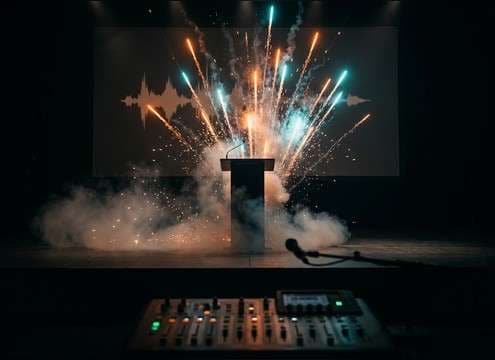
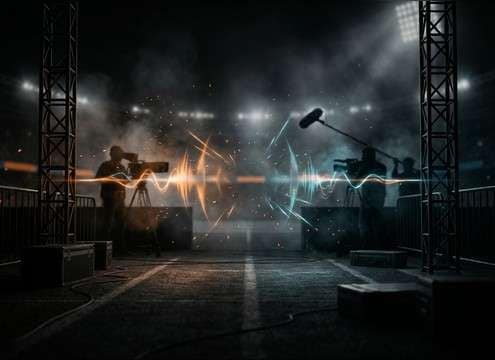
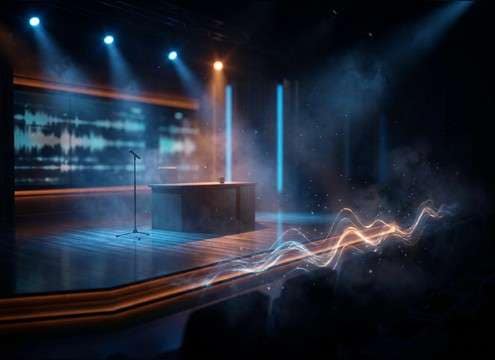




Applause is more than "claps": the crowd size, distance, and decay decide whether it feels like a small room, a theater, or a stadium. Use the preview clips for quick wins, then prompt the generator with specific details (intensity, space, and a clean ending) to get a version that matches your shot and timing.
Start with intensity and rhythm
Decide if you need polite appreciation, energetic cheering, or a slow-clap build. The rhythm density is what sells the emotion before the room does.
- Polite: lower density, fewer peaks, short tail
- Ovation: thick texture, occasional whoops, longer decay
- Slow clap: sparse hits with clear gaps (avoid turning into a cheer)
Match the space using the tail
Room reflections and decay length should match the visual environment. A dry clap in a big hall feels fake, and a roomy tail in a small office sounds "too big."
- Small room: minimal reflections, quick decay
- Theater/hall: soft reflections, smooth fade
- Stadium: wide stereo, noisy crowd bed, less obvious reverb than a hall
Choose an edit-friendly ending
Most applause problems happen at the cut. If you're coming back to dialogue, pick a version with a predictable fade or a tight stop so ducking is easy.
- For hard cuts: request "clean cutoff, no lingering cheers"
- For VO underlay: choose "gentle fade, low masking"
- For transitions: use a short swell that won't fight music
Avoid distracting artifacts
Whistles, single loud shouts, or sharp peaks can pull attention away from the scene. It's usually better to keep the crowd texture even and let music handle the hype.
- Add constraints like "no whistles, no screaming" in the prompt
- Keep stereo width consistent to avoid sudden image jumps
- Watch for clipped transients; regenerate if the attack sounds harsh




