














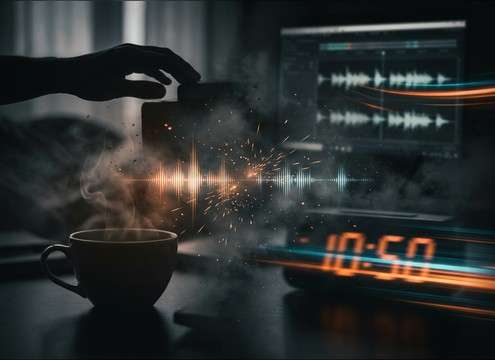
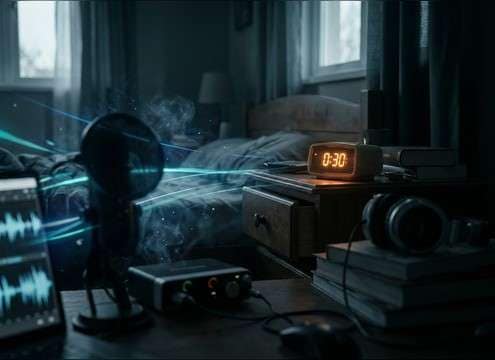
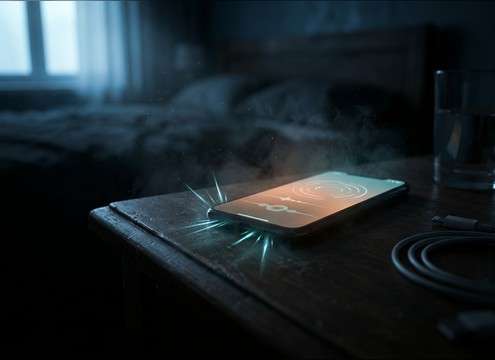



Alarm sounds fail when they feel too generic, too harsh, or out of place in the room. Use these tips to pick the right source type, dial in urgency, and write prompts that produce a believable transient, decay, and background texture for your edit.
Pick the source: analog, digital, or radio
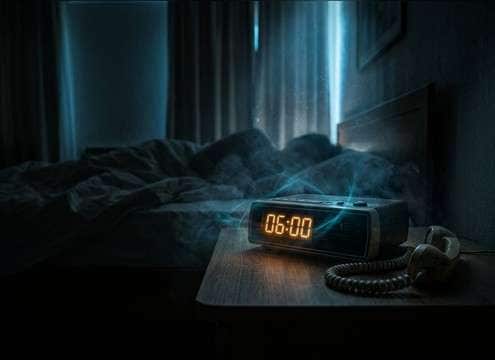
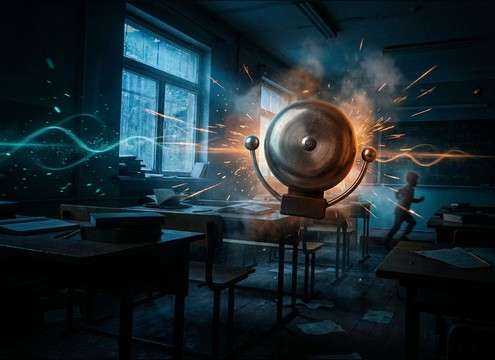
Start by deciding what the audience should recognize instantly. Analog bells feel physical and comedic, digital beeps feel modern and UI-like, and clock radio alarms add hiss and a band-limited character that suggests a real device.
- Analog: metallic ring, strong attack, audible mechanical chatter
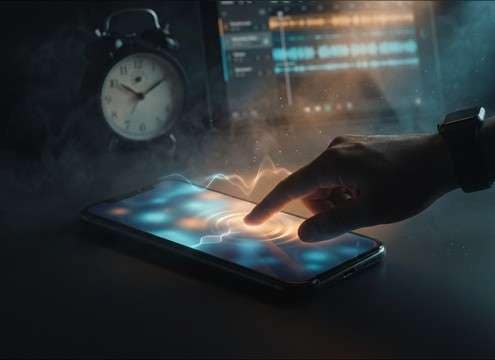
- Digital: clean beeps, steady timing, minimal room tone
- Radio: band-limited tone, light static, softer transient edge
Set urgency with rhythm and tone
Urgency is mostly rate and density, not just volume. A faster pulse reads as stress, while spaced beeps feel polite. Use words like rapid, escalating, steady, or gentle to guide the pacing and keep the decay from smearing into the next hit.
- For panic: faster repetition and tighter decay
- For calm: slower spacing and smoother attack
- For realism: consistent timing with slight natural variation
Match perspective with distance and muffling
A close alarm is crisp and detailed. A distant alarm should lose highs and gain room reflections. If the sound is behind a door or under a pillow, request filtering and softened transients so it sits correctly in the scene.
- Close: clear clickiness and bright upper harmonics
- Down the hall: reduced highs, more room tail, wider reflections
- Through a wall: muffled tone, softened attack, low detail
Build a believable snooze moment
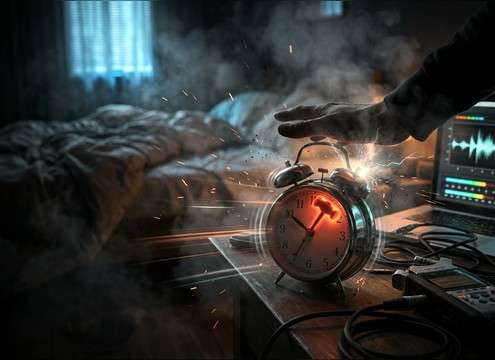
Snooze scenes work best when the action is audible: alarm rings, a hand hits the button, then the room goes quiet. Prompt for a distinct click and a brief pause with room tone so the cut feels intentional, not like an abrupt mute.
- Include a clear button click or tap foley
- Add a short quiet gap with subtle room ambience
- Avoid endless ringing that leaves no space for reaction lines




