














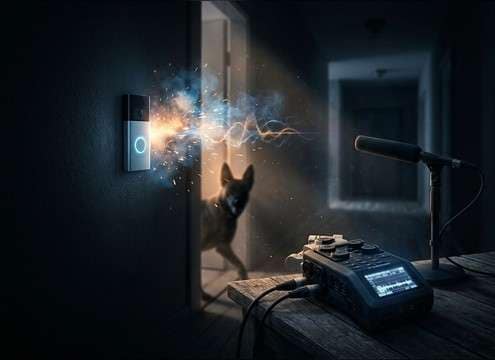








Dog barks read differently depending on size, emotion, and where the dog is relative to the camera. Use this guide to pick a ready-made clip or write an AI prompt that nails perspective, cadence, and tail behavior—so the bark feels like it belongs in your scene instead of sounding pasted on.
Match the dog's "size" with pitch and weight
A believable bark isn't just loudness. Small dogs often feel brighter with quicker cadence, while larger dogs carry more low-mid weight and a slower, punchier impact.
- Use "small dog yaps, higher pitch, fast cadence" for tiny breeds
- Use "large dog bark, deeper tone, heavier attack" for big breeds
- Avoid extreme pitch shifts after the fact; it can create unnatural artifacts
Pick perspective: close, medium, or distant
Distance changes the transient clarity and the amount of air/ambience you hear. Choosing the right perspective prevents the bark from overpowering dialogue or feeling disconnected from the shot.
- Close: ask for "close-mic, crisp transient, minimal room tone"
- Distant: ask for "softened highs, outdoor bed, lower impact"
- Behind a barrier: ask for "muffled, reduced highs, softer attack"
Control cadence, tail, and space for editing
Editors usually need barks that hit on specific frames. Cadence (timing) and tail (decay) determine whether you can cut cleanly or you'll fight overlap with other sounds.
- For hard cuts, request "single bark, short decay, clean tail"
- For continuous tension, request "warning series, steady rhythm"
- For interiors, request "small room reflections" but keep tails short to reduce muddiness
Common mistakes to avoid in barking SFX
Many "wrong" barks fail because they're too clean for the scene, too wet with reverb, or too busy in the midrange when dialogue is present.
- Don't add heavy reverb to an outdoor yard bark; it breaks realism
- Don't stack multiple dogs unless the scene actually shows or implies a pack
- Don't keep barking constant under speech—choose sparse hits or a softer distant bed




