











Popular Buzzing Sound Effects Library

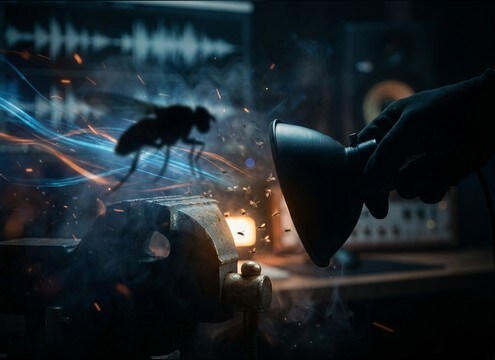
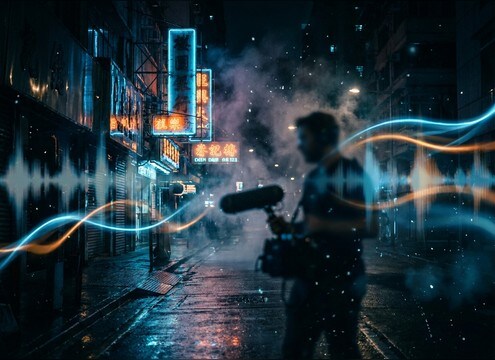
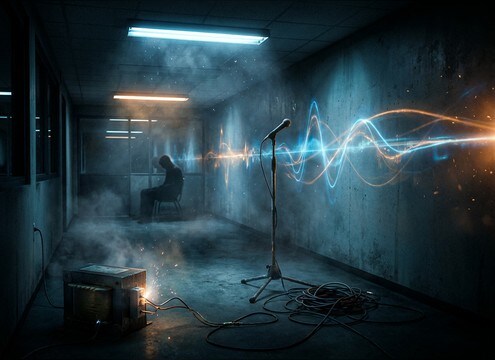
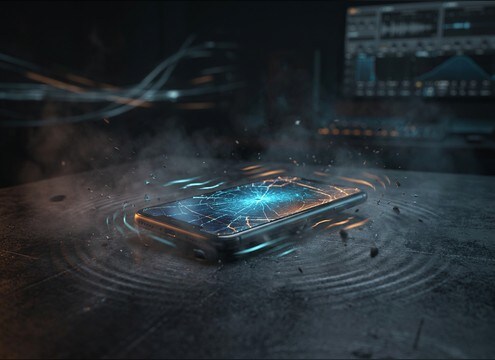
Pick a buzz that matches the source and the shot: insect wing flutter, fluorescent ballast rasp, transformer low-end, or a short phone vibration burst. Each card is tuned for quick previewing, clean starts and stops, and practical loop potential when you need steady sustain under a scene.

How to Generate Your Own
Buzzing Sound Effects

Cannot find the perfect buzzing sound effect you need? Generate custom AI buzzing audio effortlessly. Describe the style, such as short clean cue, cinematic hit, subtle background layer, branded UI alert, and Media.io AI builds tailored buzzing sound effects instantly. No audio editing experience needed. Turn your concept into a royalty-free, high-quality downloadable WAV buzzing clip in under 60 seconds.

1

Describe the buzz

Type or paste a prompt for the exact source you need, like bee swarm, neon sign hum, phone vibration pulses, or a harsh electrical fault.

2

Choose length and variants

Select 5s, 10s, or 20s, then set how many variations to generate so you can audition different tones and textures quickly.

3

Generate and preview

Click Generate, listen to each result, and keep the version with the right pitch, modulation speed, and clean start and stop for your cut.

4

Download WAV and use

Download your chosen buzzing SFX as a WAV file and drop it into videos, apps, games, podcasts, or commercial projects.

What Can You Use These Buzzing Sound Effects For?

Creators in every field are using our royalty-free audio to set the perfect mood.

Close-up insect scene with buzzing wing sound effect

Insect close-ups

Match wing speed and proximity for macro shots, swarm flyovers, or a single fly hovering near a character.

Neon sign at night with subtle electrical buzzing ambience

Neon sign ambience

Add steady neon tube buzz under street scenes and diner exteriors without drowning dialogue.

Fluorescent-lit room tone with faint buzzing

Fluorescent room tone

Sell an office, hallway, or interrogation room with ballast buzz plus a controlled noise floor.

Phone vibrating on a desk with short buzz pulses

Device vibration alerts

Create short vibration bursts for UI moments, on-screen texting, or phone-on-table reactions.

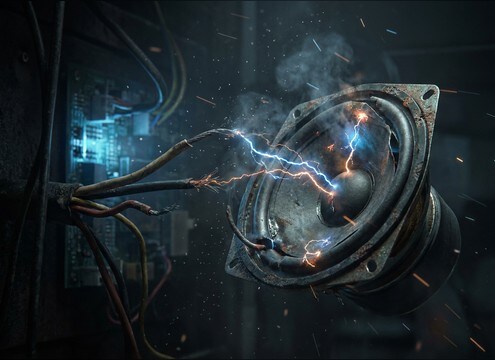
Sparking electronics implied by harsh buzzing sound

Electrical malfunction cues

Use gritty speaker or wiring buzz to signal overload, short circuits, or a failing gadget.

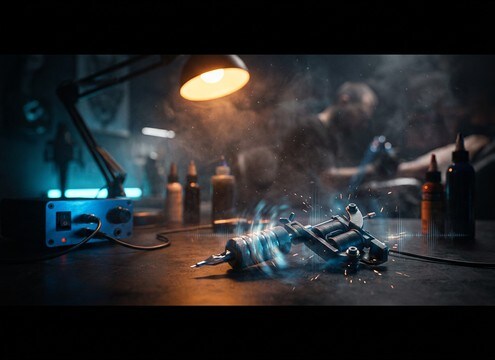
Tattoo machine buzzing in a studio scene

Tattoo studio realism

Drop in a consistent tattoo machine motor buzz that sits behind dialogue and movement.

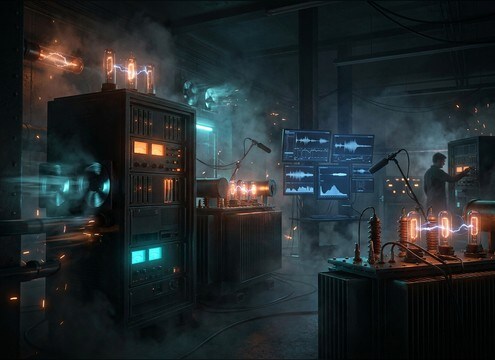
Laboratory equipment ambience with low buzzing hum

Laboratory equipment beds

Support lab shots with stable transformer-like hum and light modulation, without sounding like music.

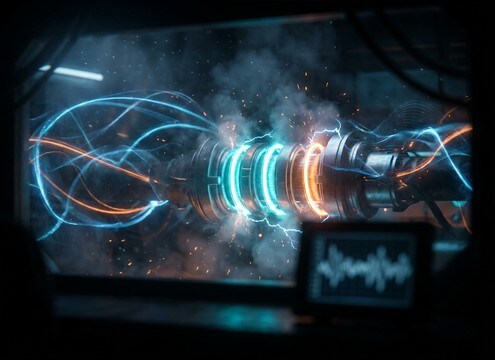
Sci-fi reactor powering up with an energy buzz drone

Sci-fi power buildup

Shape an energy buzz into charge-up moments, shields, or reactor shots with controllable stereo width.

Why Choose Media.io for Buzzing Sound Generator?

See exactly why creators, developers and studios choose our AI audio generator over all others.

Prompt control for buzzing sound generator variations

Buzzing Sound Generator with prompt control

Specify source, intensity, and texture in plain language, then regenerate until the buzz matches your shot and story beat.

Previewing buzzing audio clips before downloading

Preview-first download workflow

Audition results in-browser before you export, so you only download the buzz that fits your timing and tone.

Loopable buzzing ambience waveform with clean edges

Loop-friendly options

Generate steady sustain with clean edges for ambience beds that can loop without obvious bumps or clicks.

Clean hum versus gritty buzz sound styles

Style range from clean to gritty

Go from a smooth fluorescent hum to a distorted speaker buzz by describing noise level, rasp, and harmonics.

Multiple buzzing sound variations for different scenes

Fast variations for scene matching

Create multiple takes to match distance, brightness, and modulation speed across different shots in the same scene.

WAV download of buzzing sound effect for editing

Royalty-free, project-ready WAV

Download WAV audio you can place under dialogue, cut into pulses, or layer with room tone for a believable environment.

How to Prompt Buzzing Sounds That Fit the Source

Buzzing is easy to generate but hard to make believable in context. The trick is to describe what is buzzing (insect wings, fluorescent ballast, neon tube, phone vibration), then control the parts that audiences notice most: pitch and harmonic grit, modulation speed, and whether the sound is a steady loop or a pulsed pattern. Use the tips below to choose or prompt a buzz that reads instantly on screen.

Start with the source, not the adjective

A buzz from a bee, a neon sign, and a transformer can share the same word, but the texture is completely different. Naming the object guides the harmonic profile and the mechanical character.

  • Use nouns like bee swarm, fly close, fluorescent ballast, neon tube, transformer, tattoo machine, phone vibration
  • Add one material hint when needed: metal rattle, plastic resonance, glass tube, desk surface
  • Avoid vague prompts like just buzzing noise unless you want an abstract tone

Control pitch, rasp, and modulation

Most buzzing problems come from the wrong brightness or too much wobble. Dial in whether the buzz should be smooth, gritty, or fluttery, and keep modulation speed believable for the source.

  • For insects: higher pitch with fast flutter, slight movement, minimal low-end
  • For electrical: stronger low-mid hum, subtle flicker modulation, stable sustain
  • For malfunctions: add distortion or rattle, but request no loud pops or spikes

Choose loop vs pulse by action

A continuous buzz supports ambience, while pulses sell device vibrations and short reactions. Decide how the buzz should start and stop so it cuts cleanly in your timeline.

  • Ask for loopable sustain, clean start, clean end when building ambience beds
  • Ask for short pulses, crisp attack, quick decay for phone vibrations and alerts
  • If dialogue is present, request a lower noise floor and reduced harsh highs

Common mistakes to avoid

Buzzing can mask speech and fatigue the ear. Prevent issues by keeping the spectrum and dynamics controlled and by matching the perceived distance to the shot.

  • Avoid excessive high-frequency fizz unless the scene calls for irritation
  • Avoid wide stereo wobble for small sources like phones or ballasts
  • Avoid random clicking artifacts if you need a clean production replacement

Frequently Asked Questions About
Buzzing Sound Effects

Everything you need to know before downloading or generating your first sound.

Can I download these buzzing sound effects for commercial use?

Media.io provides royalty-free downloadable options on this page and in the generator workflow. Review the license shown at download time to confirm it fits your commercial project and distribution needs.

How do I choose between insect buzz and electrical buzz for a scene?

Insect buzz usually has faster flutter and a lighter low-end, while electrical buzz tends to be steadier with more low-mid hum and subtle flicker. If the camera is on a light fixture, prompt fluorescent ballast or neon tube to match the on-screen source.

Do you offer WAV downloads, and are the clips loopable?

Yes, you can download WAV files. For looping, choose a steady-sustain style and prompt clean start and clean end, then test a short crossfade in your editor to remove any seam.

My buzz sounds harsh and masks dialogue. What should I change?

Generate a cleaner take by asking for reduced high-end fizz, lower distortion, and a lower noise floor. After download, you can also notch a narrow band in the upper mids and keep the buzz level tucked under speech.

Are these buzzing sound effects free to download?

Yes. You can preview and download the AI-generated buzzing sound effects as WAV files and use them in personal or commercial projects.

Can I copy the prompt used for each sound?

Yes. Open any sound row to view the prompt, copy it, adjust the wording and generate a custom variation that better matches your scene.

Related Free Sound
Effect Categories

Explore other AI-generated sound libraries from Media.io

sound

Rain Sound Effects

10+ free sounds
sound

Thunder Sound Effects

10+ free sounds
sound

Farts Sound Effects

10+ free sounds
sound

Car Crash Sounds

10+ free sounds
sound

Explosion Sound Effects

10+ free sounds
sound

Gunshot Sound Effects

10+ free sounds
sound

Pistol Sound Effects

10+ free sounds
sound

AI Horror Sound Effects

10+ free sounds
sound

AI Forest Sound Effects

10+ free sounds
sound

AI Dog Whistle Sound

10+ free sounds
sound

AI Ding Sound

10+ free sounds
sound

Phone Ring Sound

10+ free sounds
media.io

AI Video Generator star

Easily generate videos from text or images

Generate
