















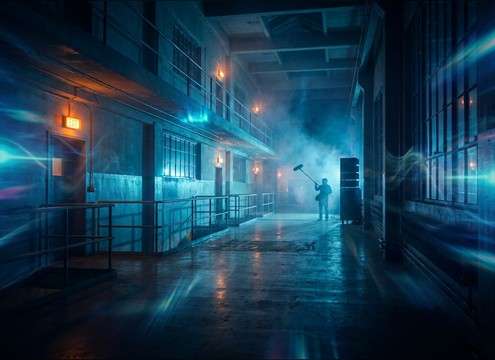


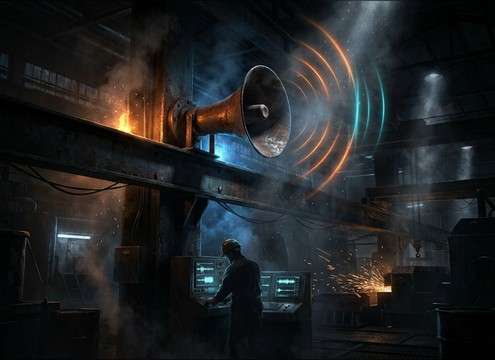

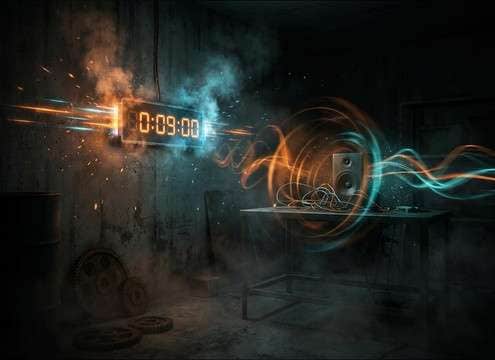
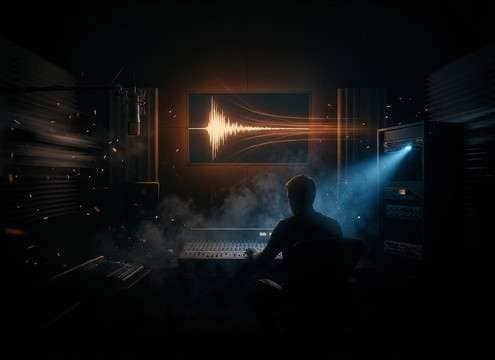


Alarms are judged in seconds: the first transient must read as "urgent" (or "gentle"), the tail must not smear over dialogue, and the cadence should match the on-screen action. Use the tips below to pick a ready-made clip or write a prompt that produces the exact alarm behavior you need—clock-like, panel-like, or siren-like.
Start with the alarm type
Define what the audience should recognize immediately. A clock ring, a keypad pulse, and a city siren communicate different stakes—even at the same loudness.
- Clock alarms: mechanical ring, slight wobble, small-room tone
- Panel/alert alarms: consistent cadence, dry electronic texture
- Sirens/horns: sweeping pitch, stronger tail, wider stereo
Control transient, decay, and masking
A sharp attack grabs attention, but a long decay can fight dialogue and music. Decide how much tail you can afford in the mix.
- For UI/overlays: ask for "tight transient" and "short decay"
- For hallway distance: add "room reflections" and "longer tail"
- If it feels harsh: lower pitch or request "softer top end"
Set cadence to match the scene
Cadence is what makes an alarm feel believable: slow pulses for warnings, faster pulses for panic, or steady repeats for building systems.
- Use "slow pulse" for calm reminders and timers
- Use "fast repeating beep" for urgent countdown moments
- For looping: request "consistent spacing" and "no drift"
Avoid common alarm mismatches
Most "wrong" alarms fail because the space, intensity, or texture doesn't fit the picture. Fix it in the prompt before you fix it in the timeline.
- Don't add big reverb tails for phone alarms or UI beeps
- Avoid overly wide stereo for small-device playback contexts
- Skip excessive distortion unless the scene is explicitly industrial




