


















Angry cat sounds read as "real" when the vocal type matches the on-screen behavior and the recording perspective matches the camera. Use the library for quick picks, then regenerate with a tighter prompt when you need a specific attack, tail length, or room feel.
Match the vocal to the behavior
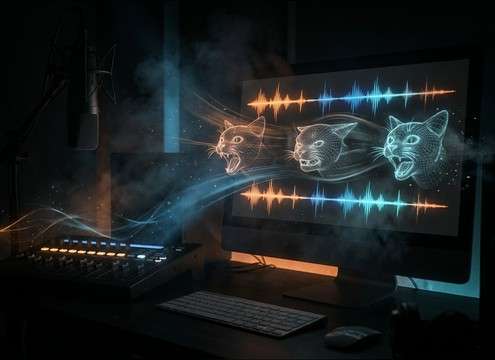
Different aggressive cues communicate different intent: a hiss is a fast warning, a growl is sustained threat, and a yowl is escalation. Choosing the right vocal shape will sell the story faster than simply making it louder.
- For a quick warning: prompt "single sharp hiss" with a fast decay
- For sustained tension: prompt "low growl with steady sustain" and controlled noise
- For escalation: prompt "rising yowl" and allow a longer tail
Dial in intensity without clipping the mix
Angry cat vocals can get midrange-heavy and mask dialogue. Use prompts that describe intensity and texture rather than just "very loud," so you get aggression with a manageable spectral balance.
- Use "harsh" or "raspy" for grit; avoid asking for "distorted" unless needed
- Ask for "short tail" when you need clean cut points between lines
- If the clip dominates, regenerate with "moderate loudness" and "lower noise floor"
Choose perspective: close, mid, or behind a door
Perspective changes how believable the scene feels. Close-mic takes have sharper transients and less room tone; distant takes soften the attack and add reflections. Prompting perspective saves time versus heavy EQ and reverb after the fact.
- Close shot: "close-up, dry room, minimal reflections"
- Same room, off-camera: "mid distance, small room reflections, moderate tail"
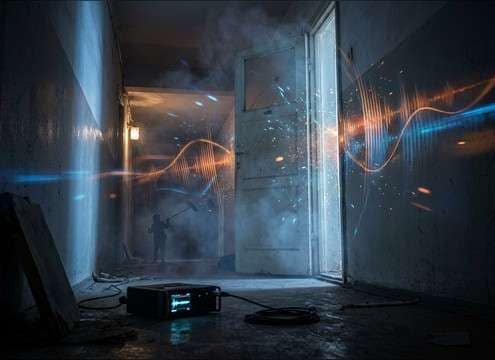
- Separated space: "muffled through door, reduced high end, quieter transient"
Avoid common "stock SFX" giveaways
Repeated identical hisses or overly clean noise reduction can feel artificial. Small variations in timing, breath/noise texture, and tail shape make the moment feel captured rather than pasted in.
- Avoid perfectly looped repetition; regenerate a second take for alternates
- Skip extreme reverb unless the location is clearly reflective on camera
- Watch for clicky starts/ends; choose clips with natural decay or add short fades




