











Popular Bomb Sound Effects Library

These ready-to-use bomb hits cover different scale, distance, and texture so you can match the frame: tight cracks for quick cuts, debris-heavy blasts for destruction, and rumble-forward booms that sit under dialogue. Copy a prompt to regenerate cleaner transients, longer decay, or a wider stereo image when you need a new take.

How to Generate Your Own
Bomb Sound Effects

Cannot find the perfect bomb sound effect you need? Generate custom AI bomb audio effortlessly. Describe the style, such as short clean cue, cinematic hit, subtle background layer, branded UI alert, and Media.io AI builds tailored bomb sound effects instantly. No audio editing experience needed. Turn your concept into a royalty-free, high-quality downloadable WAV bomb clip in under 60 seconds.

1

Describe the blast

Type a prompt for the bomb sound you need, such as close shockwave, distant detonation, indoor reflections, or debris-heavy demolition.

2

Pick duration and takes

Choose 5s, 10s, or 20s, then set how many variations you want so you can compare different intensity and tail lengths.

3

Generate and preview

Click Generate, listen to each result, and keep the version with the best transient, rumble weight, and decay for your scene.

4

Download WAV and use

Export the selected sound as a WAV file and drop it into videos, games, apps, podcasts, trailers, or commercial projects.

What Can You Use These Bomb Sound Effects For?

Creators in every field are using our royalty-free audio to set the perfect mood.

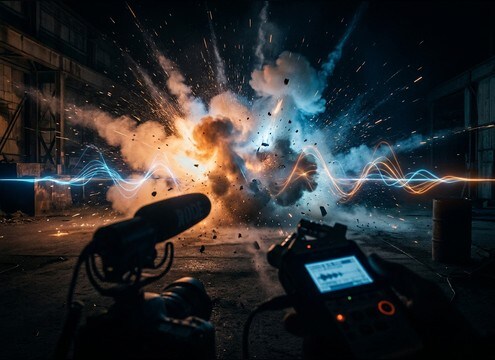
Bomb blast sound effect used as a trailer impact hit on a title reveal

Action trailer impact

Swap weak production booms for clean, timed hits that land on title reveals, cut points, and bass drops without muddy tails.

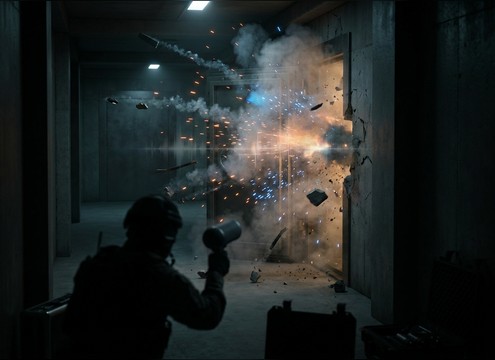
Breach charge scene using a bomb explosion sound with debris and short decay

Heist breach moments

Match door charges and wall breaches with short, punchy attacks plus just enough debris texture to sell concrete and metal.

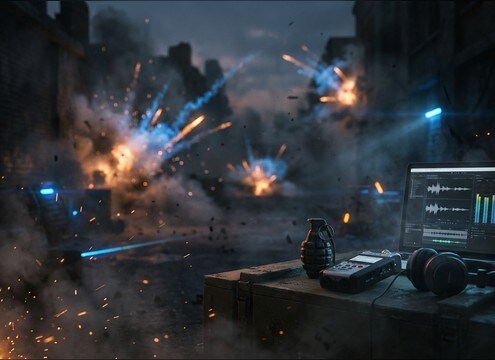
Grenade explosion audio with adjustable distance for a tactical shooter scene

Tactical shooter grenades

Generate close vs mid vs distant versions so grenade impacts read clearly over gunfire and footsteps with controlled masking.

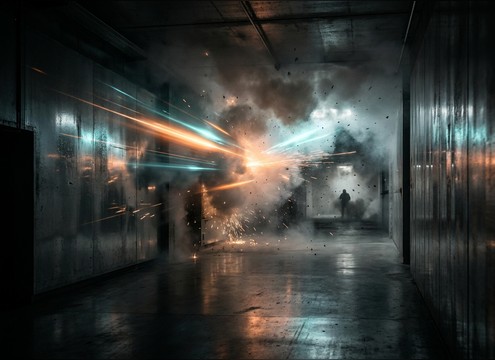
Indoor explosion sound with room reflections for a corridor action scene

Indoor corridor blasts

Use reflection-heavy booms for hallways and rooms, where slapback and short reverb tails define the space.

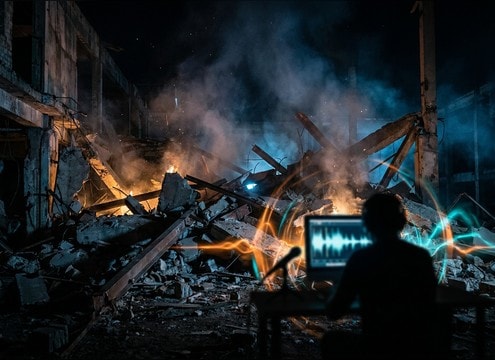
Demolition montage using bomb sounds with rubble debris texture

Destruction montage rubble

Pick debris-forward clips to emphasize collapsing materials, then place rumbles under the montage for continuity.

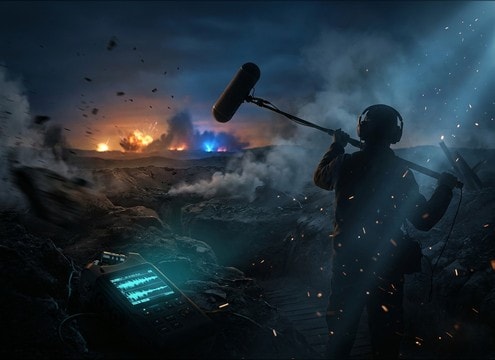
Audio drama battlefield using distant bomb detonations with long rumble tails

Audio drama battlefield

Layer distant detonations with air delay and long roll-offs to create location and scale without constant peak spikes.

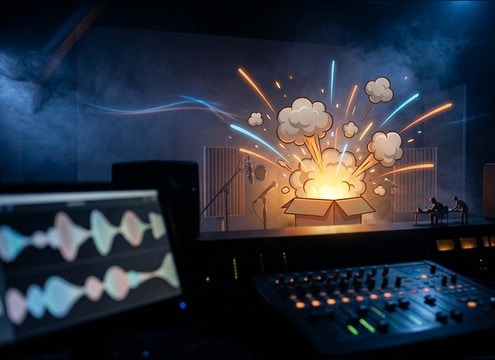
Cartoon explosion boom sound timed to a comedic on-screen gag

Comedic cartoon explosions

Choose rounded, cleaner booms that do not distort dialogue, perfect for slapstick impacts and exaggerated timing.

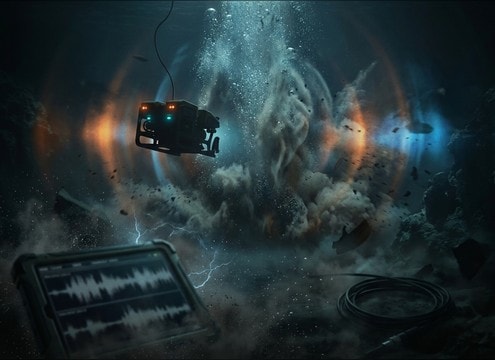
Underwater explosion thump sound with smooth low-end bloom

Underwater shock scenes

Use muffled thumps with pressure bloom to sell underwater charges, avoiding sharp cracks that feel above-surface.

Why Choose Media.io for Bomb Sound Generator?

See exactly why creators, developers and studios choose our AI audio generator over all others.

Prompt controls for a bomb sound generator with distance and debris options

Bomb Sound Generator prompts

Dial in close or distant perspective, debris amount, and tail length from text so you can match the shot without hunting endless libraries.

Previewing multiple bomb blast audio variations before downloading

Preview first, then download

Audition multiple variations in-browser and keep only the take with the right transient punch and decay for your edit point.

Intensity control for bomb explosion sounds from pop to heavy rumble

Scene-ready intensity control

Generate lighter pops for flashbang moments or heavy low-end rumbles for demolition scale, with quick regeneration when the mix changes.

Bomb sound effect tail decay optimized for clean editorial cuts

Clean tails for cuts

Choose versions with smoother decay and less hiss so rumbles do not smear into the next line of dialogue or music hit.

Selecting 5s 10s and 20s durations for generated bomb sound effects

Multiple durations on demand

Create short 5s hits, 10s sequences, or 20s barrages so timing fits a single cut, a breach beat, or a full scene bed.

Downloading a WAV bomb explosion sound for editing in a DAW

WAV export for editing

Download WAV files that drop directly into your NLE or DAW for trimming, fades, and layering with debris, sirens, or room tone.

Prompting Bomb Explosions That Match Scale and Space

Bomb sounds fail when the scale is wrong for the picture or the distance cues do not match the camera. Use prompts that state the type of explosive event, the listener distance, and the environment so the transient, debris texture, and rumble tail land correctly. The tips below help you choose the right downloadable clip or regenerate a better variation fast.

State the source and scale clearly

A small charge, a car bomb, and a demolition blast should not share the same low-end weight or debris density. Name the event and what is breaking so the generator emphasizes the right textures.

  • Use specific nouns: pipe bomb, satchel charge, vehicle bomb, building demolition
  • Call out material cues: glass shatter, concrete crumble, metal fragments
  • Specify intensity: light pop, medium blast, massive concussive boom

Control distance and perspective

Distance changes the attack shape and how much air delay you perceive. Close blasts read as sharp transients and pressure, while distant detonations rely on roll-off and longer tails.

  • Close: fast crack, strong whoomp, short delay, tight stereo center
  • Mid: balanced crack and rumble, moderate debris, noticeable decay
  • Far: softened transient, delayed arrival, long low-end roll, less debris detail

Match the environment and reflections

An alley, a hallway, and open terrain imprint different reflection patterns and tail behavior. Add the setting so the boom does not feel pasted on.

  • Indoor: mention room reflections, slap echo, shorter reverb tail
  • Outdoor: mention open air, minimal reflections, broader low-end spread
  • Urban canyon: mention hard reflections, brighter mid slap, longer decay

Avoid common prompt pitfalls

Overly broad prompts often create distorted peaks, unrealistic debris, or tails that overwhelm dialogue. Keep prompts focused on one main event and one space.

  • Avoid stacking too many events: do not ask for five explosions in a 5-second clip
  • Avoid constant clipping: ask for powerful impact without distortion
  • Avoid mismatched tone: do not mix cartoon descriptors into realistic scenes

Frequently Asked Questions About
Bomb Sound Effects

Everything you need to know before downloading or generating your first sound.

Can I download these bomb sounds free and use them commercially?

On this page you can preview and download bomb-style clips and also generate new variations. Always check the license and usage notes shown at download time for your project (ads, films, games, apps) and keep a copy for your records.

How do I make a bomb explosion sound feel distant instead of close?

Pick or generate a version that has a softened transient, less debris detail, and more air delay before the main rumble. In editing, reduce high frequencies, lower the initial crack, and keep a longer low-end tail so the impact reads far away.

Do the downloads come as WAV files?

Yes. After you choose the take you like, download the WAV so it is easy to trim, fade, and layer under music or dialogue in your editor.

Which duration should I choose: 5s, 10s, or 20s?

Use 5s for a single hit or quick cut, 10s for a multi-stage blast with rubble roll, and 20s for sustained barrages or scene beds where the decay needs time to breathe.

Are these bomb sound effects free to download?

Yes. You can preview and download the AI-generated bomb sound effects as WAV files and use them in personal or commercial projects.

Can I copy the prompt used for each sound?

Yes. Open any sound row to view the prompt, copy it, adjust the wording and generate a custom variation that better matches your scene.

Related Free Sound
Effect Categories

Explore other AI-generated sound libraries from Media.io

sound

Rain Sound Effects

10+ free sounds
sound

Thunder Sound Effects

10+ free sounds
sound

Farts Sound Effects

10+ free sounds
sound

Car Crash Sounds

10+ free sounds
sound

Explosion Sound Effects

10+ free sounds
sound

Gunshot Sound Effects

10+ free sounds
sound

Pistol Sound Effects

10+ free sounds
sound

AI Horror Sound Effects

10+ free sounds
sound

AI Forest Sound Effects

10+ free sounds
sound

AI Dog Whistle Sound

10+ free sounds
sound

AI Ding Sound

10+ free sounds
sound

Phone Ring Sound

10+ free sounds
media.io

AI Video Generator star

Easily generate videos from text or images

Generate
