Home>Comparison>PhotoGPT AI

PhotoGPT AI Review: Keep Your Face Across New Scenes

A single good selfie is not always enough to keep a person recognizable across an entire set of AI photos. PhotoGPT AI approaches that problem by training a reusable personal model from a set of reference images, then applying it to portraits, outfits, backdrops and even selected video workflows. That makes it different from a generic image generator. This review examines when identity training is worth the extra setup, how PhotoGPT Flow and shared credits work, and when faster photo-specific editing on Media.io may be the more proportionate choice.

Inside PhotoGPT AI: The Features That Matter

PhotoGPT combines personal likeness training with image generation, editing, headshots and video in one credit system. Its distinguishing decision is whether a creator needs repeatable identity across many new photos rather than a single polished edit.This PhotoGPT review focuses on trained identity rather than generic image output.

Core Feature Overview

Train a Reusable Personal AI Model

PhotoGPT asks users to provide approximately 12-15 clear images for personal model training. The value is continuity: repeated portraits can depict the same person in different outfits, lighting and locations. A professional may need both a studio-style headshot and a casual conference portrait without arranging separate shoots. The model is a synthetic representation rather than a guarantee of perfect likeness; check facial features, hands and any distinctive accessories. The PhotoGPT personal AI model is a different workflow from one-time prompt-based retouching.

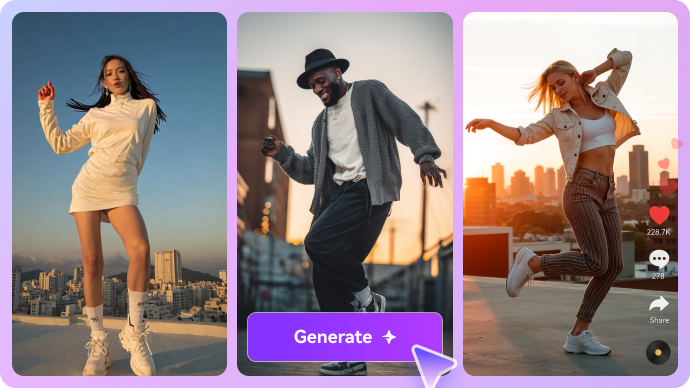
Illustrative AI image and visual styling example

Create Realistic AI Headshots and Personal Portraits

The PhotoGPT headshot generator is best assessed by whether the resulting face looks like you and whether clothing and background fit the intended context. For a LinkedIn photo, a restrained neutral backdrop and natural light can matter more than an exotic scene. PhotoGPT provides presets and custom prompts for producing variations. If the source portrait is already strong, Media.io AI headshots or a focused editor may be a simpler alternative to training a model. A PhotoGPT AI image generator session can use the trained subject for multiple headshot variations.

Illustrative photo to video motion example

Use PhotoGPT Flow for Connected Tasks

PhotoGPT Flow combines image generation, editing and video-related steps using one shared credit pool. A creator might generate a travel-style portrait, alter its lighting, then use it as the first frame of a short animated clip. This is more than simply selecting a filter. The cost and output quality still depend on the selected stage and model. To plan an actual filmed story rather than isolated visual assets, Media.io Script to Video handles a different job.

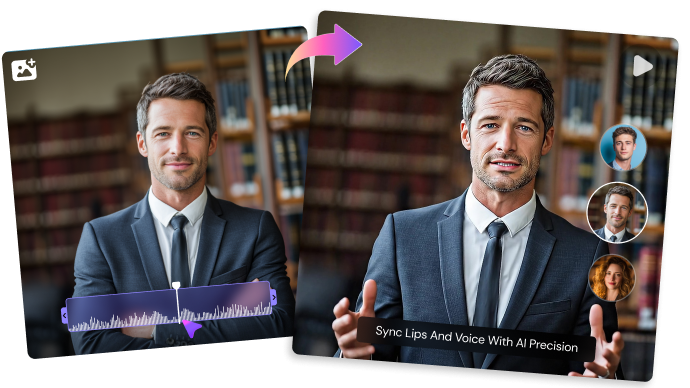
Illustrative talking video creative example

Refine Existing Photos Instead of Replacing Them

The PhotoGPT AI photo editor includes background changes, retouching and upscaling. Those tasks should be judged by preservation: a clean background replacement should not subtly change a jawline or a product label. In a personal portrait workflow, small corrections can be more convincing than regenerating an entirely new face. Media.io image-to-image tools also support scene and style changes when personal-model training is not required.

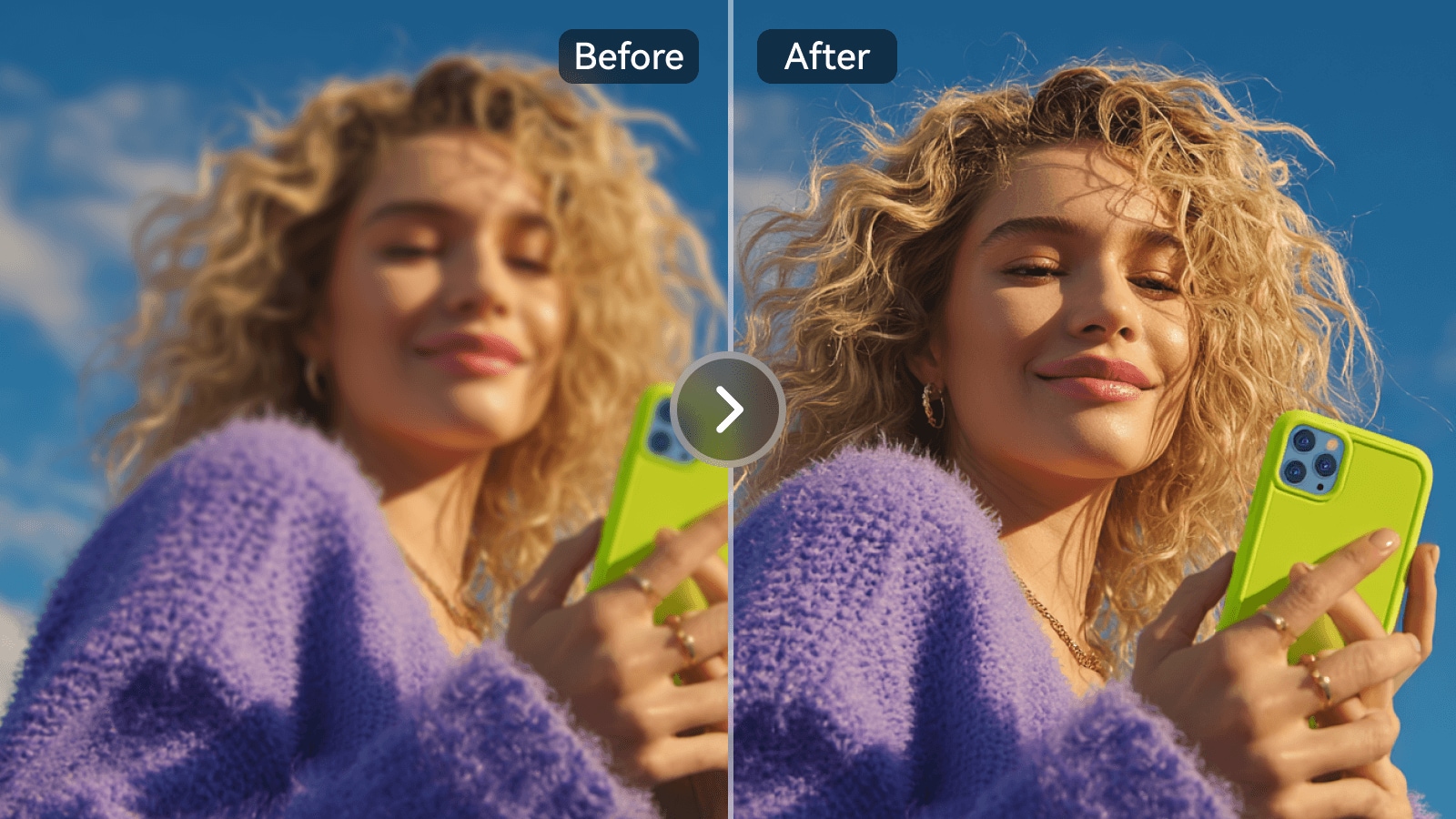
Illustrative generative image and editing example

Animate a Trained Portrait with AI Video Models

PhotoGPT lists video options spanning Seedance, Kling, Veo and other engines. A PhotoGPT AI video generator workflow may start from a portrait or an image produced by the personal model. Keep mouth movement and camera motion modest when identity preservation is essential; a recognizable still can drift in moving frames. The presence of video models should not be confused with unlimited generation, because longer or premium runs consume more credits. Media.io photo animation is relevant when one supplied image is the main input. A PhotoGPT image to video experiment is best planned after the still portrait has passed a likeness check.

Illustrative character or scene visual transformation

Check Plans, Training Slots and Credit Cost

The PhotoGPT AI pricing page describes a Starter tier with 5,000 monthly credits and model training for three people; its six-month billing illustration is $16.66 per month paid upfront. The Pro example shows 16,000 monthly credits and more training capacity, at $33.33 monthly equivalent when billed six months at once. Do not mistake these promotional equivalents for a month-to-month checkout price. Before subscribing, budget personal training, individual image generations, upscales and premium video separately. PhotoGPT pricing is easier to assess once you account for how often you actually train a new person.

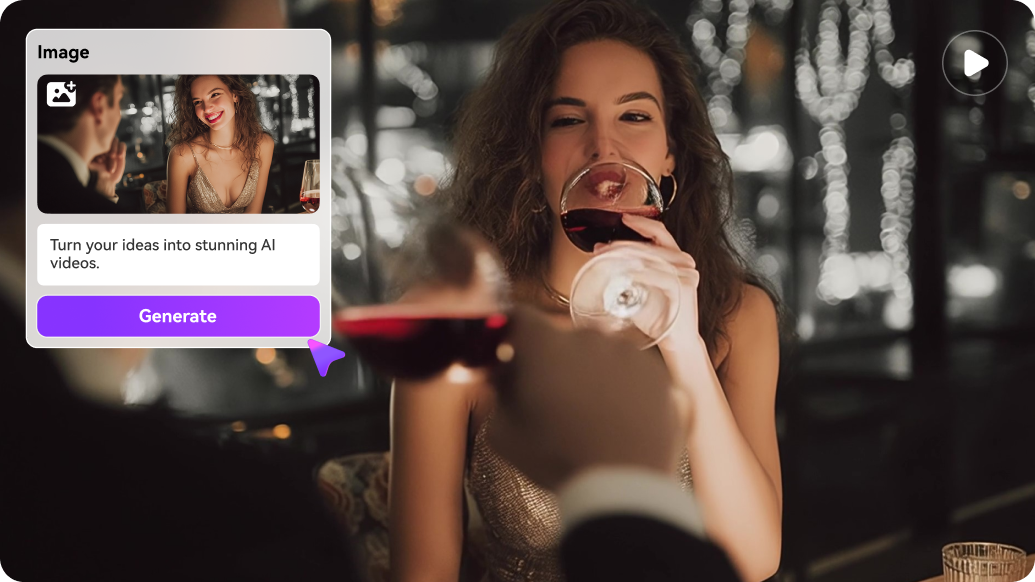
Illustrative image to video workflow example

How to Refresh a Portrait with Media.io

1
2
3
1
Step 1: Start from Your Best Existing Photo

Choose an image with good focus and a face that is already recognizable.

2
Step 2: Describe a Specific Portrait Edit

Change a background, lighting or look without requesting a completely different identity.

3
Step 3: Check the Face and Export

Inspect likeness and small details before using the result on a profile or portfolio.

Media.io step 1 illustrative creative workflow
Media.io step 2 illustrative creative workflow
Media.io step 3 illustrative creative workflow

Where PhotoGPT AI Fits into Actual Creative Work

Specific projects where the platform's capabilities are useful - and what to inspect before treating a render as finished.

Professional Portfolio Updates

Train once, create several professional looks and choose the one that preserves your familiar face without exaggerated skin smoothing. The same criteria should guide a PhotoGPT review that promises realistic professional imagery.

Personalized Travel Portraits

Place one person in multiple destination-inspired scenes while checking identity and background believability.

Recurring Creator Persona

Reuse a trained likeness in series thumbnails rather than hoping a text prompt produces the same face each time.

Wedding and Milestone Concepts

Explore formal portraits, graduation settings or anniversary compositions while making it clear these are generated images.

Portrait-to-Video Teasers

Animate a selected AI portrait into a short clip, while inspecting lip and eye consistency.

Batch Photo Variations

Use PhotoGPT Flow to generate, refine and prepare a family of visuals instead of manually starting each edit from scratch.

What to Consider Before Paying for PhotoGPT AI

These are workflow and purchase trade-offs, not claims based on invented benchmark tests.

Training Requires Good Source Photos

Twelve to fifteen usable images take preparation, and poor or repetitive references can undermine the resulting likeness.

Credits Cover Different Operations

Training, premium models, edits, upscales and videos draw from the same budget at different rates.

Synthetic Likeness Is Not Exact

Slight changes to jawline, teeth, freckles or hairline may remain; review carefully for professional or identity-sensitive use.

Video Can Introduce Face Drift

A consistent still image does not automatically guarantee consistent movement or dialogue across multiple clips.

Billing Terms Need a Close Look

A displayed low monthly equivalent can be tied to multi-month prepayment rather than a cancellable month-to-month rate.

Photo Privacy Deserves Attention

Training requires multiple personal photos. Read current storage, training and deletion policies before uploading sensitive imagery.

PhotoGPT AI vs Media.io: Match the Tool to the Task

PhotoGPT has a clear advantage when the goal is many portraits of the same identifiable person: its trained personal model is the central product. Media.io is more relevant for people who need a wider collection of photo and video transformations rather than a recurring identity-trained photoshoot. The decision starts with likeness consistency and model-training effort.

Creative Need PhotoGPT AI Media.io
Personal likeness training Strong Fit strong workflow fit
Strong focus: reusable personal model trained from several photos.
Task-specific photo editing and image generation; do not assume an equivalent personal training system.
Professional portraits Strong Fit strong workflow fit
Built around recurring, recognizable headshots and lifestyle portraits.
Headshot-related generators and portrait editing workflows.
Prompt-based image creation Strong Fit strong workflow fit
Presets, custom prompts and trained-person image generation.
Multiple image models and targeted image-to-image changes.
Connected creative flow Strong Fit strong workflow fit
PhotoGPT Flow connects generation, editing and some video actions.
Model generation plus explicit scene-oriented and specialized editing paths.
AI video models Video engines available under the shared credit balance. Strong Fit strong workflow fit
Video model choice alongside image-to-video and script-led scene production.
Editing and upscaling Retouch, background replacement and enlargement within PhotoGPT. Strong Fit strong workflow fit
Dedicated photo enhancement, image editing and cleanup tools.
Training costModel-training allowances depend on subscription tier.No personal-model-training parity asserted; evaluate only functions you need.
Social/story production Useful for portrait assets and short accompanying clips. Strong Fit strong workflow fit
AI Story and Script to Video help structure longer content.
Best fit Creators needing a repeatable digital likeness across many outputs. Users editing existing photos, animating singles or producing complete social narratives.
Best for PhotoGPT AI Users

Choose PhotoGPT AI When You Need:

The strongest reasons are the distinctive product workflows and trade-offs described above.

  • You need the same recognizable person in many AI-created settings
  • You can supply suitable training photographs
  • You plan batches of headshots or lifestyle portraits
  • You accept a shared credit pool for training, editing and video
  • You want connected PhotoGPT Flow experiments
Visit PhotoGPT AI Official Site
Best for Model + Task Workflows

Choose Media.io When You Need:

Media.io combines popular image and video models with task-based paths for actual creative deliverables.

  • You have one portrait to improve or restyle without training a personal model
  • You need image-to-video animation from an existing photo
  • You want to turn several visuals into a structured story or social clip
  • You need dedicated enhancement and object-cleanup tasks
Edit a Portrait

Final Verdict: Is PhotoGPT AI Worth It?

Our Take

PhotoGPT makes the most sense when identity continuity is the problem. Training a personal model is an extra step, but it can be worth it for a portfolio, recurring creator persona or a set of branded portraits where the same person needs to appear repeatedly. The combination of presets, photo edits and Flow reduces friction after training.

It is less compelling for a user who wants one clean crop, background change or portrait retouch. Buying training capacity and credit-intensive video generations for a single edit is easy to overdo. Its plan page should also be read carefully because promoted per-month figures may reflect six-month upfront billing. For buyers comparing PhotoGPT alternatives, the difference is whether model training is worth the preparation and credit cost.

Choose PhotoGPT when repeatable personal likeness across many generated portraits matters. Choose Media.io for flexible single-photo editing, image-to-video, and guided stories or social content without a personal-model setup.

PhotoGPT AI FAQ

What is PhotoGPT AI used for?
faq faq

PhotoGPT creates AI portraits, images and videos and supports reusable personal likeness models trained on a set of user photos.

Upload the recommended set of clear personal photographs, complete the training process, then use the resulting model for prompts and preset-based portraits.

The official site presents paid credit subscriptions. Any current trial or introductory access should be verified on the account signup page rather than assumed to cover model training.

Its published Starter and Pro six-month billing examples work out to $16.66 and $33.33 per month respectively, paid upfront. Monthly checkout rates and promotions can differ.

Yes. Headshot and personalized portrait workflows are core uses. Users should check that facial likeness, hairstyle, clothing and context suit their professional profile.

PhotoGPT Flow links image generation, photo editing and video-related tasks using the same account and credit pool.

Yes. PhotoGPT lists multiple video engines, with credit use depending on model and generation settings. It can work with image-based creative assets.

Probably less so if you only want to change a background or clean up one portrait. Personal-model training is most valuable when you need many recognizable outputs.

Media.io provides browser image editing, headshot-related tools, photo-to-video and structured video creation, but is not presented here as equivalent personal model training.

What Media.io Creators Say About Their Workflow

Media.io AI video generator user
Sarah L.

Content Creator

star star star star half star

Media.io makes it much easier to test different AI video styles without jumping between several platforms. I can start with a text prompt or image, compare model results, and then resize or polish the clip for social media in the same workspace.

Media.io AI video creator
John D.

Social Media Marketer

star star star star half star

I use Media.io to create quick product clips, ad concepts, and short-form videos from images. The biggest advantage is that generation does not feel like the final step - I can continue with music, captions, enhancement, and format conversion before publishing.

Media.io AI video editing user
Emily T.

Freelance Designer

star star star star half star

The workflow is approachable even when I am experimenting with unfamiliar AI models. I can animate artwork, try different motion prompts, preview the output, and prepare a cleaner final version without needing advanced video-editing experience.

Media.io Online Tools Quality Rating:
vote 4.7 (162,357 Votes)
media.io

AI Video Generator star

Easily generate videos from text or images

Generate